MindMapist

API publique
MindMapist
À propos
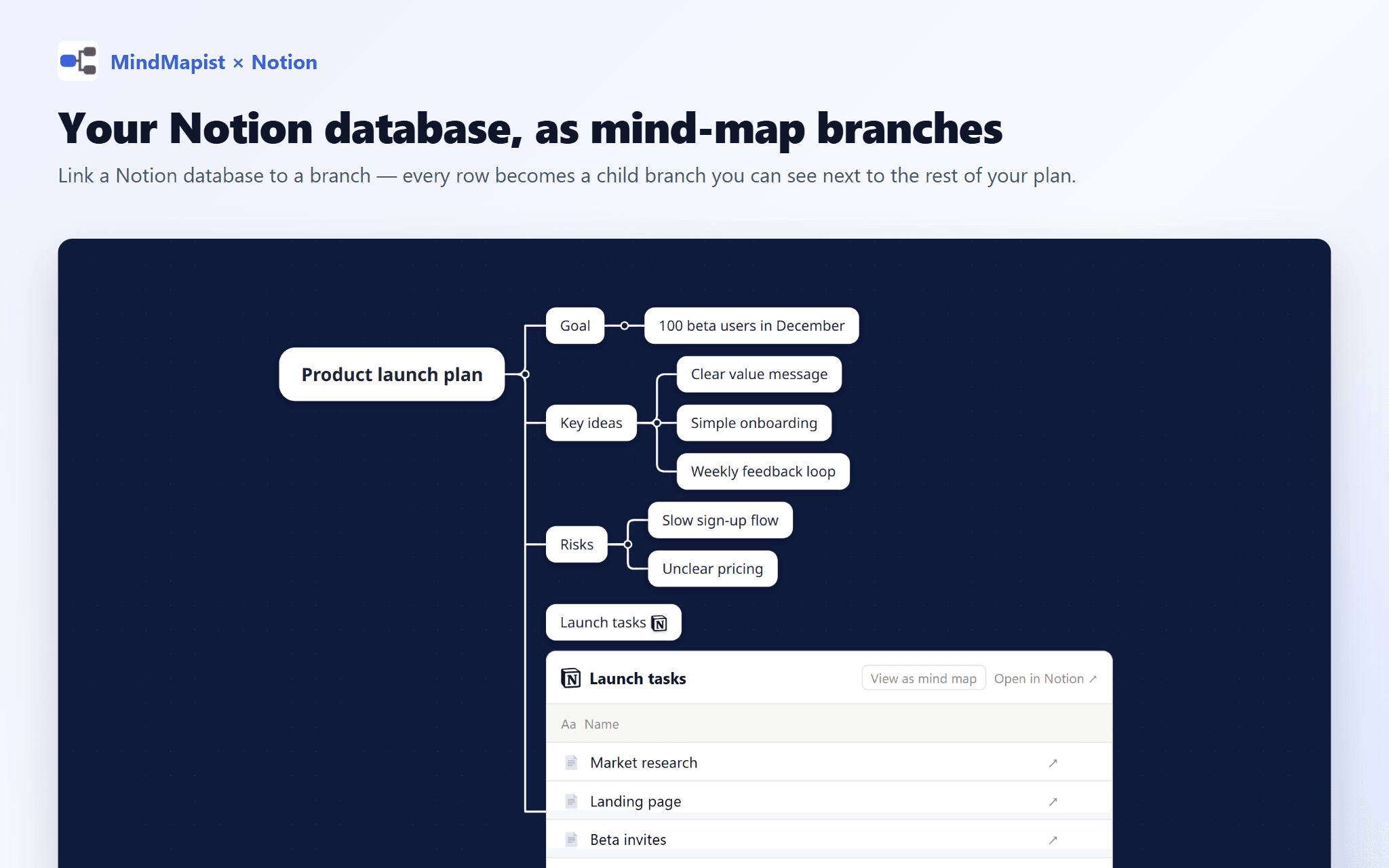
MindMapist is a mind-map web app that works alongside Notion.
Notion databases as branches: link a Notion database to a branch and every row becomes a child branch. Add or rename a row in either app and the other follows. Deleting a row branch moves that Notion page to the trash, so nothing is lost.
Notion pages and mind maps: link a mind map to a Notion page to keep the outline and title in sync, or add the mind map to the page as a bookmark.
Easy setup: connect with Notion, pick the pages you want to share, and choose them from a searchable list. MindMapist only accesses the pages you choose.
Fonctionnalités
- Lire, insérer et mettre à jour contenuPeut lire, insérer et mettre à jour les pages, les bases de données et les blocs partagés avec cette connexion.
- Afficher les utilisateur·rices de l’espace de travailLit les détails de base du profil des membres et des invité·es de l’espace de travail, y compris leurs adresses e-mail.
Comment utiliser l’intégration
- Sign up at app.mindmapistai.com with Google or email.
- 2. Open Settings, go to Connections and choose Connect with Notion. Pick the pages and databases to share.
- 3. In a mind map, use the Notion chip at the top to link a Notion page, or insert a Notion database branch from the right panel.
Détails
Créée par
Catégorie
- Productivité
- Travail en équipe
Liens pour les développeur·euses