

À propos
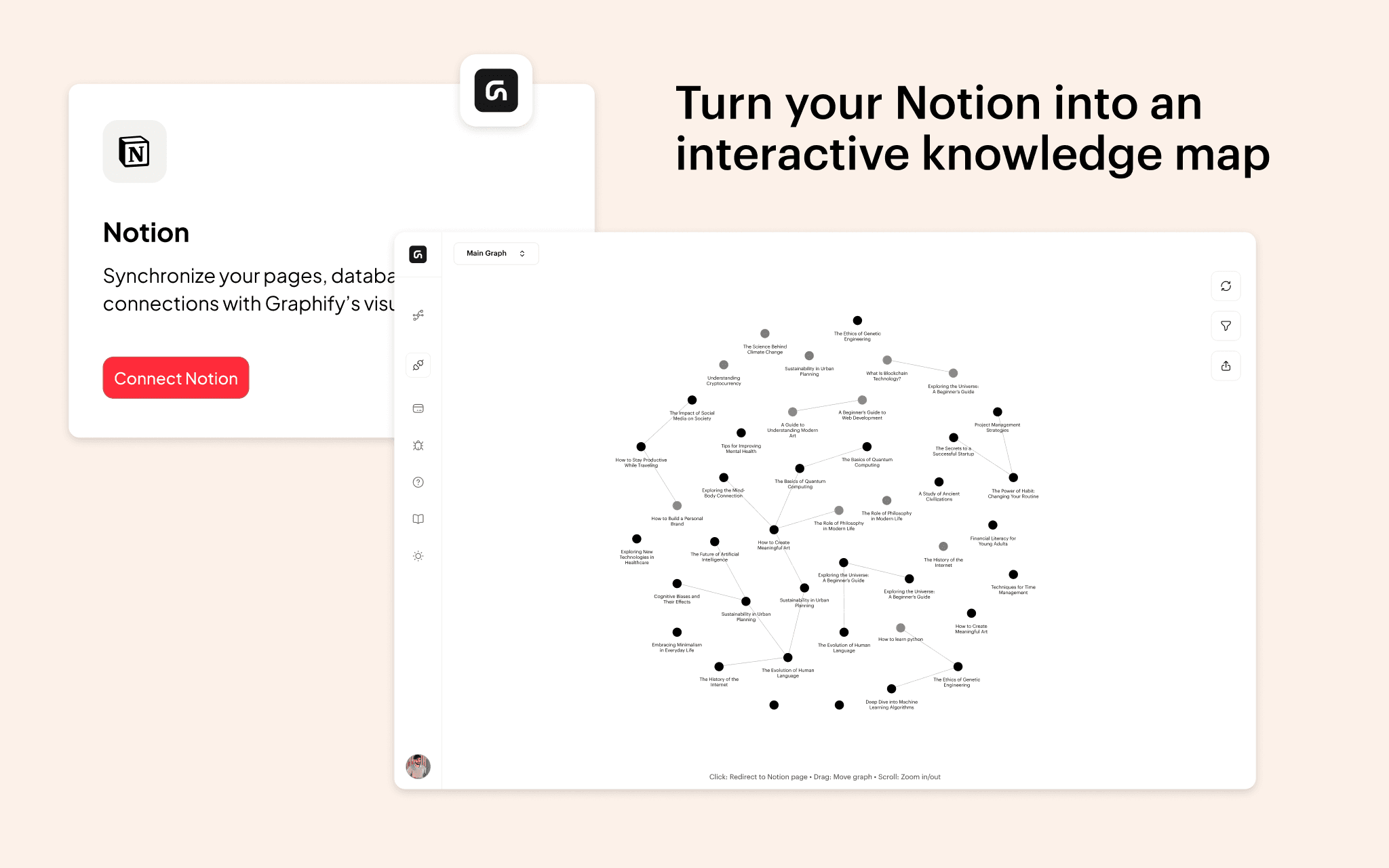
Graphify transforms your Notion workspace into an interactive knowledge graph, making it easier to visualize and explore relationships between your notes.With this integration, you can instantly generate a graph view of your Notion pages, using existing @mentions, database relations, and links. Simply connect Graphify to your workspace, select the pages you want to include, and watch as your notes become an interactive, structured network. Users can filter nodes in real time, adjust visualization settings, and hover over pages to reveal connections, helping them better understand and navigate their knowledge. Whether you're a researcher, writer, or student, Graphify makes your Notion data more intuitive, unlocking new ways to connect ideas and organize information effortlessly.
Fonctionnalités
- Lire, insérer et mettre à jour contenuPeut lire, insérer et mettre à jour les pages, les bases de données et les blocs partagés avec cette connexion.
- Afficher les utilisateur·rices de l’espace de travailLit les détails de base du profil des membres et des invité·es de l’espace de travail, y compris leurs adresses e-mail.
Comment utiliser l’intégration
- Open Graphify and navigate to the Connections tab.
- Click Notion and connect your workspace.
- Select the pages you want to include in your graph.
- Return to Graphify and click View Graph to visualize your connections.
Détails

- Productivité