 eesel AI
eesel AI agents for Slack, Teams, Website, or Helpdesk
À propos
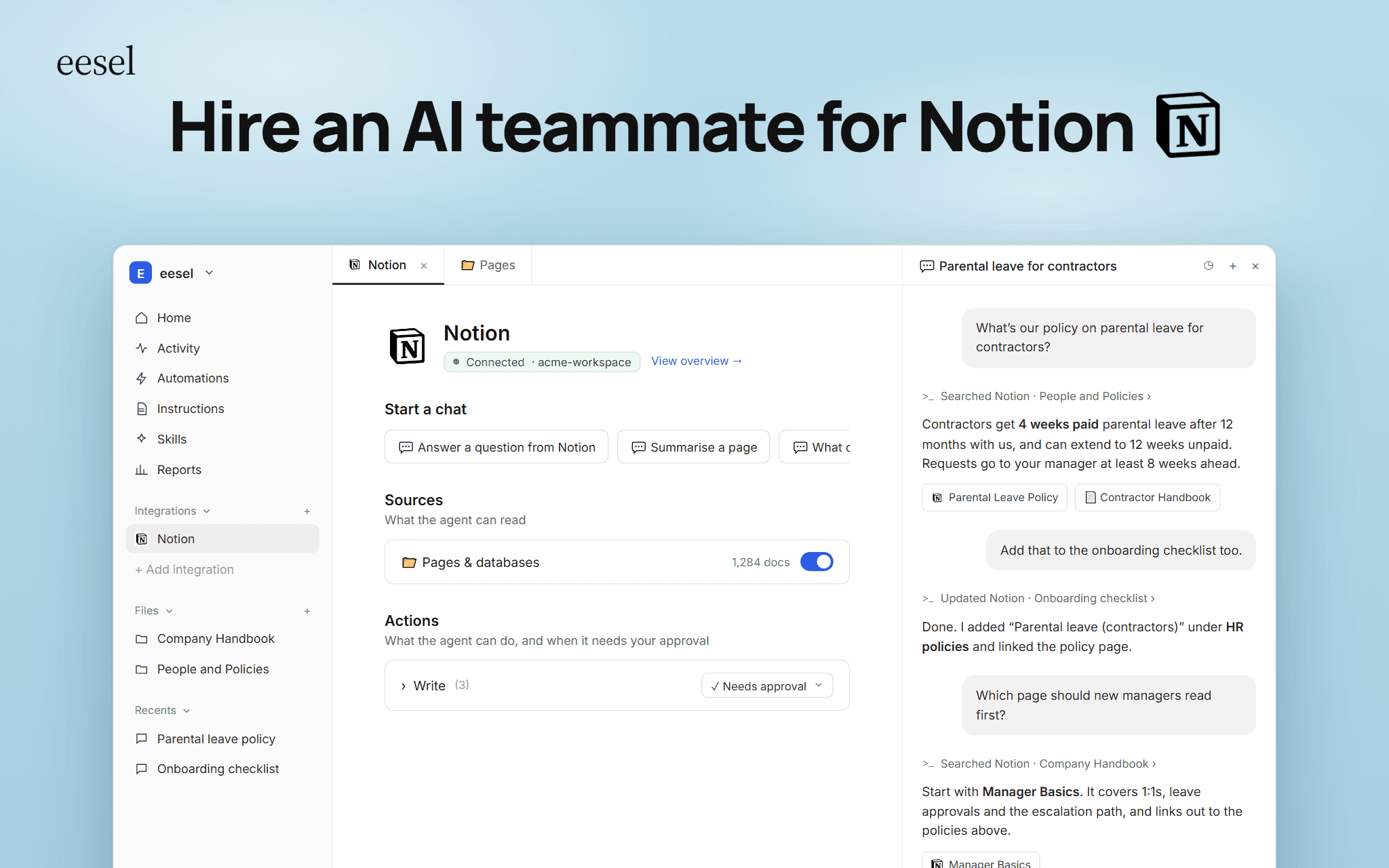
eesel AI is an AI teammate for support and operations teams. It reads the Notion pages and databases you share with it and answers questions the way a trained colleague would, wherever your team or customers ask.
- Simply chat with eesel to configure: all your workflows, integrations, guardrails, actions, and more. Use Notion knowledge for any task.
- Train on knowledge from any platform: Any Notion page, Confluence, past tickets and conversations.
- Analyse knowledge gaps and outdated information: keep your knowledge bases up to date
- Instantly provide source links or explanations: agents understand the actual context and information - not just copy pasting text back to people.
With this connection you can answer your team's questions in Slack and Microsoft Teams with a link back to the Notion page, draft and resolve tickets in Zendesk, Intercom, Freshdesk, Gorgias and other helpdesks using your Notion docs, and run a website chat widget that helps customers directly from the same content. Every answer cites the page it came from, so people can check the source.
eesel can also take actions in Notion, such as updating a page or adding an item to a checklist, and you decide which actions need approval first. Choose the pages and databases it can read; it only sees what you share.
Fonctionnalités
- Lire, insérer et mettre à jour contenuPeut lire, insérer et mettre à jour les pages, les bases de données et les blocs partagés avec cette connexion.
- Afficher les utilisateur·rices de l’espace de travailLit les détails de base du profil des membres et des invité·es de l’espace de travail, y compris leurs adresses e-mail.
Comment utiliser l’intégration
-
Create an eesel AI account at:
-
Ask eesel to help you connect Notion, and follow the prompts.
-
Tell eesel how you want your agent to use your Notion knowledge: answer questions in Slack, review knowledge base information, update databases, answer support questions, source docs, and more.
-
Tell eesel how it should sound, what actions it can take, escalation procedures, and other guardrails.
-
Test in the chat and deploy in your other platforms!
Détails

- Automatisations
- Productivité
- Communication