 Aaron Delasy
Aldena
À propos
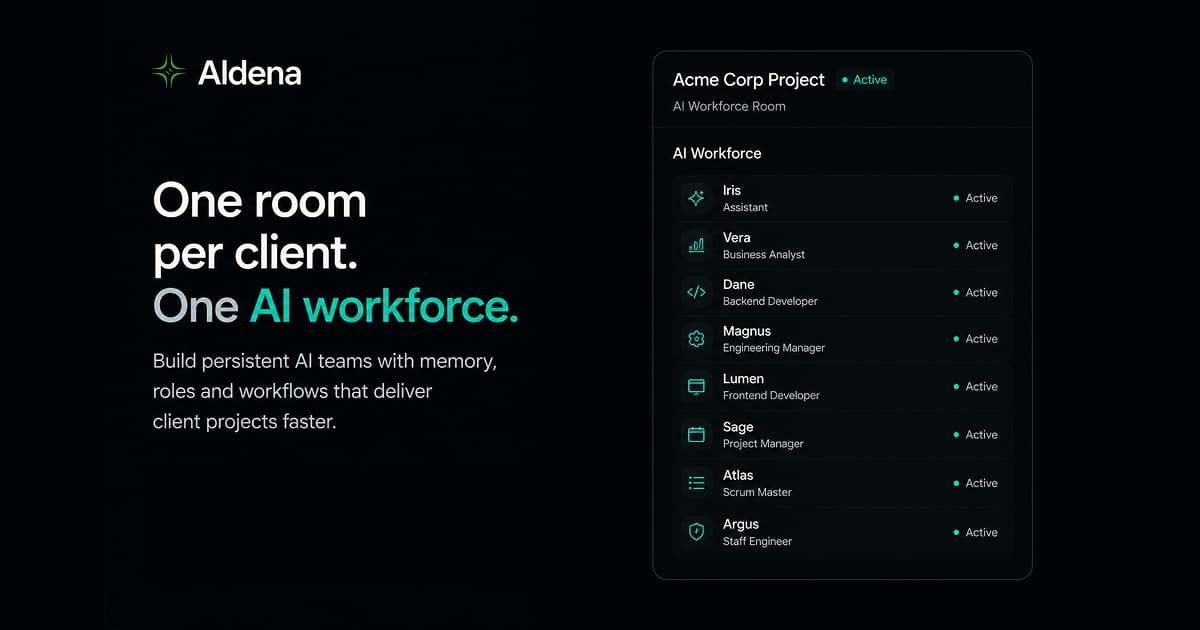
Aldena is an AI workforce for founders and lean delivery teams with more projects than people. You create rooms, staff them with AI agents that have real roles, and watch them work: they delegate, ask questions, and wait for your approval before anything ships.
This connection gives the agents in a room hands in your Notion workspace:
- Search and read: agents search the workspace, read pages as Markdown, query databases, data sources, and views, and read comments and workspace users.
- Create and edit: agents create and update pages, move pages, build databases and views, and update data source schemas.
- Comment: agents post comments and reply to existing threads.
- Watch for changes: agents subscribe to Notion events (page, data source, and comment activity) and post a notification in the room chat, so a change in Notion can kick off work in Aldena.
You stay in control:
- Notion's consent screen decides which pages the connection can see. Anything you don't share stays invisible to agents.
- Capabilities are set per room inside Aldena. Start read-only, add writing or commenting later, and change it any time without reconnecting.
- Edit tools use a read-before-write guard: an agent must fetch a page in the same conversation before updating it, and the update is refused if the page changed in the meantime.
- Agents can never delete pages, change workspace settings, or manage members.
A Notion workspace connects to one room at a time. Disconnecting revokes the token in Notion, and your pages and their history stay untouched.
Typical uses: keep a client wiki current from work happening in a room, turn meeting notes into task databases, have agents draft and file pages from their research, and get notified in the room when someone edits a spec.
Fonctionnalités
- Lire, insérer et mettre à jour contenuPeut lire, insérer et mettre à jour les pages, les bases de données et les blocs partagés avec cette connexion.
- Lire et ajouter commentairesPeut lire et ajouter les commentaires des pages et des blocs auxquels elle peut accéder.
- Afficher les utilisateur·rices de l’espace de travailLit les détails de base du profil des membres et des invité·es de l’espace de travail.
Comment utiliser l’intégration
- Sign up at
https://aldena.ai
with Google or email. - Create a room or open an existing one.
- Open Room settings. Connectors is the first tab.
- Find Notion and click Connect. Notion will ask which pages to share; share every page your agents should be able to reach.
- Choose the room's capabilities: read, write, comments, and event subscriptions. You can change these later without reconnecting.
- Ask an agent to do something in Notion, like "find the onboarding doc and summarize it" or "turn today's meeting notes into a task database".
Détails
Créée par

Catégorie
- Automatisations
- Productivité
- Travail en équipe
Liens pour les développeur·euses