 Nikolai
Tiden
Información
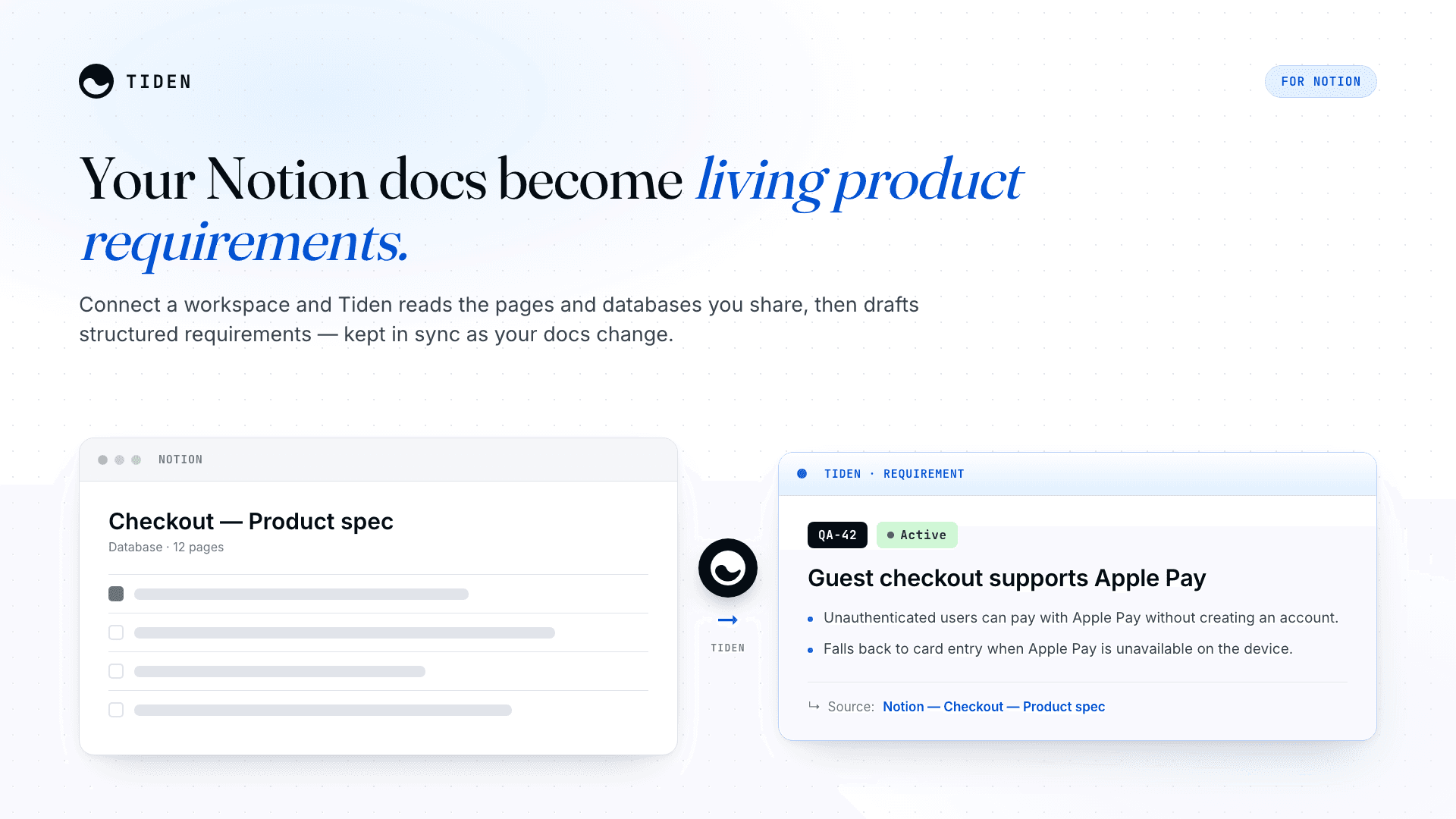
Tiden turns your Notion docs into living product requirements.
Connect a Notion workspace and Tiden reads the pages and databases you share with it, then drafts clear, structured product requirements from them and keeps those requirements in sync as your Notion content changes.
Tiden is a continuous quality system for teams shipping with AI coding agents. It keeps requirements, tests, and quality gates aligned with what your team is actually building, so your agents always work from an accurate, up-to-date spec.
What it does:
• Reads the Notion pages and databases you grant access to read-only, Tiden never edits your workspace.
• Drafts AI-generated requirements from your docs: structured specs, not a copy-paste.
• Keeps them in sync: re-runs detect changed pages and update the matching requirement, with full version history.
• Full provenance: every requirement links back to its source Notion page.
How to get started (paste-ready)
1. Add Tiden from the Notion connections gallery and authorize your workspace.
2. In Notion, share the pages or databases you want Tiden to read with the Tiden connection (Notion only exposes content you explicitly share).
3. In Tiden, create a Notion data source and pick a database or page to import.
4. Run the enrichment — Tiden reads the content and drafts requirements on a review branch.
5. Review and merge. Re-run anytime to keep requirements in sync as your Notion content evolves.
Funciones
- Leer contenidoPuede leer páginas, bases de datos y bloques compartidos con esta conexión.
- Leer comentariosPuede leer comentarios en las páginas y bloques a los que tiene acceso.
- Ver usuarios del espacio de trabajoLee información básica del perfil sobre los miembros e invitados del espacio de trabajo, incluidas sus direcciones de correo electrónico.
Cómo se usa
Set up Tiden for Notion in a few minutes:
1. **Add the connection.** From the Notion connections gallery, add **Tiden** and authorize your workspace.
2. **Share your content.** In Notion, share the pages or databases you want Tiden to read with the Tiden connection — Notion only exposes what you explicitly share.
3. **Create a data source.** In [Tiden](https://tiden.ai), go to **Integrations → Notion** and pick a database or page to import.
4. **Run enrichment.** Tiden reads the content and drafts product requirements on a review branch — structured specs, not a copy-paste.
5. **Review and merge.** Approve the proposed requirements; each links back to its source Notion page.
6. **Stay in sync.** Re-run anytime — Tiden detects changed pages and updates the matching requirement, with full version history.
**Read-only** — Tiden never creates, edits, or deletes anything in your Notion workspace.
Detalles

- Automatizaciones
- Programación