 Loopstates
Linten
Información
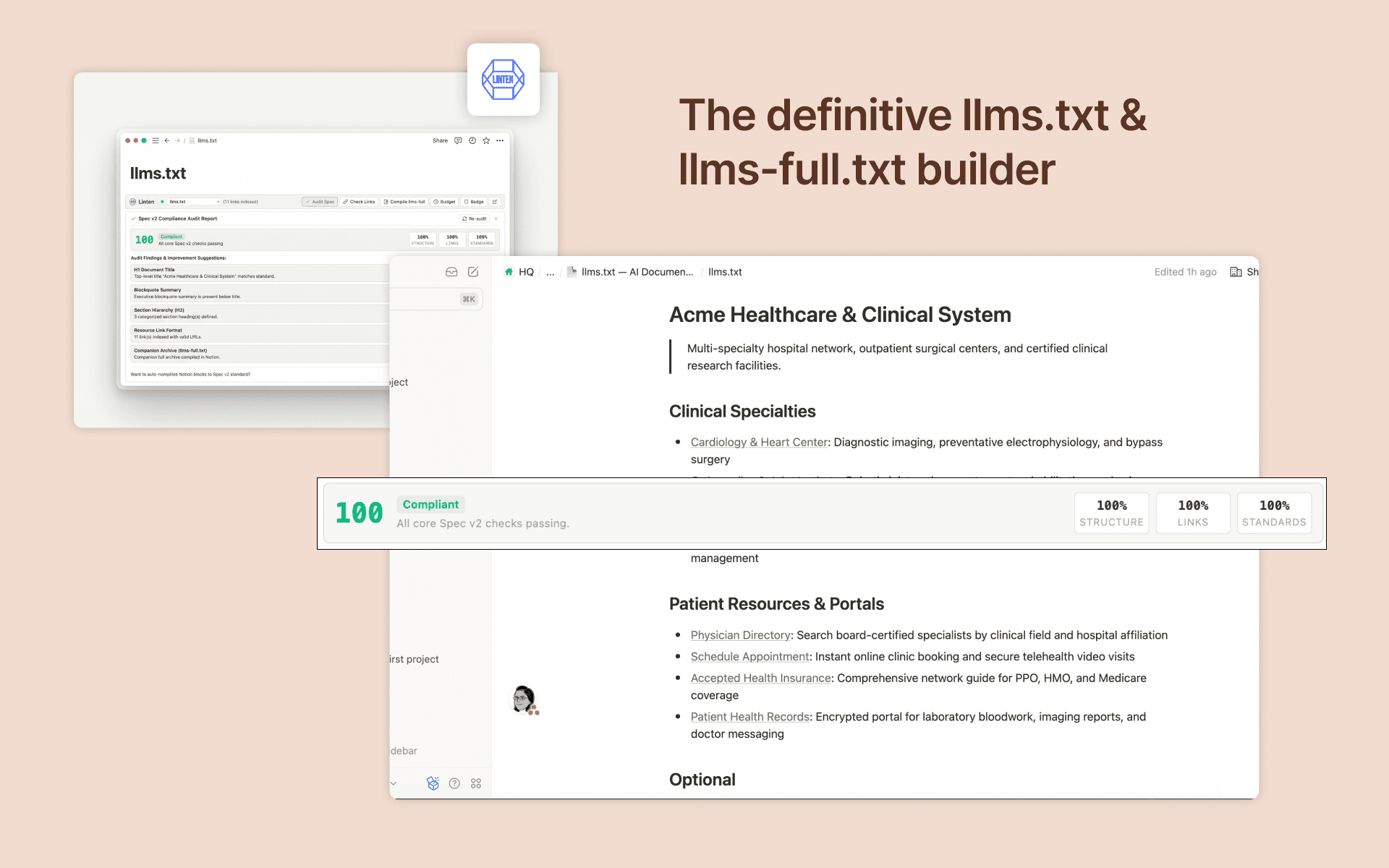
Linten empowers teams and technical writers to turn Notion workspaces into AI-ready documentation hubs adhering to the llms.txt standard.
Key Features:
• Interactive In-Page Action Bar: Audit, validate, and manage your llms.txt directly inside Notion via native embeds.
• Zero Document Storage: 100% processor-only, headless architecture. Linten never stores or copies your documents or notes in any external database.
• Real-Time Spec v2 Audit: Instantly check compliance, title formatting, summary blockquotes, and link schemas.
• Link Health & Redirect Probing: Verify every documentation URL against broken links (HTTP 404/500) and redirect chains.
• Accurate Context Budget Meter: Measure estimated token load across leading AI models (GPT-4o, Claude 3.5 Sonnet, Gemini 1.5, DeepSeek).
• Companion Archive (llms-full.txt): One-click compilation of comprehensive companion documentation expanding Notion subpages and linked resources.
• Multi-Site Isolation: Seamlessly manage multiple websites or brand documentation hubs within the same Notion workspace with isolated budgets and caches.
Funciones
- Leer, insertar y actualizar contenidoPuede leer, insertar y actualizar páginas, bases de datos y bloques compartidos con esta conexión.
- Ver usuarios del espacio de trabajoLee información básica del perfil sobre los miembros e invitados del espacio de trabajo, incluidas sus direcciones de correo electrónico.
Cómo se usa
1. Click "Install" to authorize Linten with your Notion workspace.
2. Open or create an llms.txt page in your workspace containing your documentation links or child subpages.
3. Linten automatically places the interactive Action Bar at the top of your page.
4. Use the Action Bar to run Spec Audits, check link reachability, and monitor token budgets.
5. Select from 27 industry starter templates to scaffold new documentation in seconds.
6. Click "Compile llms-full" to generate an expanded companion documentation page for AI agents.
Detalles

- Programación
- Productividad
- Marketing