

Información
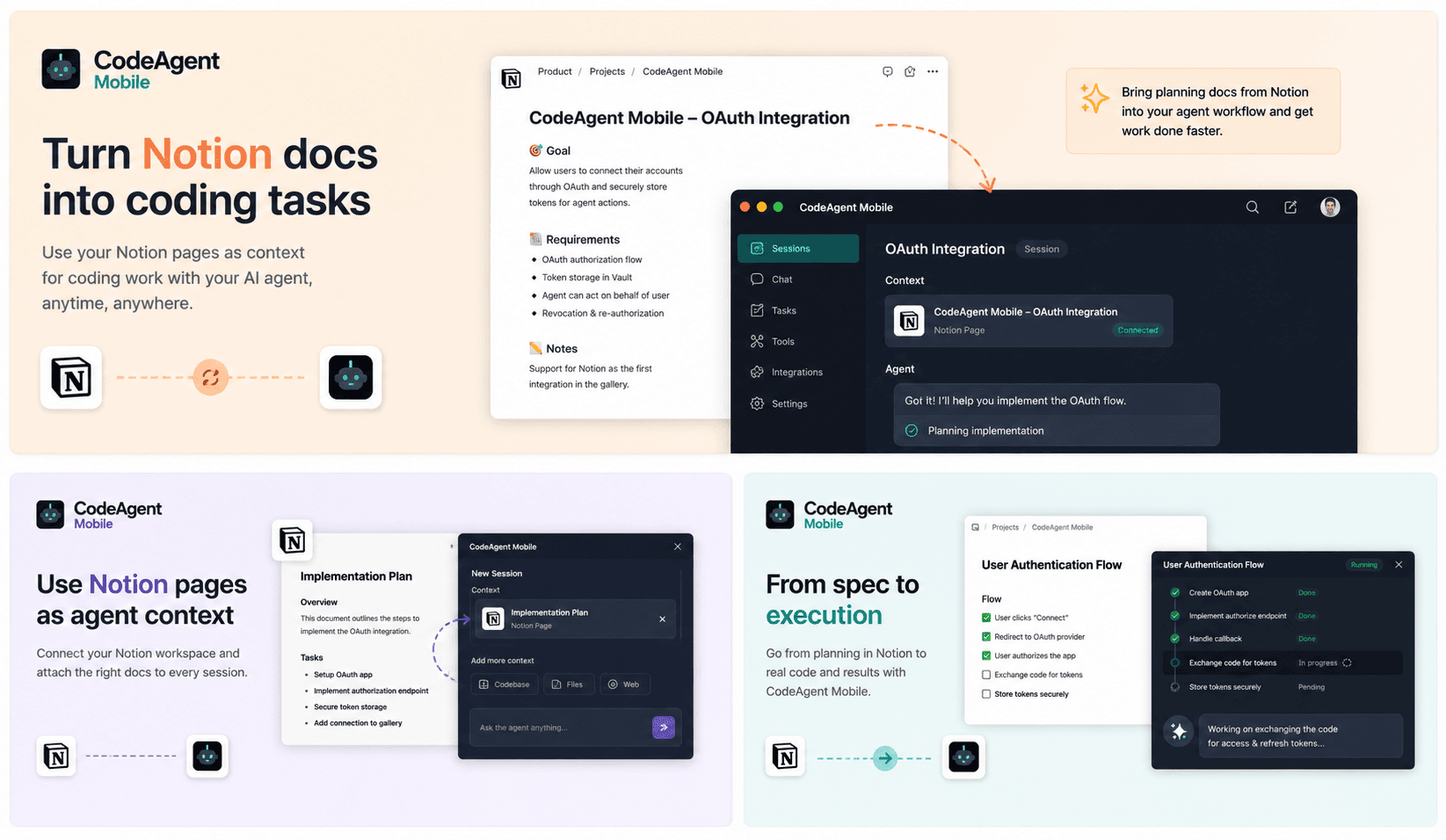
CodeAgent Mobile connects Notion to your AI coding workflows so agents can access product specs, technical notes, tasks, and project documentation during active development sessions.
Use Notion pages and databases as context when launching Codespaces, self-hosted environments, or agent sessions from CodeAgent Mobile. Your agent can understand requirements, summarize documentation, reference project decisions, and help turn Notion context into actionable engineering work.
Funciones
- Leer, insertar y actualizar contenidoPuede leer, insertar y actualizar páginas, bases de datos y bloques compartidos con esta conexión.
- Leer y añadir comentariosPuede leer y añadir comentarios en las páginas y bloques a los que tiene acceso.
- Ver usuarios del espacio de trabajoLee información básica del perfil sobre los miembros e invitados del espacio de trabajo, incluidas sus direcciones de correo electrónico.
Cómo se usa
Get started in three steps:
1. Create a free CodeAgent Mobile account — download the iOS/Android app or open the web dashboard at https://www.codeagent-mobile.com.
2. In CodeAgent Mobile, go to Profile → Integrations → Notion and tap Connect. Authorize CodeAgent Mobile to access your Notion workspace and pick the pages and databases you want to share.
3. That's it — from any agent session, your AI coding agent can now read and act on your Notion workspace on your behalf: search pages and databases, read content, create and update pages, and append blocks, all at your request.
CodeAgent Mobile does not run its own LLM — it invokes the AI coding agent (e.g. Claude) you've connected, using your own credentials, and never stores your Notion content.
Detalles

- Programación
- Automatizaciones
- Productividad