 Cleanlist AI
Cleanlist AI
Información
Cleanlist is an AI-native platform for B2B go-to-market teams: find and enrich leads, research accounts and run outreach with Clu, Cleanlist's AI agent.
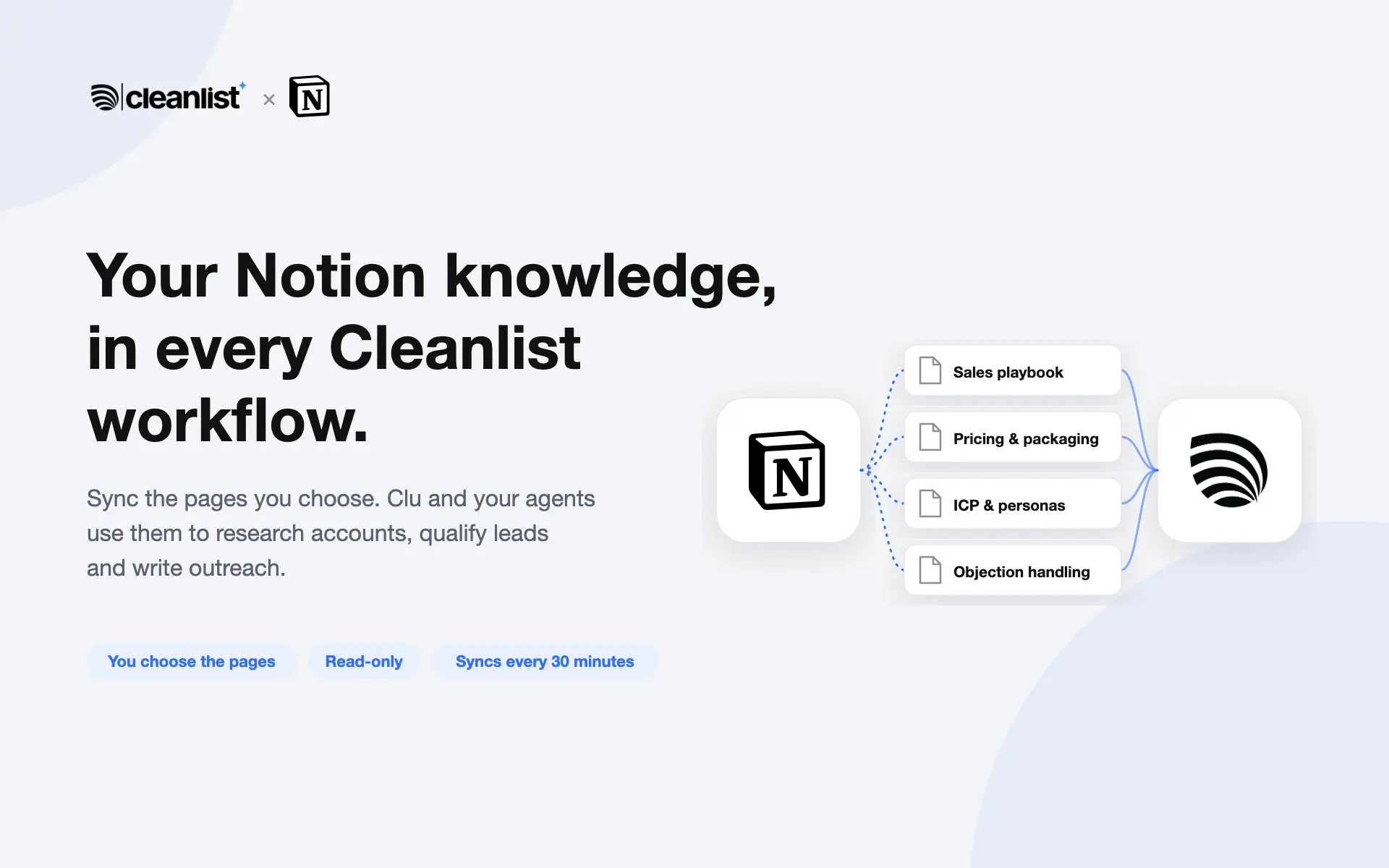
The Cleanlist connection brings your team's Notion knowledge into Cleanlist. Share the pages you choose (sales playbooks, pricing, product docs, ICP notes, objection handling) and Clu and your Cleanlist agents can search and cite them when they research accounts, qualify leads and draft outreach.
What it does:
- Reads only the pages you share with the connection during setup, and their sub-pages.
- Syncs them into your organization's Cleanlist knowledge base every 30 minutes: new and edited pages are picked up, and pages you stop sharing are removed.
- Read-only: Cleanlist never edits, creates or deletes anything in your Notion workspace.
Your data:
- Synced pages are visible only inside your Cleanlist organization.
- Disconnecting Notion in Cleanlist removes the synced pages from your knowledge base and revokes Cleanlist's access.
Funciones
- Leer, insertar y actualizar contenidoPuede leer, insertar y actualizar páginas, bases de datos y bloques compartidos con esta conexión.
- Leer y añadir comentariosPuede leer y añadir comentarios en las páginas y bloques a los que tiene acceso.
- Ver usuarios del espacio de trabajoLee información básica del perfil sobre los miembros e invitados del espacio de trabajo, incluidas sus direcciones de correo electrónico.
Cómo se usa
1. Sign in to Cleanlist at app.cleanlist.ai.
2. Open Integrations, find Notion under Knowledge and click Link.
3. On Notion's screen, choose the pages Cleanlist can read, then allow access.
4. Back in Cleanlist, the pages appear in the Knowledge tab within a few minutes and stay in sync every 30 minutes. Clu and your agents can use them right away.
To share more pages later, open a page's ••• menu in Notion and add Cleanlist under Connections. To stop syncing, click Disconnect next to Notion on Cleanlist's Integrations page.
Detalles

- Ventas