

Información
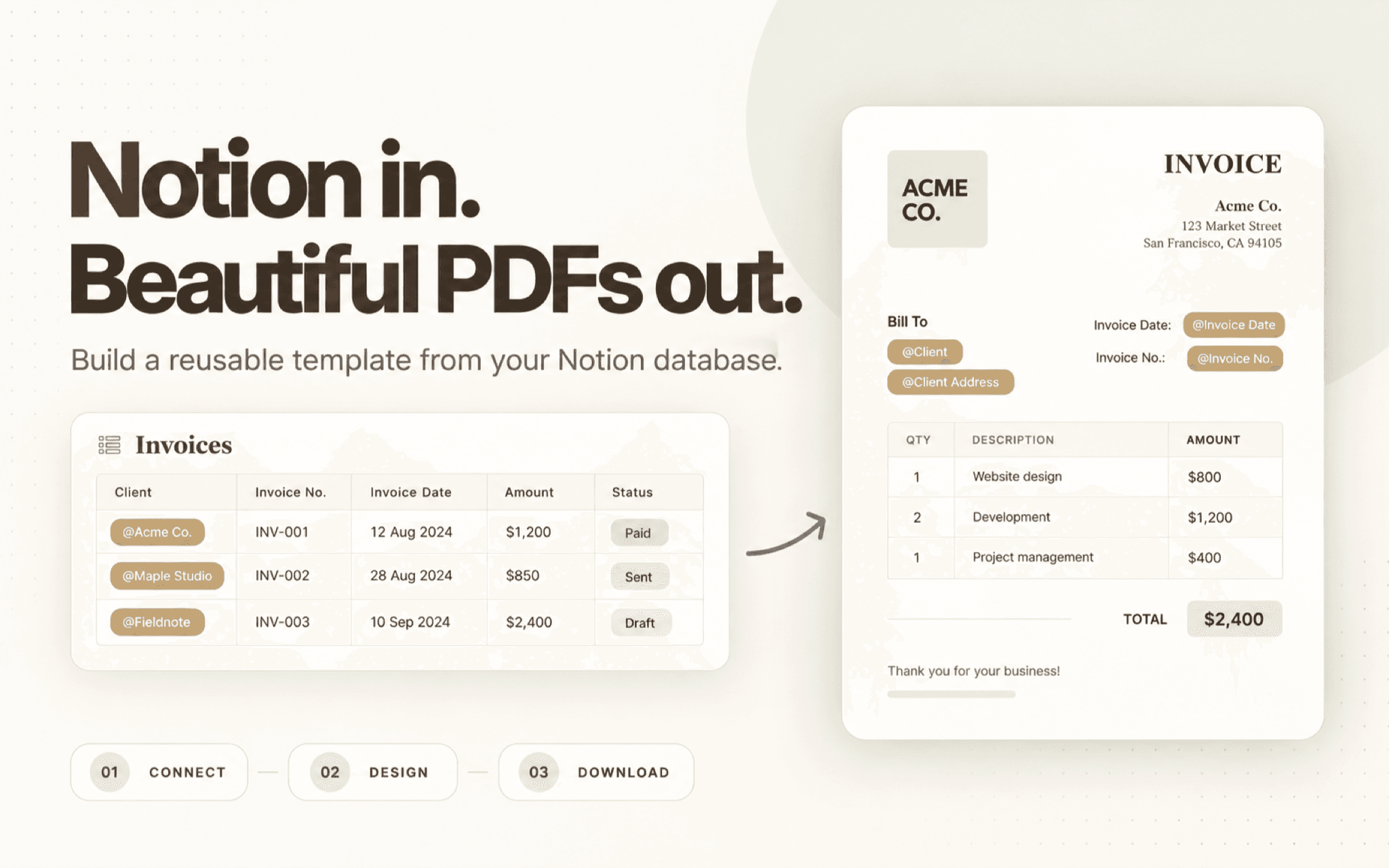
Create branded PDFs from your Notion database. Build a reusable template with text, tables, images, and your brand details. Insert Notion properties with @ references, choose a page, review the preview, and download a consistent PDF for invoices, proposals, reports, and other repeatable documents.
Funciones
- Leer, insertar y actualizar contenidoPuede leer, insertar y actualizar páginas, bases de datos y bloques compartidos con esta conexión.
- Ver usuarios del espacio de trabajoLee información básica del perfil sobre los miembros e invitados del espacio de trabajo, incluidas sus direcciones de correo electrónico.
Cómo se usa
- Connect Notion - Authorize ZenCrumbs and select the pages or databases you want to use.
- Create a PDF template - Arrange text, tables, images, and brand details in the template editor.
- Add database properties - Use @ references to place property values, such as a client name, invoice amount, or project status.
- Choose a page and preview - Select a database page, review how its values appear, and adjust the template if needed.
- Download your PDF - Download the finished document to share with a client, teammate, or stakeholder.
Detalles
Creada por

Categoría
- Productividad
- Automatizaciones
- Diseño
Enlaces para desarrolladores