So... what is Notion?
Meet the AI workspace where teams and agents collaborate. Capture knowledge, answer questions, and push projects forward. All in one place.
哎呀!你的廣告封鎖程式似乎阻擋影片播放。



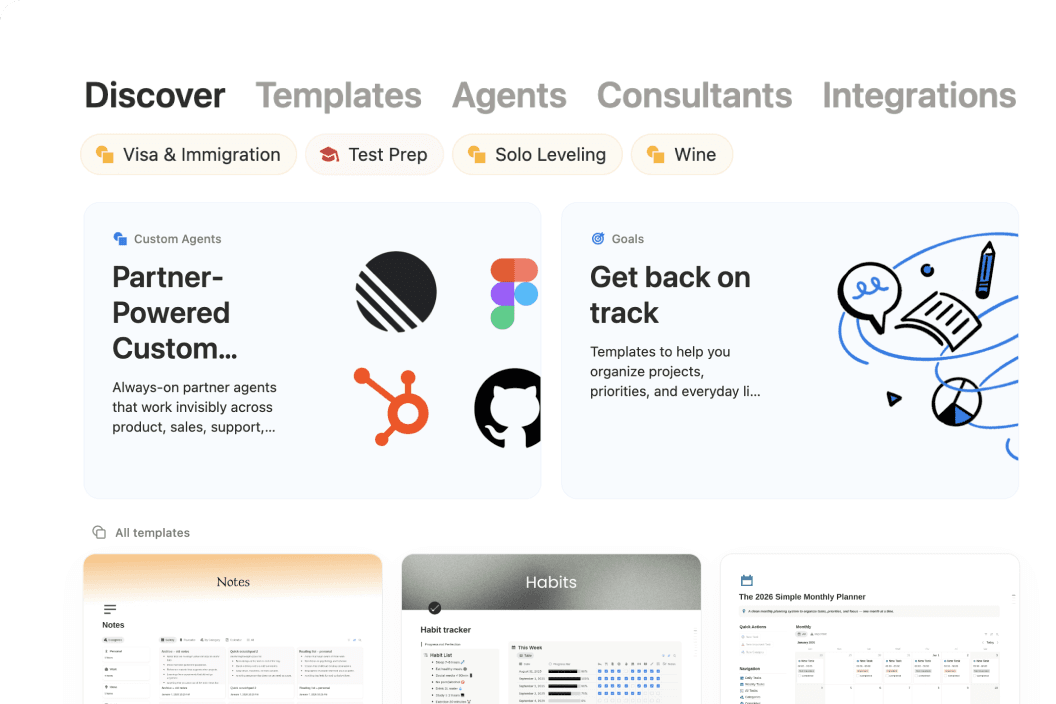
See how Notion can work for you.
Notion Academy
Learn Notion basics, build smarter workflows, and validate your skills with badges & certifications.
Get started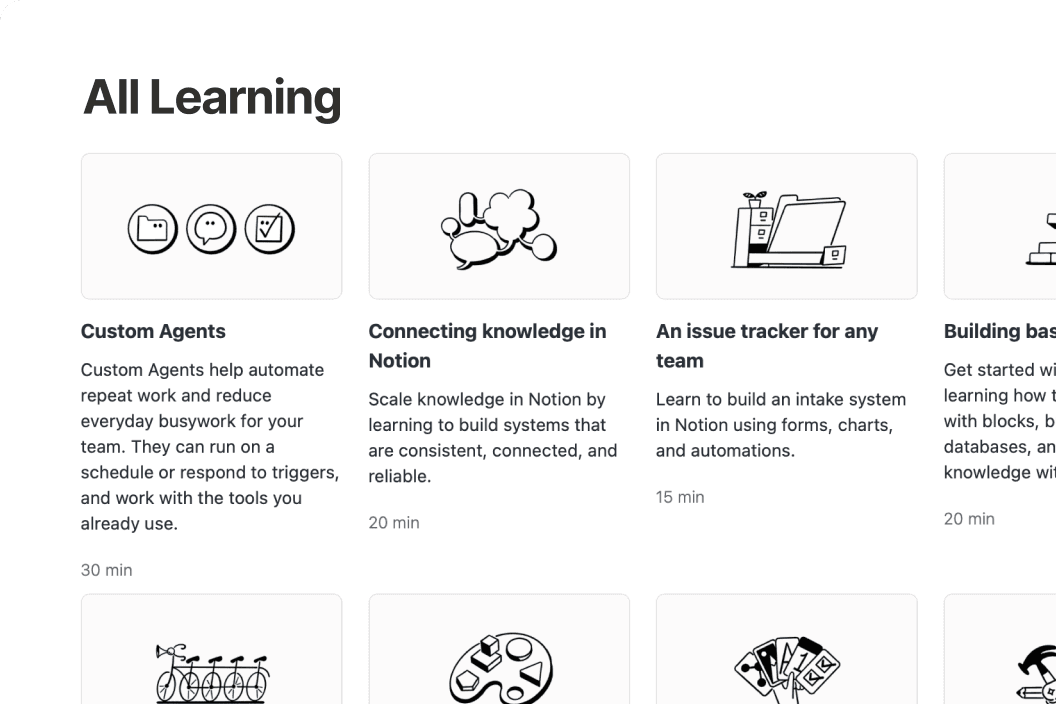
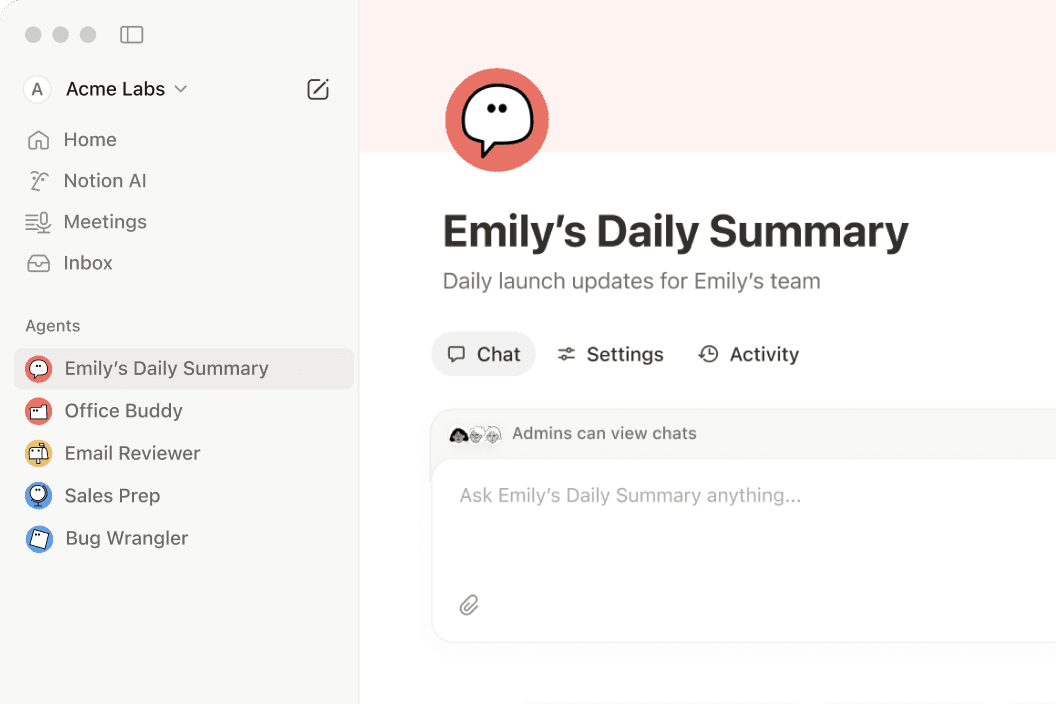
Anything you can do in Notion, your agents can do for you.
If it’s something that’s repetitive, we have a Notion Agent for it.
Questions & Answers
What is Notion used for?
Notion is a connected workspace that brings docs, wikis, projects, and databases together in one place. With Notion AI and custom agents built in, it also helps teams automate repetitive work—like weekly reporting, meeting follow-ups, and onboarding.
Is Notion free to use?
Yes. Notion's free plan includes unlimited pages, Notion AI, and core features like docs, wikis, and databases. Paid plans start at $10 per member per month (billed annually) for teams that need more advanced features, custom agents, and deeper integrations.
How is Notion different from other productivity tools?
Most tools solve just one problem—a wiki here, a task tracker there. Notion brings all of that into one connected workspace with flexible building blocks that adapt to how your team actually works, plus Notion AI to help find answers and move projects forward.
What are custom agents in Notion?
Custom agents are AI teammates you can build to handle multi-step tasks using context from your Notion workspace, connected apps like Slack and GitHub, and the web. They follow your instructions, work around the clock, and take action right where your team already works.
Can Notion replace multiple tools for my team?
Yes—many teams consolidate their separate doc editors, wikis, project trackers, and meeting note apps into Notion. With features like AI Meeting Notes and Enterprise Search, plus integrations with tools like Slack, Google Drive, and GitHub, nothing gets lost along the way.
Find the plan designed for your best work.
免費版
方便個人管理私人專案和生活大小事。
包括:
試用 AI 功能,例如產生文件或自動填寫資料庫
直接在 Notion 內擷取、整理及給予回覆。
將 Notion 頁面發布到網路上
連接多個日曆,在同一處管理工作並安排時間。
透過單一介面整理數百個甚至上千個項目,例如專案或任務
Plus 版
適合小型團隊和專業人士協同合作。
免費版的全部功能,再加上:
試用 AI 功能,例如產生文件或自動填寫資料庫
從公開表單中移除 Notion 品牌標示
自訂頁面頁首,選擇淺色或深色主題,新增自訂網站圖示,並與 Google Analytics 整合。
以不同方式視覺化資料庫中的資料(例如環形圖、長條圖和折線圖)。
區塊是新增至頁面的內容片段,例如待辦事項核取方塊、段落、項目符號等。
單一檔案限制可套用到上傳到 Notion 頁面或資料庫的任何檔案。
連接到 Slack 和 Google 雲端硬碟等工具
商業版推薦
協助成長中的企業提升團隊效率。
Plus 版的全部功能,再加上:
讓你事半功倍。運用 Notion 中的資訊、已連接應用程式和網路來源,完成複雜且步驟多的任務。
AI 代理程式可以接手自動處理重複任務,幫貴團隊省下麻煩。歡迎免費試用,到期後 1,000 次額度的價格為 10 美元。
將會議記錄和後續追蹤事項自動化,無需使用機器人
在已連接的應用程式中搜尋,如 Slack、GitHub 等
透過安全的單一登入,大規模管理員工的存取權限。
在 Notion 資料庫中協作,你可以指定協作者可存取的資料列,不用授予整個資料庫的存取權限。
為最新頁面新增已驗證徽章。搜尋結果和 AI 引文會顯示這些徽章。
建立只有你新增的人員才能看到或找到的團隊協作區。特別適合用在機密資訊,例如公司規劃或績效評量。
驗證電子郵件網域的擁有權,以存取單一登入等進階安全功能。
連接到 GitHub、Asana 等