
Zendesk Connector
簡介
The Zendesk + Notion connector helps teams automate work between support and knowledge management by triggering Notion actions directly from Zendesk workflows.
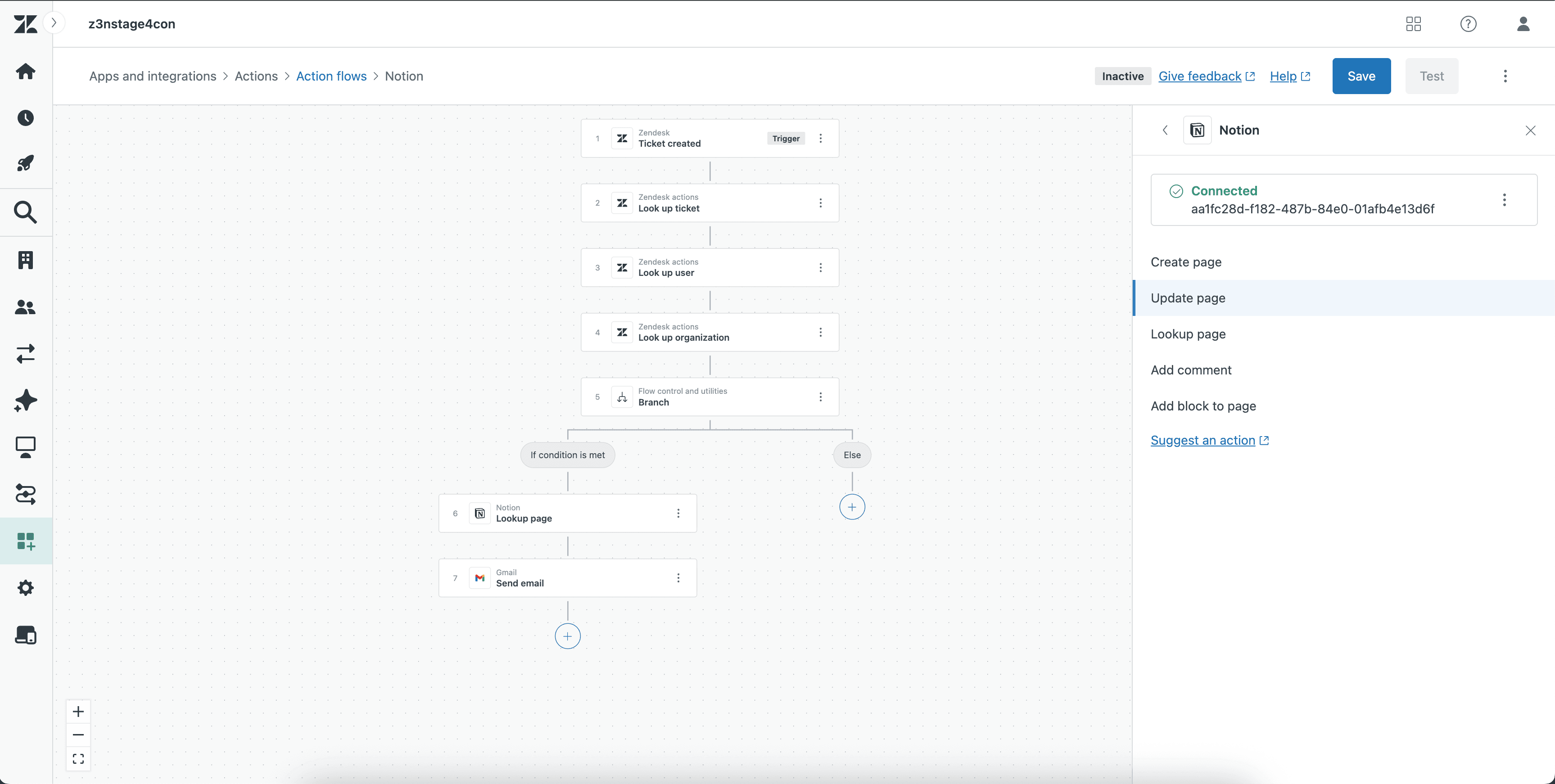
Use the integration to create new pages, update existing pages, look up pages, add comments, and append blocks to pages based on ticket activity, escalation conditions, or internal workflow logic.
Common use cases include:
Creating a Notion page when a Zendesk ticket requires follow-up or documentation
Updating a Notion page with the latest ticket or case details
Looking up a page to route workflow actions to the right record
Adding comments to keep collaborators informed
Appending blocks to pages to capture notes, updates, or investigation context
This low-code/no-code integration helps teams keep support insights and project documentation in sync without manual copy-paste work.
功能
- 讀取、插入和更新內容可以讀取、插入和更新此連接共享的頁面、資料庫和區塊。
- 讀取和加入 個留言可以在有權存取的頁面和區塊上讀取和加入留言。
- 查看工作空間使用者讀取工作空間成員與訪客的基本個人檔案詳細資料,包括其電子郵件地址。
使用方式
Open Zendesk Action Builder.
Create a new workflow or open an existing one.
Add a Notion action.
Select the action you want to perform
Map the required Zendesk fields to the appropriate Notion fields.
Save the action.
Test the workflow to confirm the Notion action runs correctly