簡介
YAGNI is an AI agent that runs your operational work: drafting follow-ups, prepping meetings, answering "what changed this week", and updating systems of record from the tools you already use.
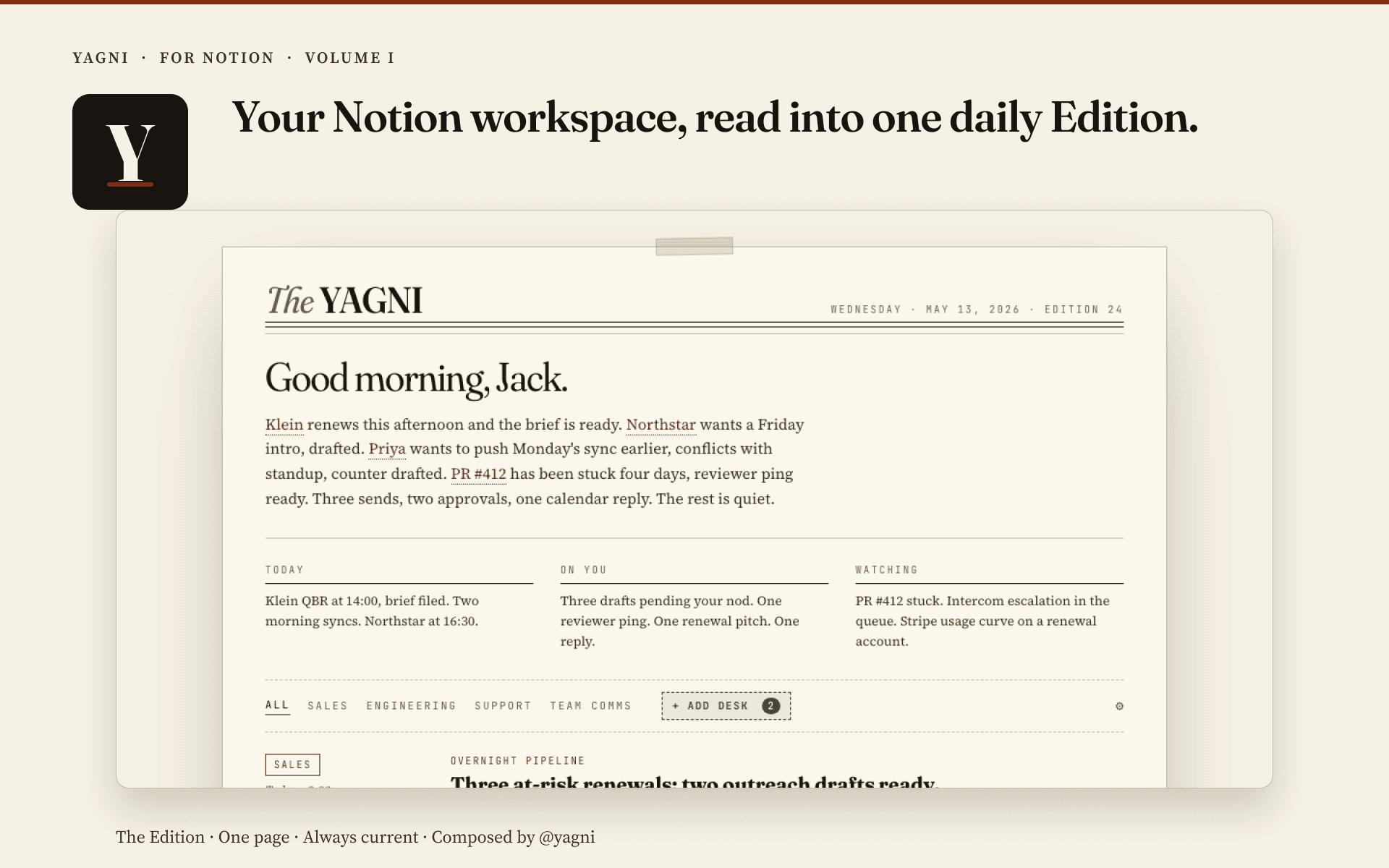
Connecting Notion gives YAGNI read access to the pages and databases you share, plus the ability to draft new pages, page updates, and comments. Reads happen automatically. When you open YAGNI's Front Page each morning, the pages most relevant to your day are already cited in your briefings. Writes are always staged as drafts and only sent to Notion after you approve them from your approval queue.
Typical uses:
- Pulling a project brief into a morning briefing or a planning session.
- Answering "what did the team decide about X" from meeting notes.
- Drafting a project status update into the team's status page.
- Appending a comment to a Notion task when the agent finishes related work.
YAGNI respects Notion's per-page sharing model. It can only read pages the connecting user can see, and write access is scoped to the same set.
功能
- 讀取、插入和更新內容可以讀取、插入和更新此連接共享的頁面、資料庫和區塊。
- 查看工作空間使用者讀取工作空間成員與訪客的基本個人檔案詳細資料,包括其電子郵件地址。
使用方式
- Sign in to YAGNI at https://yagni.app and open Connections from the masthead.
- Click Connect Notion. You'll be sent to Notion to authorize the workspace and the specific pages you want to share.
- After you authorize, YAGNI hydrates the shared pages. They are now searchable by the agent and may appear as citations in your daily Front Page.
- Ask the agent to do something with your Notion content, for example "summarize the Q3 planning doc and draft a comment with open questions." Drafts land in your approval queue for one-click approval.