簡介
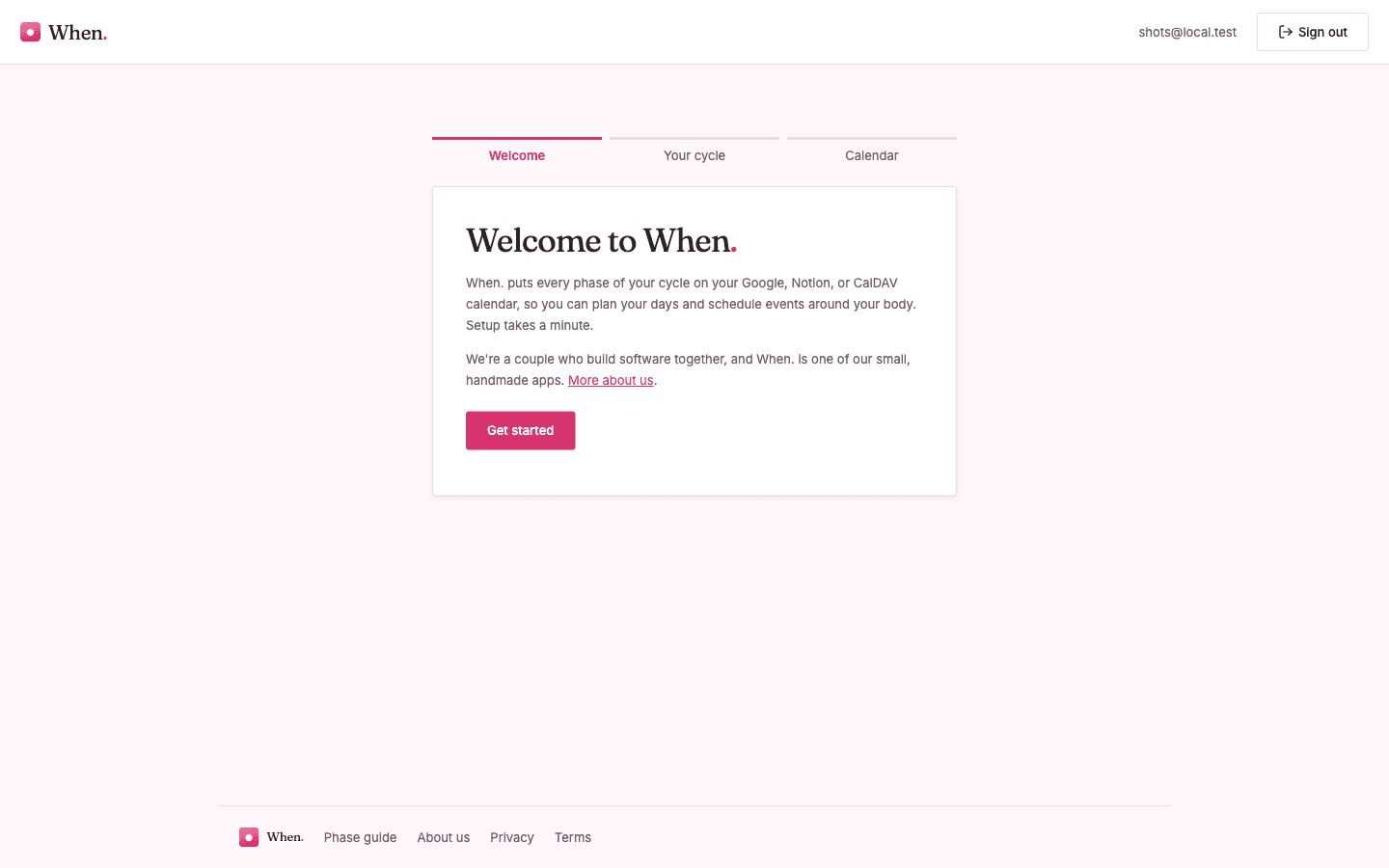
When. learns your cycle from the periods you log and forecasts what’s ahead: your next period, fertile window, ovulation, and the days around them. Connect a Notion database, log when a period starts, and When. fills in the predicted phases so you can plan around them. It refines the forecast from your own history every sync, and it only reads and writes the one database you share with it, nothing else in your workspace.
功能
- 讀取、插入和更新內容可以讀取、插入和更新此連接共享的頁面、資料庫和區塊。
使用方式
Get started with When. for Notion
When. forecasts your cycle phases and keeps them on a Notion database you choose. Here is how to set it up.
1. Create your When. account
Go to \ and sign up (email and password, or continue with Google). Confirm your email when prompted.
2. Make a database for your cycle (or reuse one)
In Notion, create a database, a simple table works well. You do not need to add any properties yourself; When. adds the ones it needs on first connect (a Date field, plus its own SyncId and Managed fields). If you want to see your phases laid out on a calendar, add a Calendar view to the database.
3. Connect Notion
In When., open Settings (or the dashboard) and choose Connect Notion. You will be sent to Notion to approve access.
4. Share the right database
On Notion’s approval screen, select the workspace and pick the page or database you made in step 2. Notion only gives When. access to what you select here, nothing else in your workspace. Approve to return to When.
5. Choose the database in When.
Back in When., pick the database you just shared. When. prepares it by adding the fields it writes into.
6. Log a period
Add a row to the database and set its Date to the day your period started. If you know the end date, set a date range. That is all you need to log.
7. See your forecast
On the next sync, When. reads your logged periods and writes your predicted phases (period, fertile window, ovulation, and the days around them) back into the same database as its own rows. The forecast updates every sync and gets more accurate as you log more cycles.
Disconnecting
Disconnect Notion any time from When. Settings. When. revokes its access token at Notion and stops syncing. Your logged data and the rows stay in your database.