 Vindaris - Strategy Execution Software
Vindaris
簡介
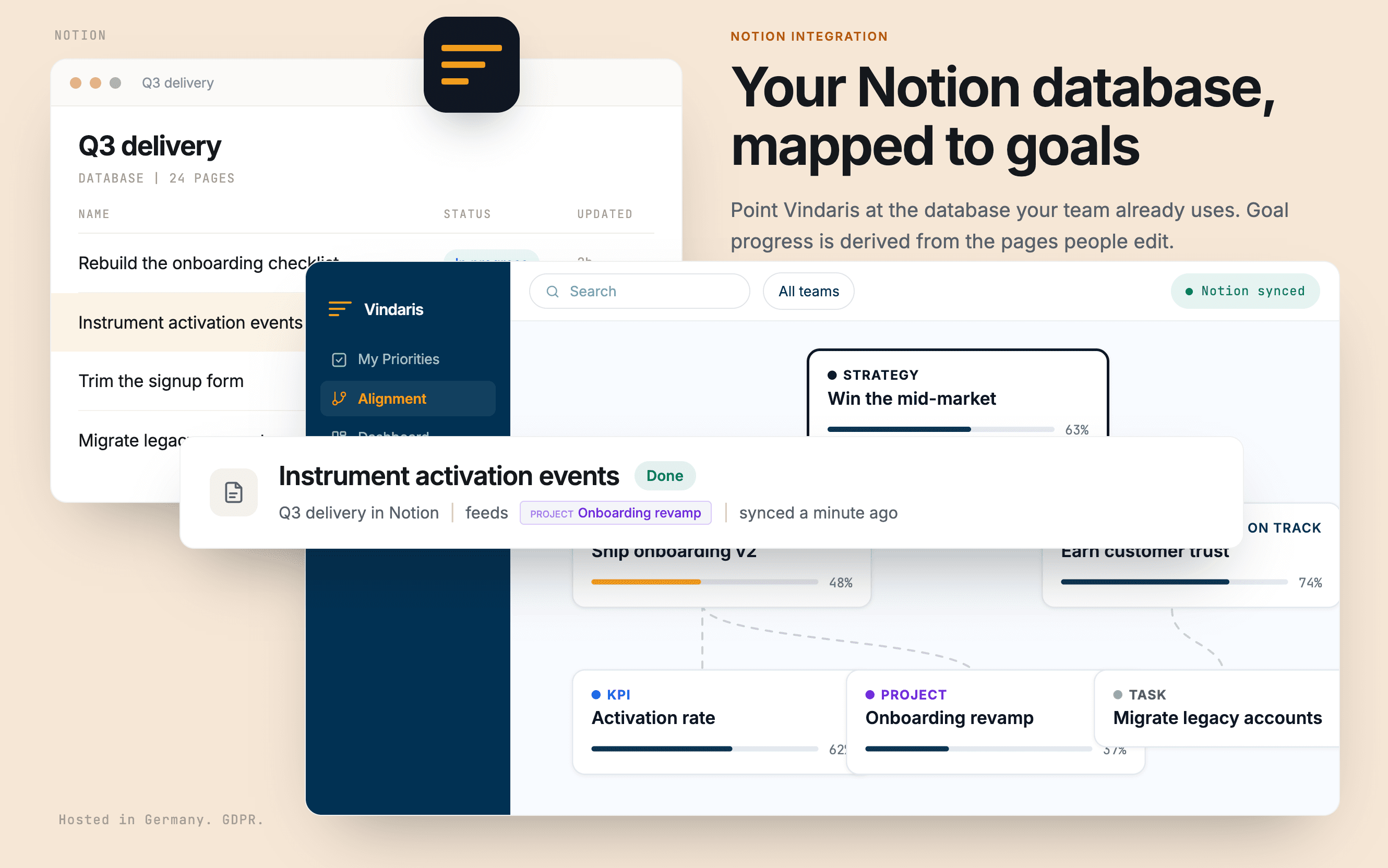
Vindaris turns a Notion database into tracked progress on your goals.
Point it at the database your team already uses and map your own property names for status, priority, due date, and description. Nothing has to be restructured to fit a template. Pages and goals then stay in step in both directions, comments sync as context, and a number property on a single page can feed a KPI directly.
Because progress is derived from the pages people edit as part of doing the work, a goal turns amber when the work behind it stops moving, rather than when someone remembers to update a rollup. Vindaris only ever sees the pages you share with it during authorization.
功能
- 讀取、插入和更新內容可以讀取、插入和更新此連接共享的頁面、資料庫和區塊。
- 讀取和加入 個留言可以在有權存取的頁面和區塊上讀取和加入留言。
- 查看工作空間使用者讀取工作空間成員與訪客的基本個人檔案詳細資料,包括其電子郵件地址。
使用方式
1. Create a free Vindaris account at app.vindaris.com and map your strategy, goals, and KPIs.
2. Open Settings, then Integrations, and connect Notion.
3. In Notion's consent step, share the database that holds your team's work. Vindaris sees nothing else.
4. Map your own property names for status, priority, due date, and description. Your database stays as it is.
5. Confirm which pages belong to which goal. Progress and risk then update themselves as the pages move.
