
簡介
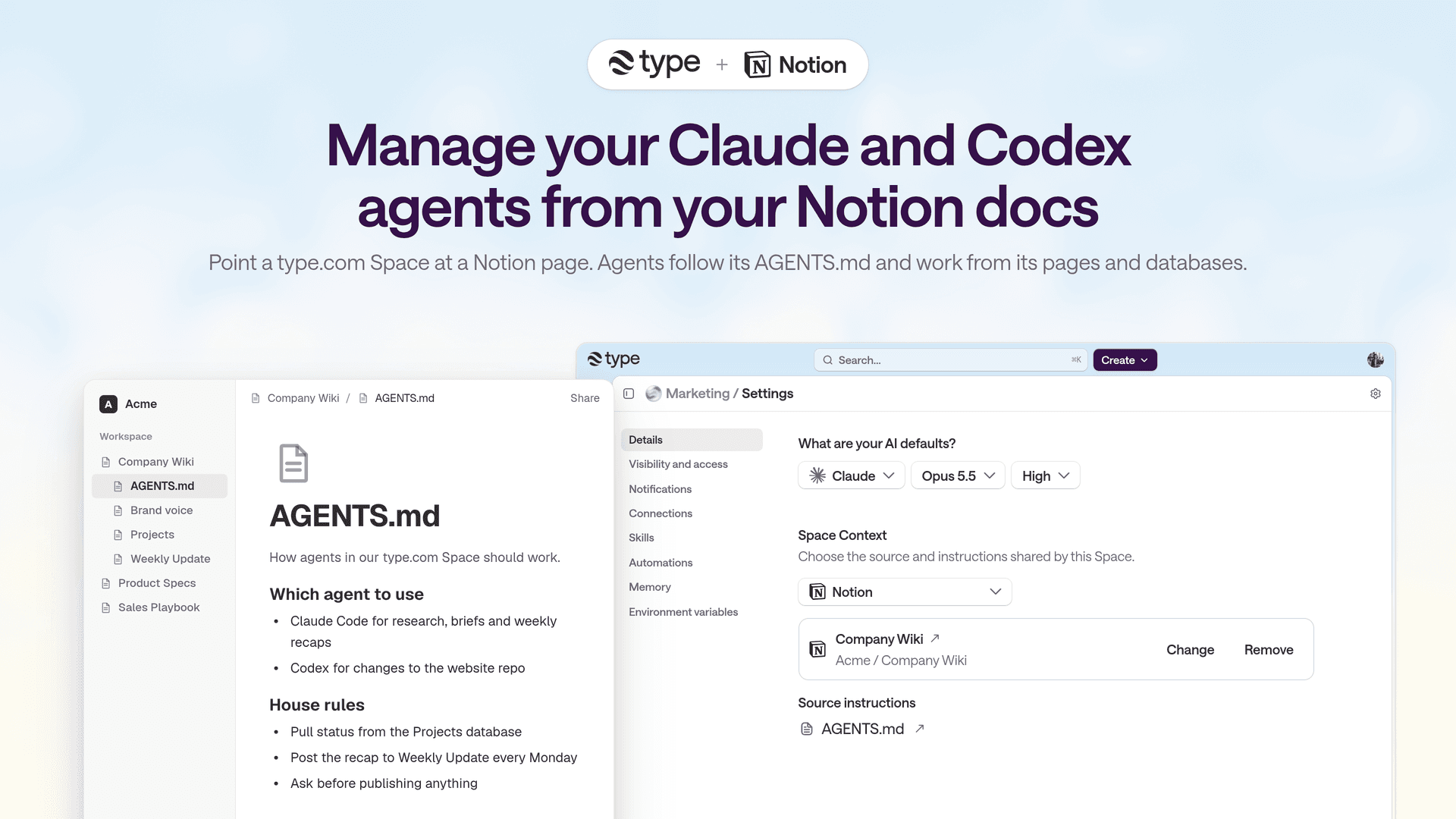
type.com runs managed Claude and Codex agents and automations for your team. Connect Notion, and your pages become the context and instructions your agents follow: point a Space at a Notion page, and agents work from its pages, databases and AGENTS.md instructions to do real, recurring work. What you can do with Notion + type.com: • Ground agents in your docs. Pick a Notion parent page as a Space's context. Agents search and read the page, its subpages and its databases when they need to. Add a child page named AGENTS.md to give them standing instructions. • Read and write from chat. Ask an agent to find a spec, summarize a database, draft a page or update a record, all inside a shared team thread. • Automate recurring work. Schedule agents to keep Notion current: weekly reports, meeting recaps, project status and research briefs. • Reference and import pages. Search connected Notion pages from the composer, or import pages straight into a Space's Library as editable documents. • Work across your stack. Combine Notion with 1,000+ tools like Slack, GitHub, Linear, Google Drive and HubSpot in one workflow. Built for teams: • Connect once and share controlled access across Spaces, agents and teammates • Permissions by user, Space, role and tool call • Encrypted credentials that never touch your code • Full run history, automatic retries and audit logs type.com only reaches the pages you share with the connection, and agents follow your Notion permissions.
功能
- 讀取、插入和更新內容可以讀取、插入和更新此連接共享的頁面、資料庫和區塊。
- 讀取和加入 個留言可以在有權存取的頁面和區塊上讀取和加入留言。
- 查看工作空間使用者讀取工作空間成員與訪客的基本個人檔案詳細資料,包括其電子郵件地址。
使用方式
1. Sign up for free at type.com.
2. Open Connections in the sidebar, select Add connection, and choose Notion.
3. Approve access and select the Notion pages and databases type.com can use.
4. Open a Space's Settings → Connections to make Notion available to that Space.
5. Optional: in Space settings → Space Context, choose a Notion parent page so agents use it as the Space's knowledge base.
6. Ask the agent in any thread, for example: "Summarize this week's updates in our Projects database," or set up a scheduled automation.
Docs: https://docs.type.com