
簡介
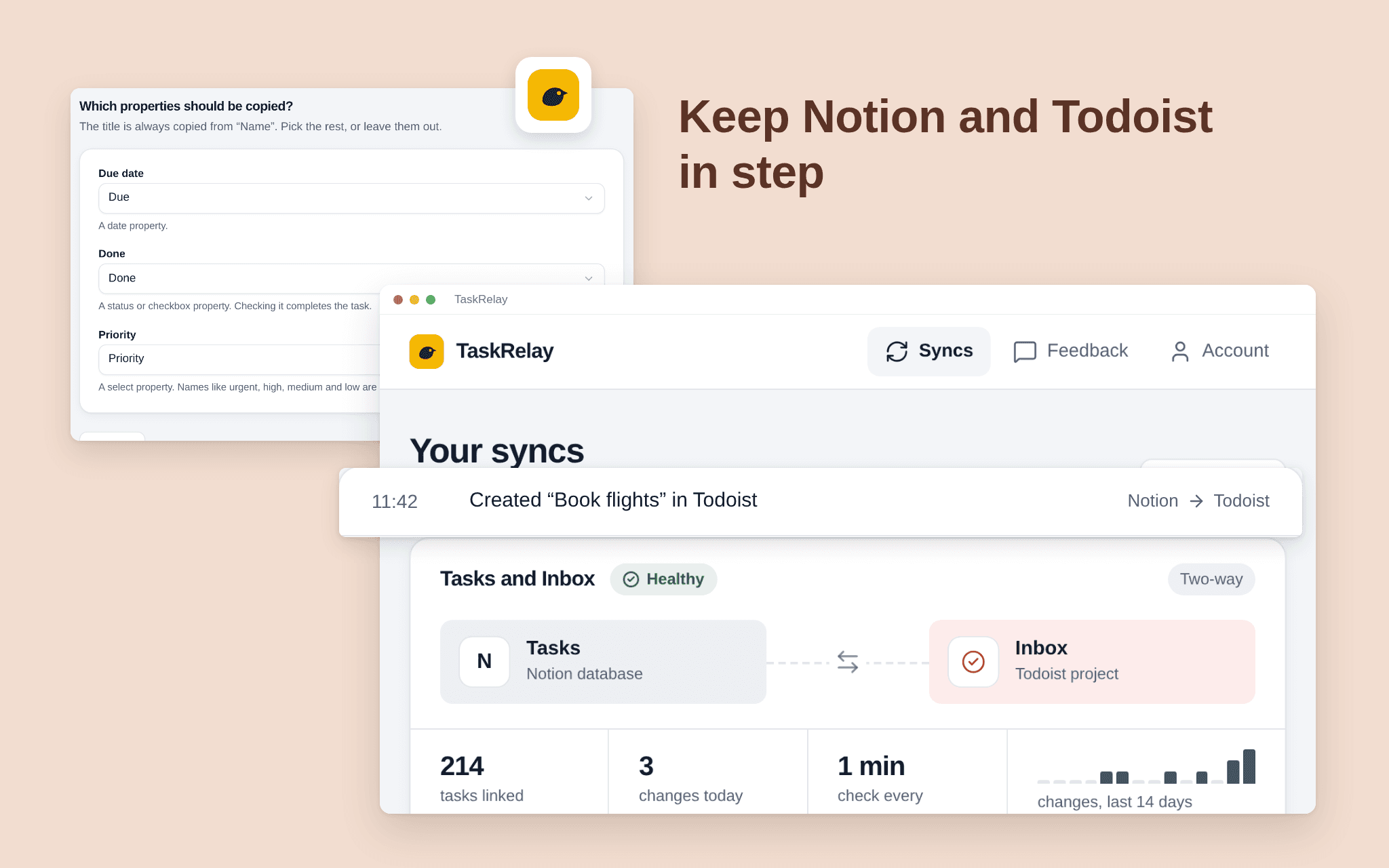
TaskRelay keeps a Notion database and a Todoist project in step. Add or edit a task on either side and it shows up on the other within a couple of minutes. Pick one Notion database and one Todoist project; TaskRelay only touches those two. Choose two-way or Notion first, and which fields travel, such as title and due date. See what the first sync will do before it runs. A dashboard shows every sync's health, the last run and what changed. Free while in beta.
功能
- 讀取、插入和更新內容可以讀取、插入和更新此連接共享的頁面、資料庫和區塊。
- 查看工作空間使用者讀取工作空間成員與訪客的基本個人檔案詳細資料,包括其電子郵件地址。
使用方式
1. Open the install link and sign in with Notion. 2. Select the pages or databases TaskRelay may use; it only sees what you share. 3. Connect Todoist. 4. Choose the Notion database and the Todoist project, the fields and the direction. 5. Check the preview and start the sync.