
簡介
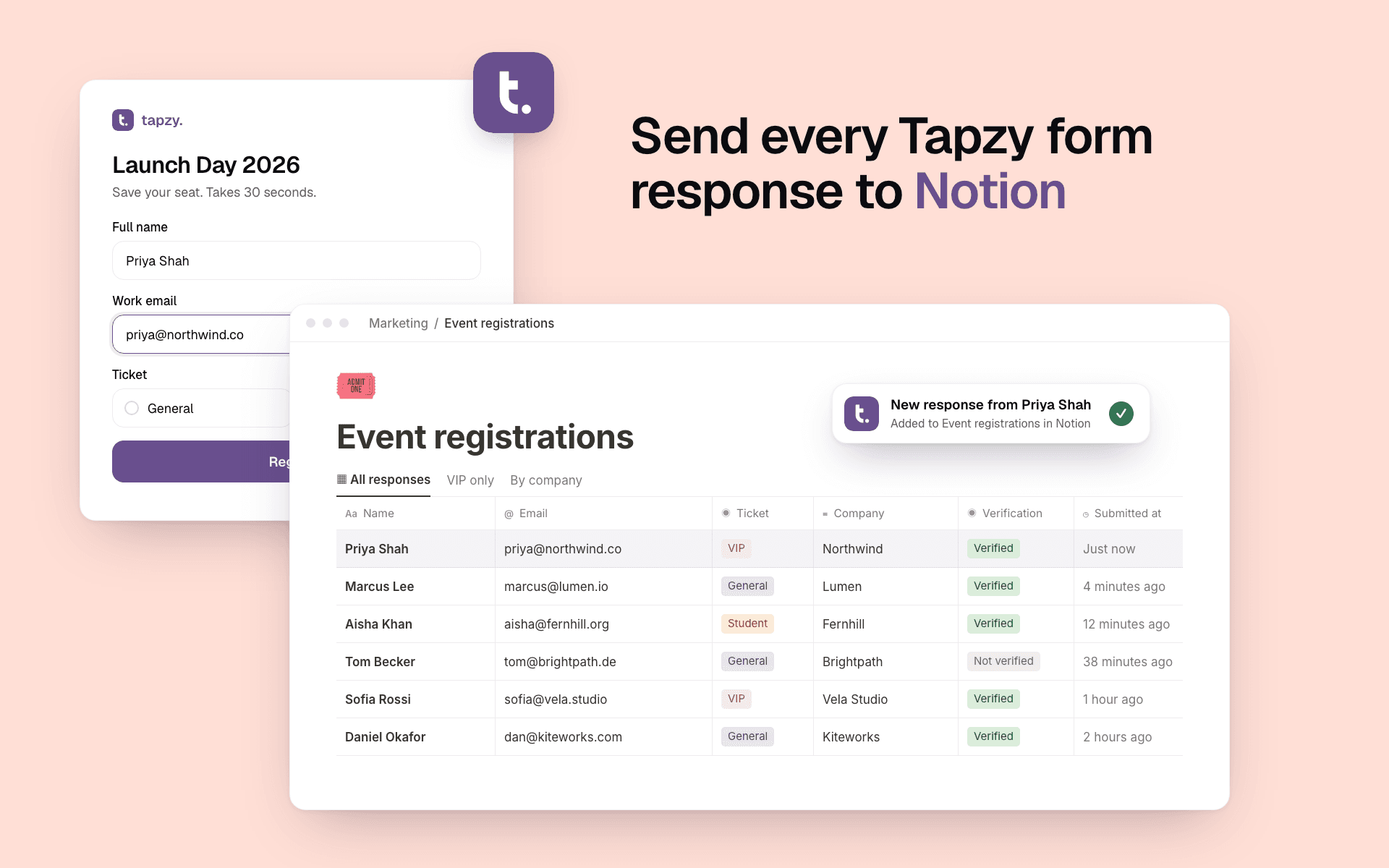
Tapzy is a form builder for registrations, lead capture, bookings, feedback and payments. Connect it to Notion and new responses land straight in your Notion database.
Create a new database or use one you already have:
• New database: Tapzy builds it with a column for every question. Nothing to map.
• Existing database: choose which answer fills each column, including select, email, date and number columns.
Every page can also hold the whole response in its body, so answers without a column still end up in Notion.
Built for teams who run their work in Notion:
• Only verified responses: send a response only when its email or phone check passed.
• Backfill: send the responses you collected before you connected.
• Pause anytime without losing your setup.
Tapzy only gets access to the pages and databases you choose during sign-in. You can disconnect from Tapzy or Notion whenever you like.
功能
- 讀取、插入和更新內容可以讀取、插入和更新此連接共享的頁面、資料庫和區塊。
- 查看工作空間使用者讀取工作空間成員與訪客的基本個人檔案詳細資料,包括其電子郵件地址。
使用方式
1. Sign up or log in at tapzy.io and open a form (or create one from a template).
2. Go to the form's Integrations tab and choose Notion.
3. Click Connect Notion, sign in, and select the page or database Tapzy may use.
4. Choose where responses go: create a new database inside a page, or pick an existing database and match each question to a column.
5. Optional: turn on "Put the whole response in the page" or "Only send verified responses".
6. Save. Every new response now appears in Notion. Use Backfill to send earlier responses too.