

簡介
SyncPenguin is a powerful yet easy-to-use data synchronization platform that helps you seamlessly connect your Notion contact database with your favorite apps and services.
Whether you need two-way, one-way, one-to-many, or many-to-one synchronization, SyncPenguin makes it simple to keep your data accurate, up to date, and consistent across all your tools.
With SyncPenguin, you can:
- Set up two-way or one-way syncing in just a few minutes - no complicated configuration required.
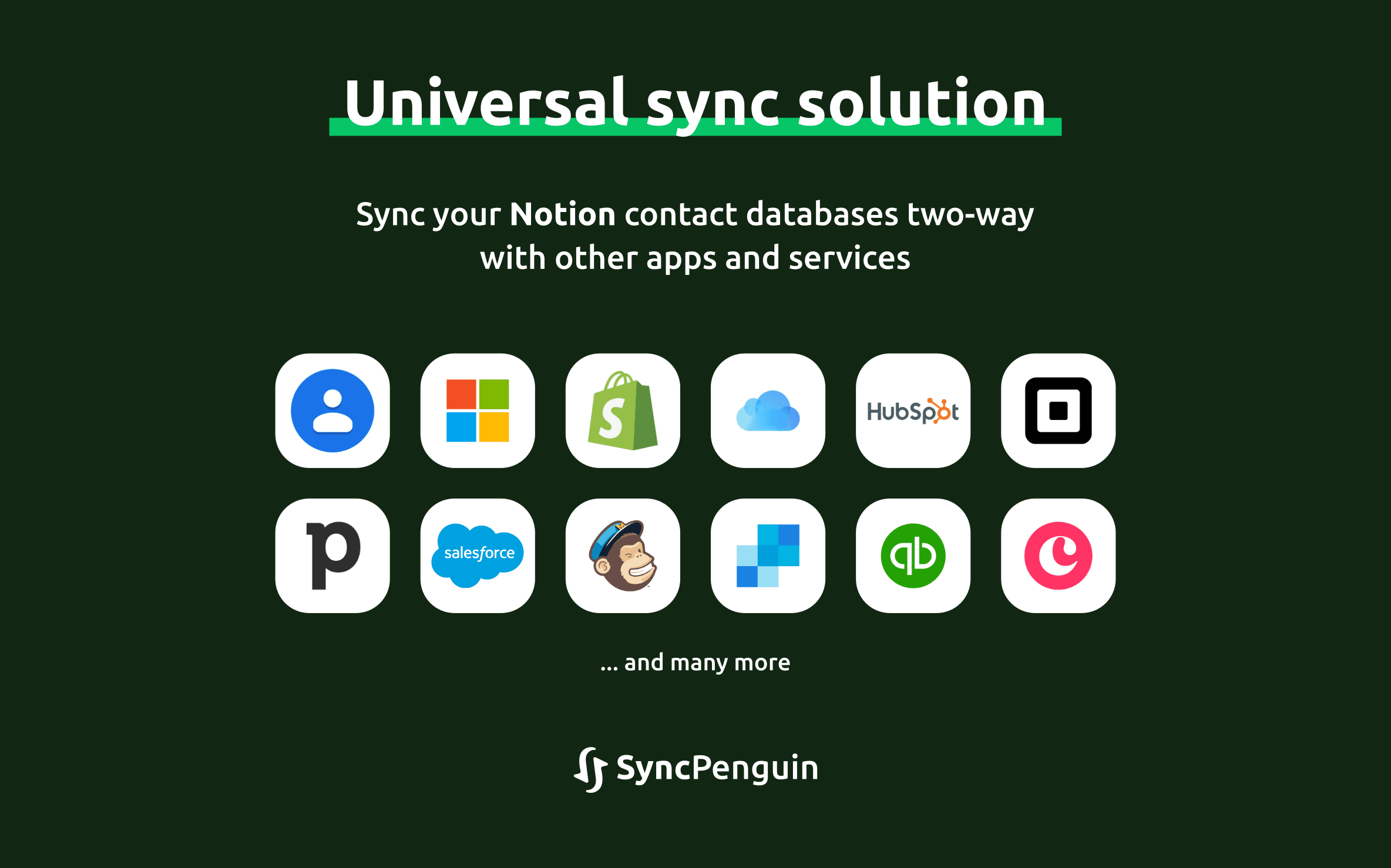
- Synchronize your Notion contacts with Microsoft 365, Google Contacts, iCloud Contacts, Mailchimp, SendGrid, Global Address Lists (GALs), Salesforce, and many other CRMs, email marketing platforms, and third-party applications.
- Customize every aspect of your sync using an intuitive interface with flexible
field mappings, filters, and powerful no-code rules
tailored to your workflow. - Perform an initial data migration and automatically keep all connected systems synchronized as changes occur.
Trusted by 2,000+ customers, from individuals to enterprise organizations, SyncPenguin helps businesses save time, reduce manual work, and maintain reliable data across their entire ecosystem.
功能
- 讀取、插入和更新內容可以讀取、插入和更新此連接共享的頁面、資料庫和區塊。
- 查看工作空間使用者讀取工作空間成員與訪客的基本個人檔案詳細資料,包括其電子郵件地址。
使用方式
Start with a free 14-day trial and experience SyncPenguin with confidence. Our dedicated support team is here to help you configure your synchronization and ensure everything works exactly as you need before you make a commitment
To configure and start syncing, go to the SyncPenguin dashboard and create your synchronization in the Synchronizations section of the left-hand menu.
Once the synchronization has been created, connect the apps you want to sync and customize the synchronization in the Field Mapping & rules section.
When you're ready to begin, click Start Syncing and select one of the available options for the initial sync.
