 SEO&OH
SEO&OH AI
簡介
SEO&OH AI turns recordings from the SEO&OH capsule recorder into transcripts with speaker labels, summaries, key points, decisions, and action items.
Connect Notion once, pick a page or database, and every finished AI result is added there automatically. No downloading, no copy-paste.
What gets created in Notion:
• A new page (or database row) per recording, titled with the AI summary title
• Overview, key points, decisions, action items
• Full transcript with speaker names and timestamps
• Multi-recording AI Notes (weekly or monthly digests) as separate pages
Notes:
• Writes only to the page or database you select. Never reads or modifies other content.
• Disconnect at any time from the same settings page.
• Requires a SEO&OH AI account (mobile app on iOS/Android, desktop app on macOS/Windows).
功能
- 讀取、插入和更新內容可以讀取、插入和更新此連接共享的頁面、資料庫和區塊。
- 查看工作空間使用者讀取工作空間成員與訪客的基本個人檔案詳細資料,包括其電子郵件地址。
使用方式
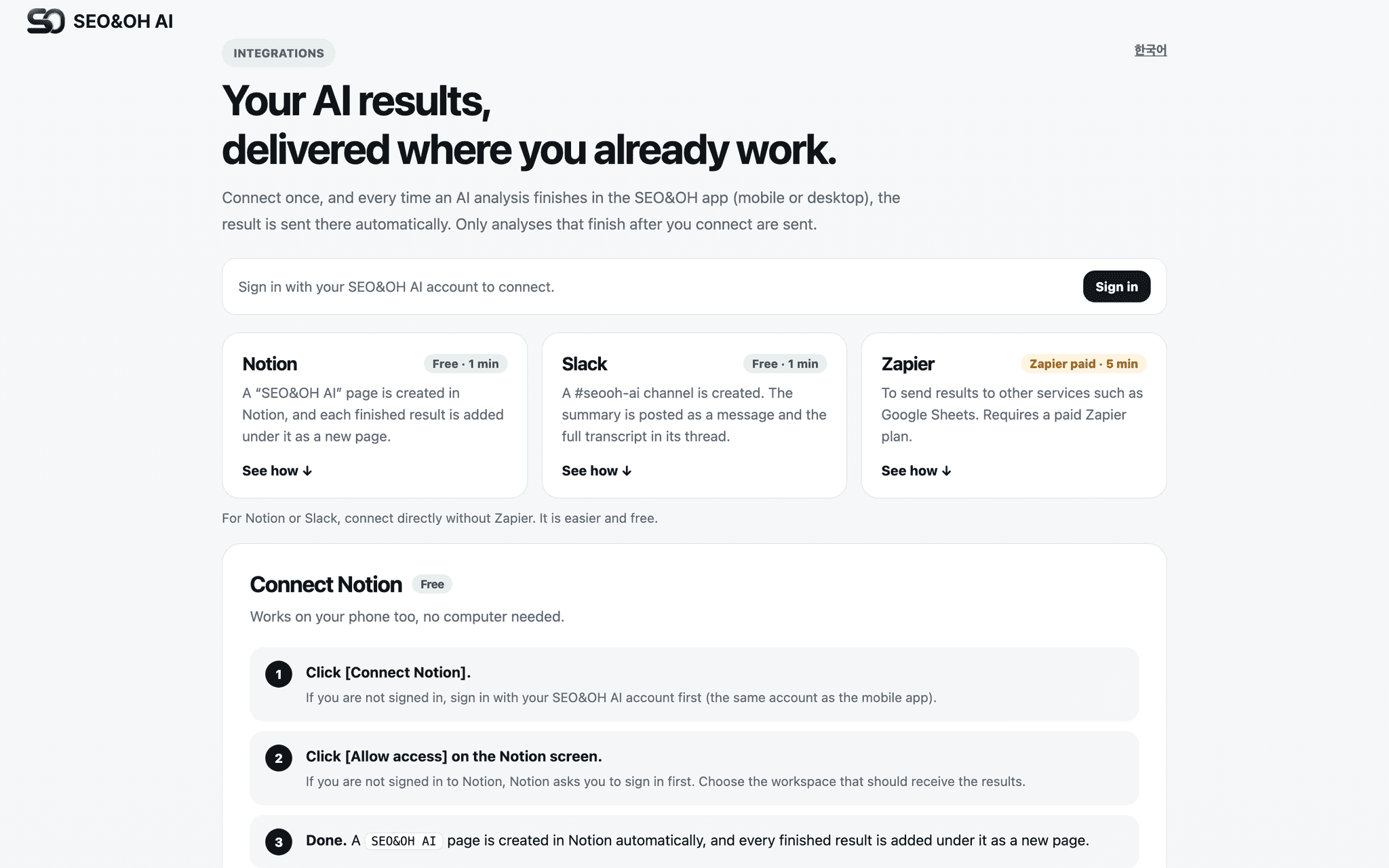
Step 1) Sign in at https://seoandoh.kr/integrations/?lang=en with your SEO&OH AI account (Google, Apple, or email).
Step 2) Click "Connect Notion" and approve access to the page or database you want to use.
Step 3) A "SEO&OH AI" page is created in your workspace automatically. Each new result is added under it.
Step 4) Finish an AI analysis in the SEO&OH AI app. The result appears in Notion within seconds.
You can send a test delivery from the same page, and disconnect at any time.
