 ScaleTrack.ai
ScaleTrack
簡介
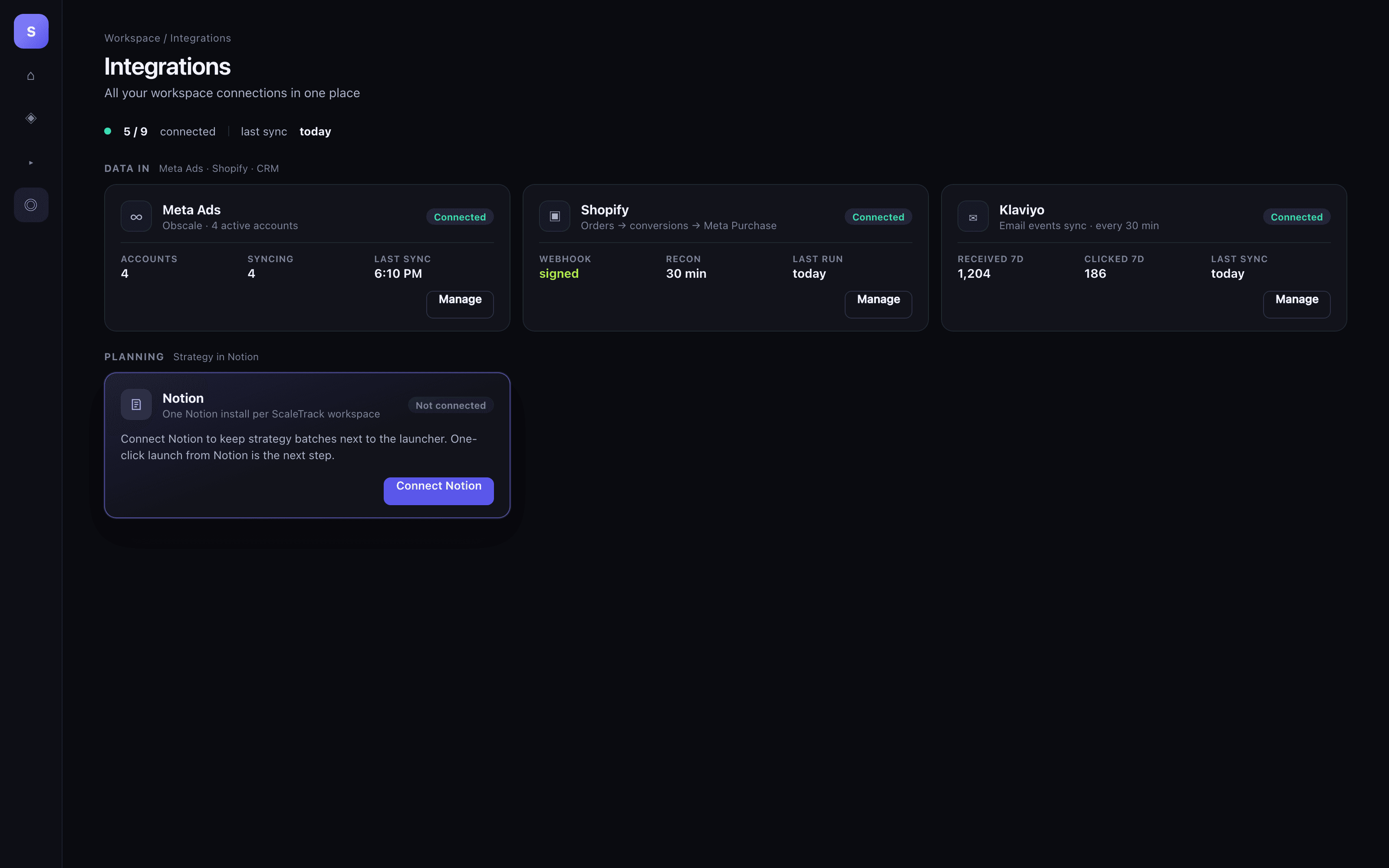
ScaleTrack is a Meta-ads tracker and campaign launcher. This connection links a Notion workspace to a ScaleTrack workspace so the team that plans tests in Notion can work in the same place that publishes ads.
What it does today
• OAuth install from ScaleTrack → Integrations → Notion
• One Notion workspace per ScaleTrack workspace
• ScaleTrack reads and updates pages you share with the connection
• An inbound webhook URL for later Notion buttons (Send webhook)
What it does not do yet
• It does not launch Meta campaigns from a Notion button. That workflow is next.
Who it’s for
Media buyers and operators who already run ads in ScaleTrack and keep strategy, batches, and test notes in Notion.
Privacy
ScaleTrack stores encrypted Notion tokens on your workspace. You choose which pages to share during OAuth. Disconnect deletes the tokens. We do not request comment access or user email.
功能
- 讀取、插入和更新內容可以讀取、插入和更新此連接共享的頁面、資料庫和區塊。
使用方式
1. Open ScaleTrack and sign in to the workspace you want to connect.
2. Go to Integrations → Planning → Notion.
3. Click Connect Notion. Notion asks you to Allow access.
4. Select the pages or databases ScaleTrack should see (your strategy / batch pages). Confirm.
5. You should land back on Integrations with the Notion workspace name shown as connected.
6. To disconnect: same panel → Disconnect. Tokens are deleted; your Notion pages stay.
Start from ScaleTrack, not from this Marketplace page alone. The install has to bind to your ScaleTrack workspace.
Need a workspace? https://scaletrack.ai
