
簡介
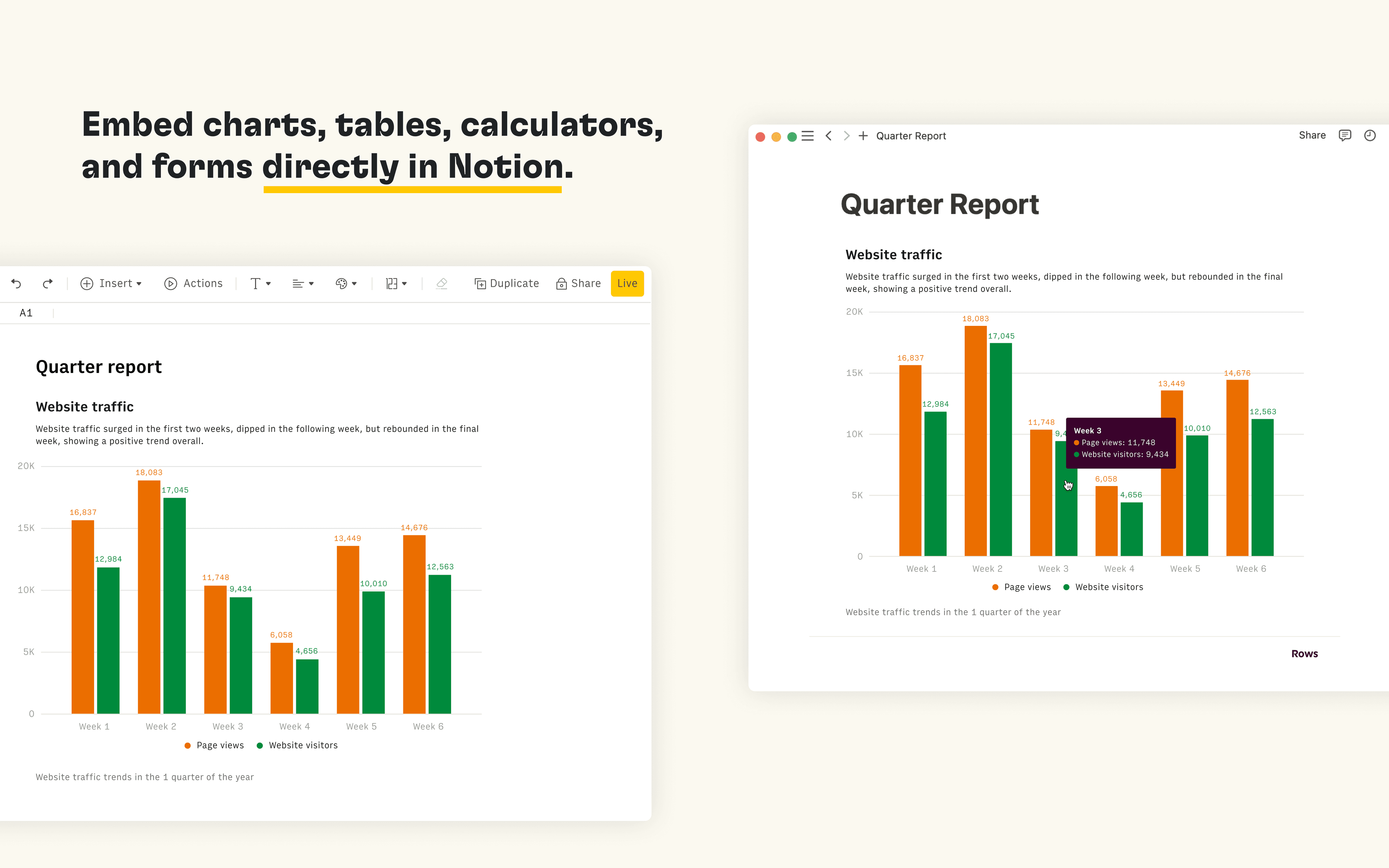
Rows is the spreadsheet where data comes to life. The Notion integration in Rows allows you to import and query your Notion databases in Rows, analyze and transform data using AI, and embed interactive tables and charts in your Notion pages.
功能
- 讀取、插入和更新內容可以讀取、插入和更新此連接共享的頁面、資料庫和區塊。
- 查看工作空間使用者讀取工作空間成員與訪客的基本個人檔案詳細資料。
使用方式
Connect the Notion integration in Rows and import the contents of your databases to a table in Rows
Once you’re ready to embed your data into Notion, select
Embednext to the table, form or chart you want to share in Notion and selectCopy URL. The embed link should be in the following format:https:/ / rows. com/ embed/ projectIDPaste the Rows embed link into Notion and select
Create embedFor more information, see the Rows docs and watch the integration demo