Rank House

RankHouse
簡介
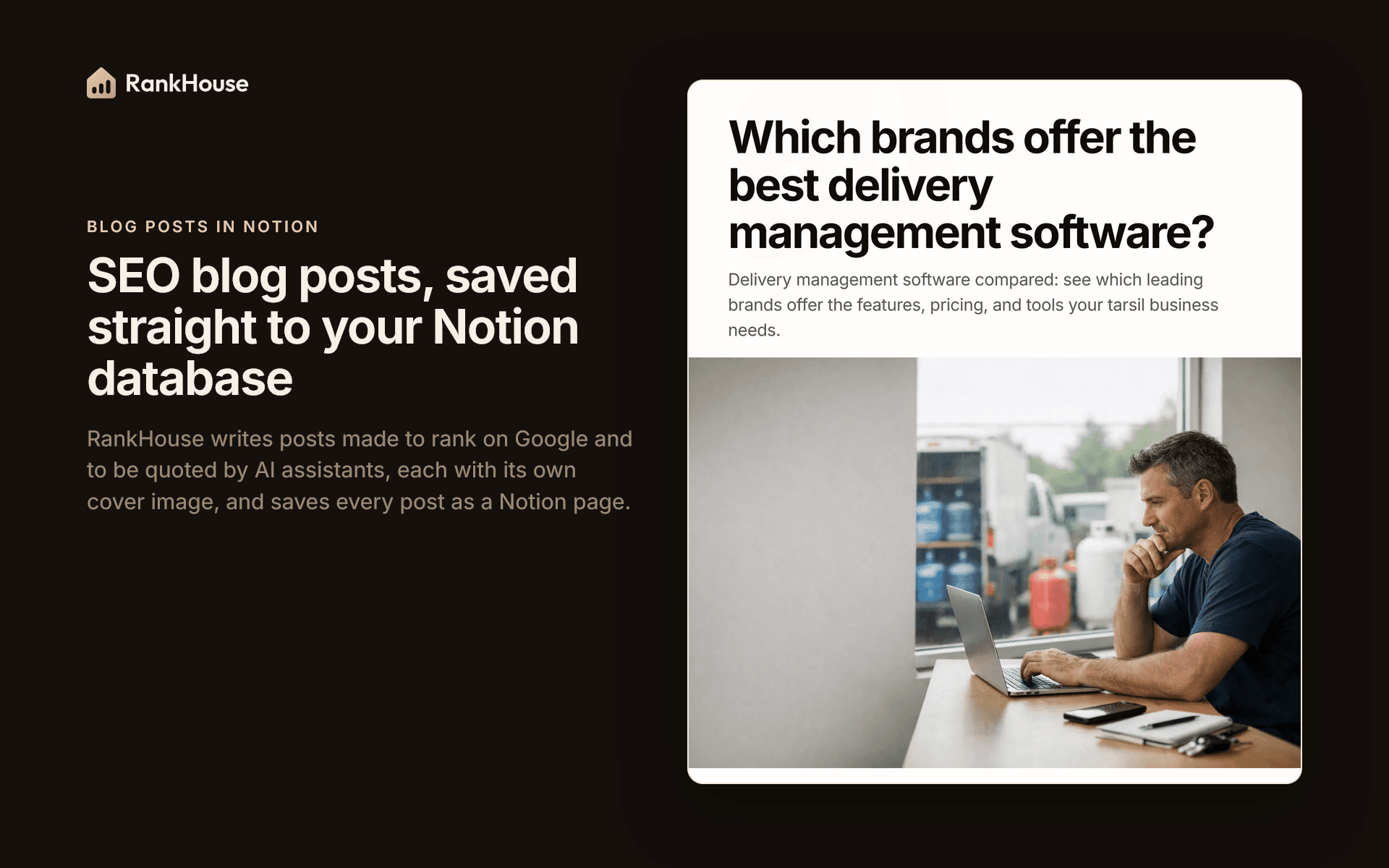
RankHouse is an AI agent that does SEO work for your business. It writes blog posts that answer what your buyers search for, made to rank on Google and to be quoted by AI assistants.
This connection saves each post as a page in the Notion database you choose:
- The title goes to the title column.
- The article becomes the page content, with its headings, lists, tables and links.
- The main image becomes the page cover.
- The summary, SEO title, meta description, publish date, status, tags, author and reading time go to the columns you pick.
Edit a post in RankHouse and the same Notion page is updated. Delete it and the page moves to your Notion trash.
RankHouse only works in the pages and databases you share with it. It never changes pages it did not create, and never adds options to your Status or Select columns.
功能
- 讀取、插入和更新內容可以讀取、插入和更新此連接共享的頁面、資料庫和區塊。
使用方式
1. Sign in to RankHouse at https://rankhouse.ai. New accounts are reviewed by our team, usually within one business day.
2. Open Account, then Integrations, then Notion, and click "Connect with Notion".
3. On Notion's screen, choose your workspace, tick your blog database (or the page it is in) and click "Allow access".
4. Back in RankHouse, pick the database, or click "Create a Blog database" to get a ready one. Check which column gets each part of a post, then click "Connect Notion".
5. Publish from Content, then Blog posts: "Publish selected" or "Publish all waiting" sends several posts at once, and "Publish to Notion" inside a post sends that one. You can also choose "Agent Auto Publish" so new posts go out on their own.
6. To stop, click "Disconnect" on the same card. Pages already in Notion stay.
Full guide: https://rankhouse.ai/integrations/notion