
簡介
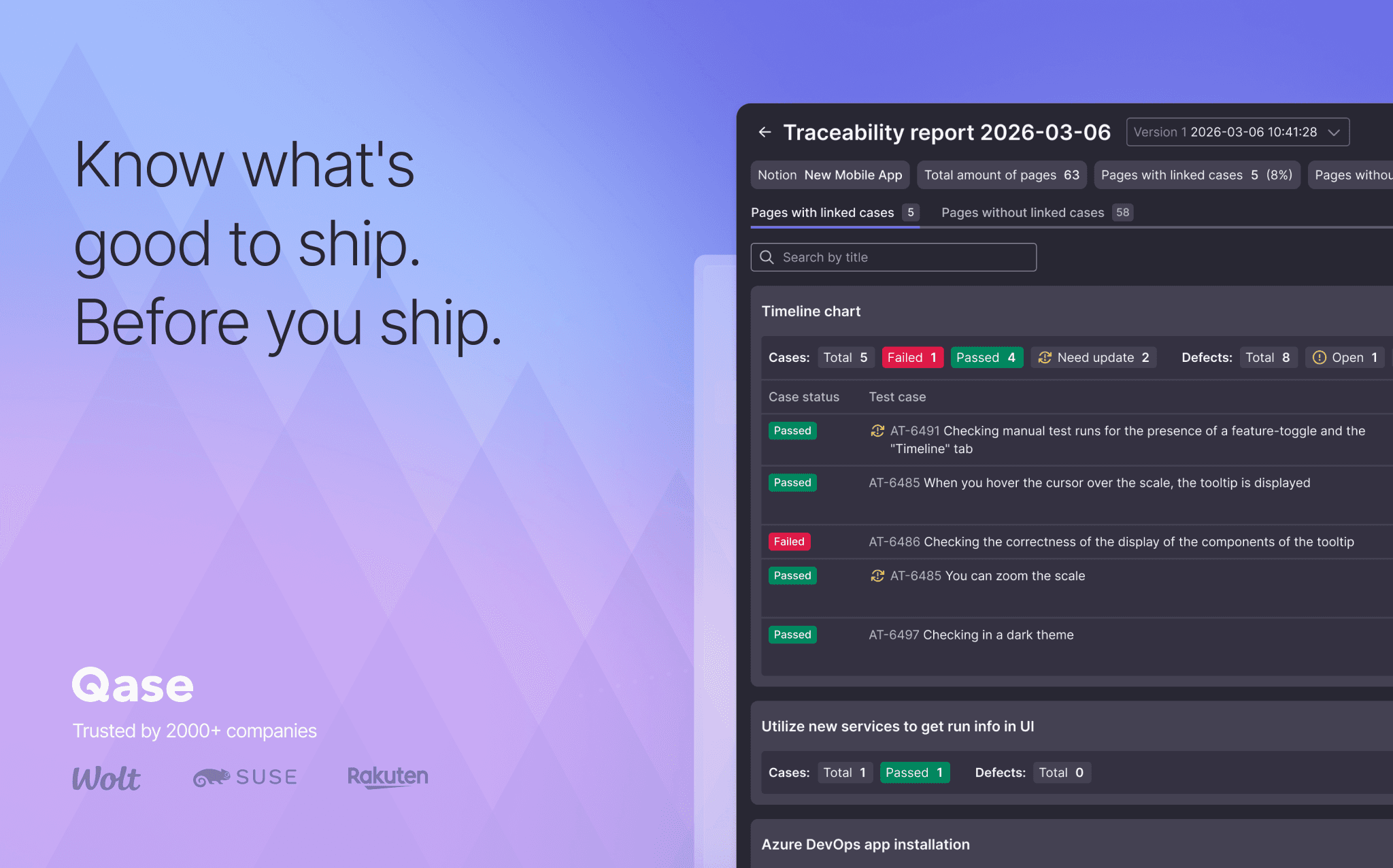
Qase is the test management platform where manual runs, automation results and AI-generated test cases live in one place. Connect Notion, and the requirement pages your team already writes feed your tests directly: link a page to its Qase test cases or defects, or open it in AIDEN, Qase's AI Test Case Designer. AIDEN can generate test cases from the spec, or import the content for you to draft from. Either way, no copy-pasting.
功能
- 讀取、插入和更新內容可以讀取、插入和更新此連接共享的頁面、資料庫和區塊。
- 查看工作空間使用者讀取工作空間成員與訪客的基本個人檔案詳細資料。
使用方式
- In Qase, open Apps → Notion and authorize via OAuth.
- Browse your Notion pages and databases from inside Qase. Link them to test cases or defects.
- Open a Notion page in AIDEN's Test Case Designer. Generate cases from the spec, or draft your own from the imported content.
- Open the Requirement Traceability Report to see which Notion pages still need coverage.