 Product Map
Product Map AI
簡介
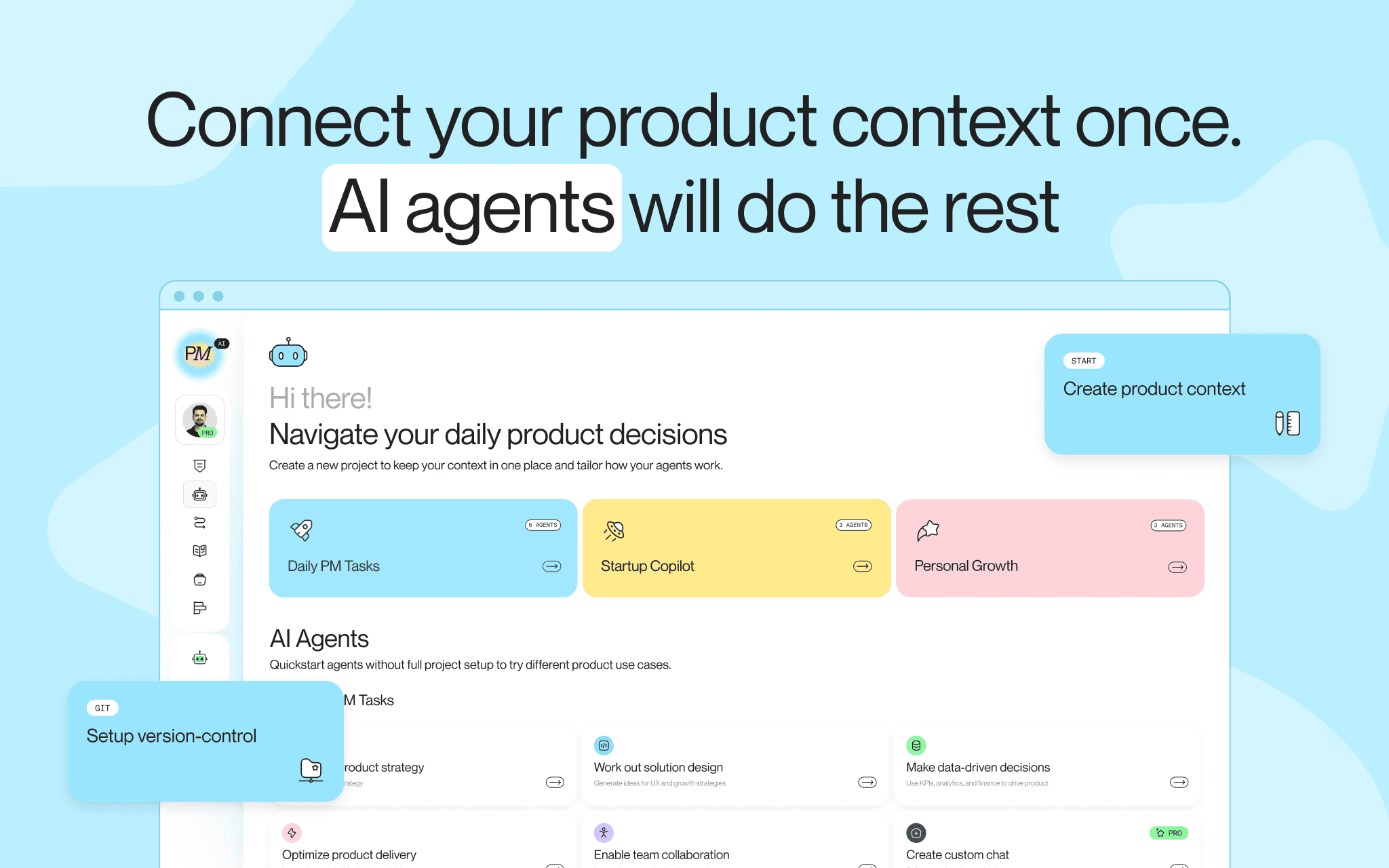
Product Map is an AI copilot for product managers. This connection lets Product Map read Notion pages and databases you authorize, so agents can use your real product docs as context in chat.
When you connect Notion to a Product Map project, you can:
• Paste a Notion page link in agent chat and pull that page into the conversation
• Search Notion from the agent when Notion tools are enabled
• Keep access scoped to your Product Map project and the pages you share
Product Map uses Notion content only to answer your requests and improve product work inside your workspace. It does not use your Notion content to train foundation models.
Best for product managers and product teams who keep PRDs, research notes, roadmaps, and strategy docs in Notion and want them available while working with Product Map AI agents.
功能
- 讀取、插入和更新內容可以讀取、插入和更新此連接共享的頁面、資料庫和區塊。
- 查看工作空間使用者讀取工作空間成員與訪客的基本個人檔案詳細資料,包括其電子郵件地址。
使用方式
• Sign up to Product Map at https://www.productmap.io
• Open a project under Profile → Assistant
• Click Connect tools (or open Connections)
• Choose Notion and complete OAuth authorization
• In Notion, share the pages or databases you want Product Map to access with the Product Map AI connection
• Open an agent chat, keep Notion enabled under Use Tools, and paste a Notion page link (or ask the agent to search Notion)
You need admin access on the Product Map project to connect or disconnect Notion.
Any project member can use an already-connected Notion integration in chat.
