
簡介
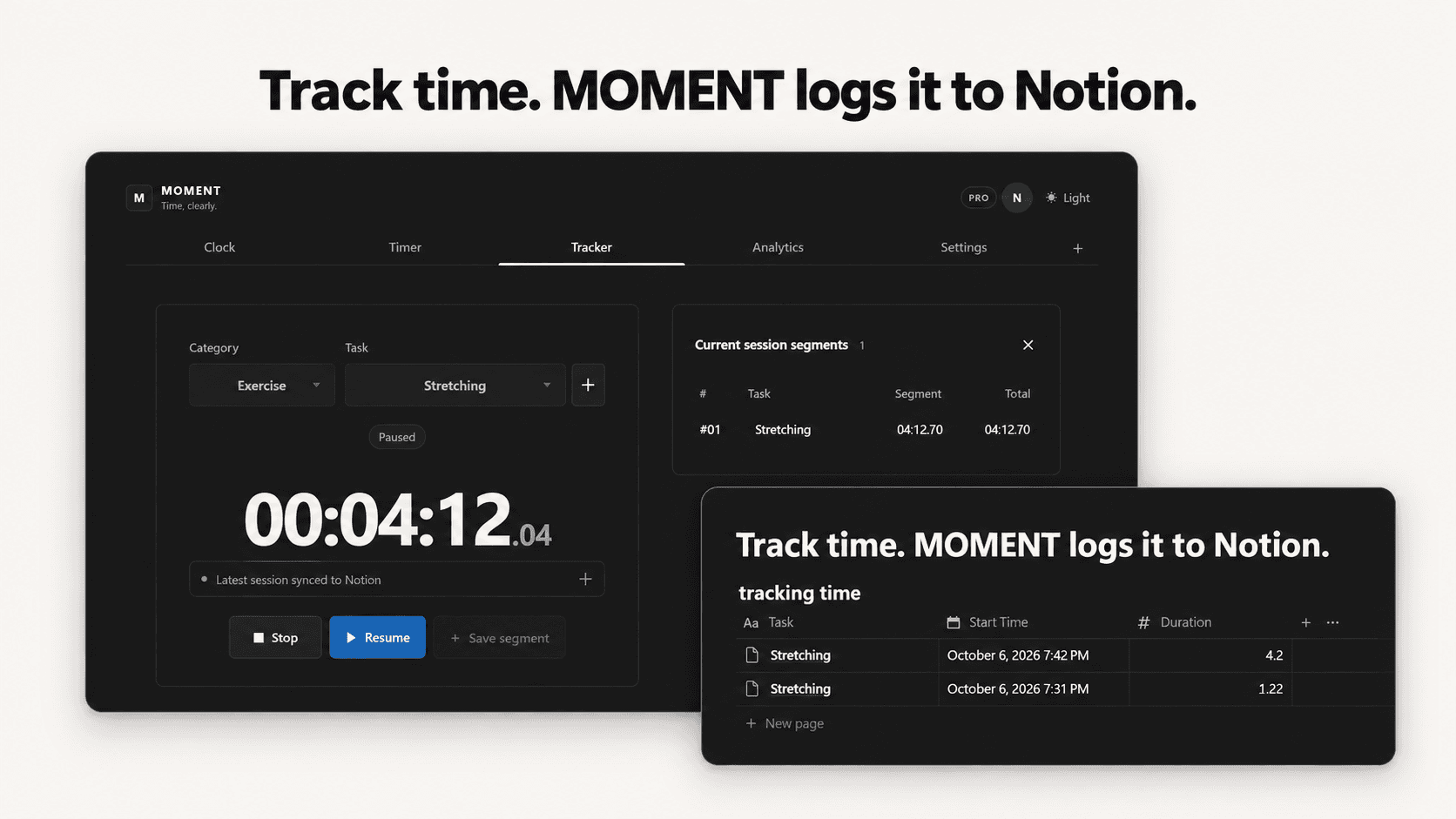
Track your time. MOMENT logs it to Notion automatically.
MOMENT is a Notion-native time tracker that connects time tracking, session history, and analytics to your existing Notion databases.
Start a timer, focus on your task, and stop when you are done. MOMENT safely saves the session and automatically sends it to your connected Notion database.
What you can do
- Track time with a simple timer and stopwatch
- Automatically log completed sessions to Notion
- Use your existing Notion database
- Match MOMENT fields with your own Notion properties
- Organize sessions by category and task
- Review time analytics by day, week, month, category, or task
- Sync daily, weekly, and monthly analytics to Notion
- Use MOMENT directly inside a Notion page
Designed around your Notion workspace
You do not need to rebuild your workspace around MOMENT.
Choose the database you already use, then match fields such as:
- Task name
- Category
- Start time
- End time
- Duration
- Status
- Notes
Your database and property names remain unchanged.
Free and Pro
The Free plan lets you track time and log up to 10 completed sessions to Notion each month.
Pro adds category and task organization, full analytics, automatic analytics sync, and additional tracking settings.
Reliable by design
MOMENT saves your completed sessions before syncing them to Notion. If Notion is temporarily unavailable, your session remains safe and MOMENT can retry the sync.
Track time. Let MOMENT handle the Notion updates.
功能
- 讀取、插入和更新內容可以讀取、插入和更新此連接共享的頁面、資料庫和區塊。
- 查看工作空間使用者讀取工作空間成員與訪客的基本個人檔案詳細資料,包括其電子郵件地址。
使用方式
Get started with MOMENT
1. Open MOMENT*
Visit [momenttimer.kro.kr](https://momenttimer.kro.kr) and create an account or log in.
2. Connect Notion*
Open the setup wizard and select Connect Notion.
3. Choose your workspace
Notion will open in a new window. Select the workspace and pages that MOMENT may access, then approve the connection.
4. Select your time log database
Return to MOMENT and choose the Notion database where completed sessions should be saved.
5. Match your properties
Match each MOMENT field with the appropriate property in your Notion database.
Required fields are shown clearly. MOMENT only displays compatible Notion property types.
6. Complete setup
Save the property matches and finish the setup wizard.
7. Track your first session
Enter a task name and select Start. When you finish, select Stop.
8. Check Notion*
Your completed session will appear in the connected Notion database automatically.
Optional: use MOMENT inside Notion
Open your MOMENT account, copy your private embed link, and paste it into a Notion page.
Choose Create embed*, then resize the block to fit your workspace.
Need to change something later?
You can change your Notion database, property matches, language, and tracking settings at any time from MOMENT Settings.