

簡介
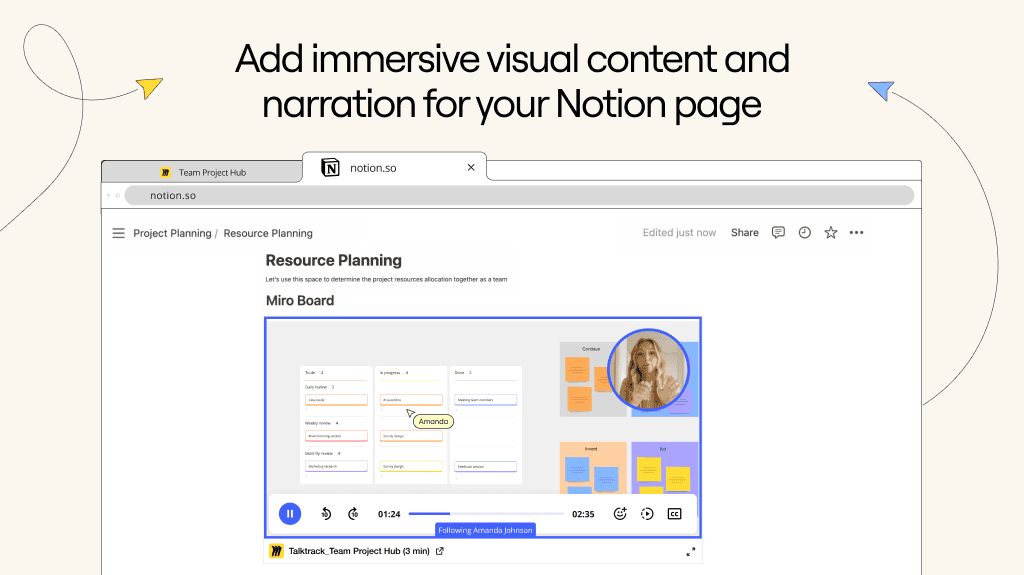
Miro is an online workspace that helps distributed teams of any size to build the next big thing. With Miro embeds, you can easily bring visual context into your Notion pages - including Miro diagrams, journeys and roadmaps. Miro is embedded as a live artifact, with a real-time sync, ensuring that the content is up to date at all times.
使用方式
Paste any Miro link into Notion, then select
Embed Miro board. You can also type/mirointo a Notion page - a field will come up that allows you to paste Miro linksEnsure your Miro board has the right access permissions before embedding it into Notion. Only signed in users with permissions can access the board. Alternatively, you can make the Miro board available to anyone with the link in Miro’s
Sharemenu
