
簡介
MindMapist is a mind-map web app that works alongside Notion.
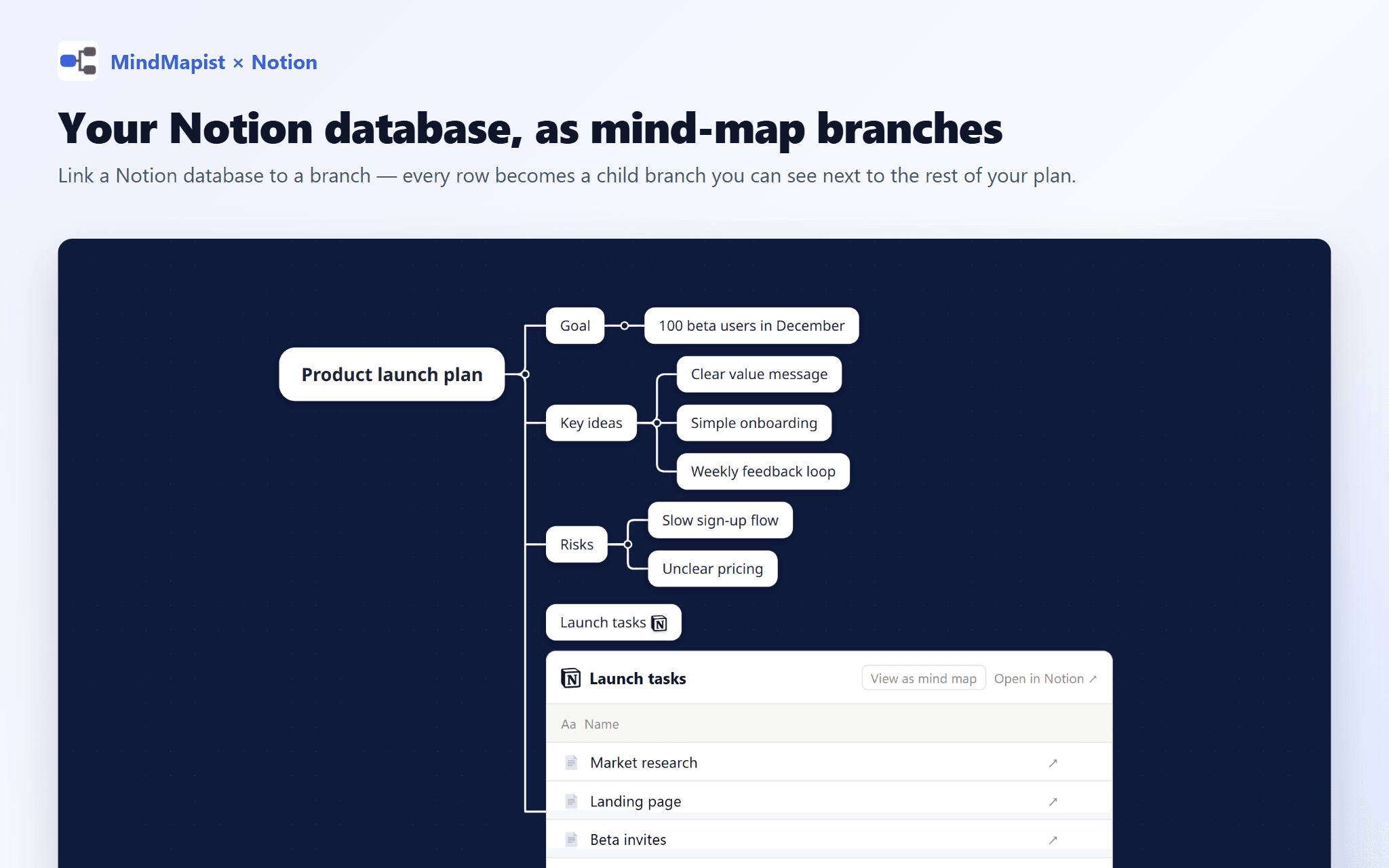
Notion databases as branches: link a Notion database to a branch and every row becomes a child branch. Add or rename a row in either app and the other follows. Deleting a row branch moves that Notion page to the trash, so nothing is lost.
Notion pages and mind maps: link a mind map to a Notion page to keep the outline and title in sync, or add the mind map to the page as a bookmark.
Easy setup: connect with Notion, pick the pages you want to share, and choose them from a searchable list. MindMapist only accesses the pages you choose.
功能
- 讀取、插入和更新內容可以讀取、插入和更新此連接共享的頁面、資料庫和區塊。
- 查看工作空間使用者讀取工作空間成員與訪客的基本個人檔案詳細資料,包括其電子郵件地址。
使用方式
- Sign up at app.mindmapistai.com with Google or email.
- 2. Open Settings, go to Connections and choose Connect with Notion. Pick the pages and databases to share.
- 3. In a mind map, use the Notion chip at the top to link a Notion page, or insert a Notion database branch from the right panel.