簡介
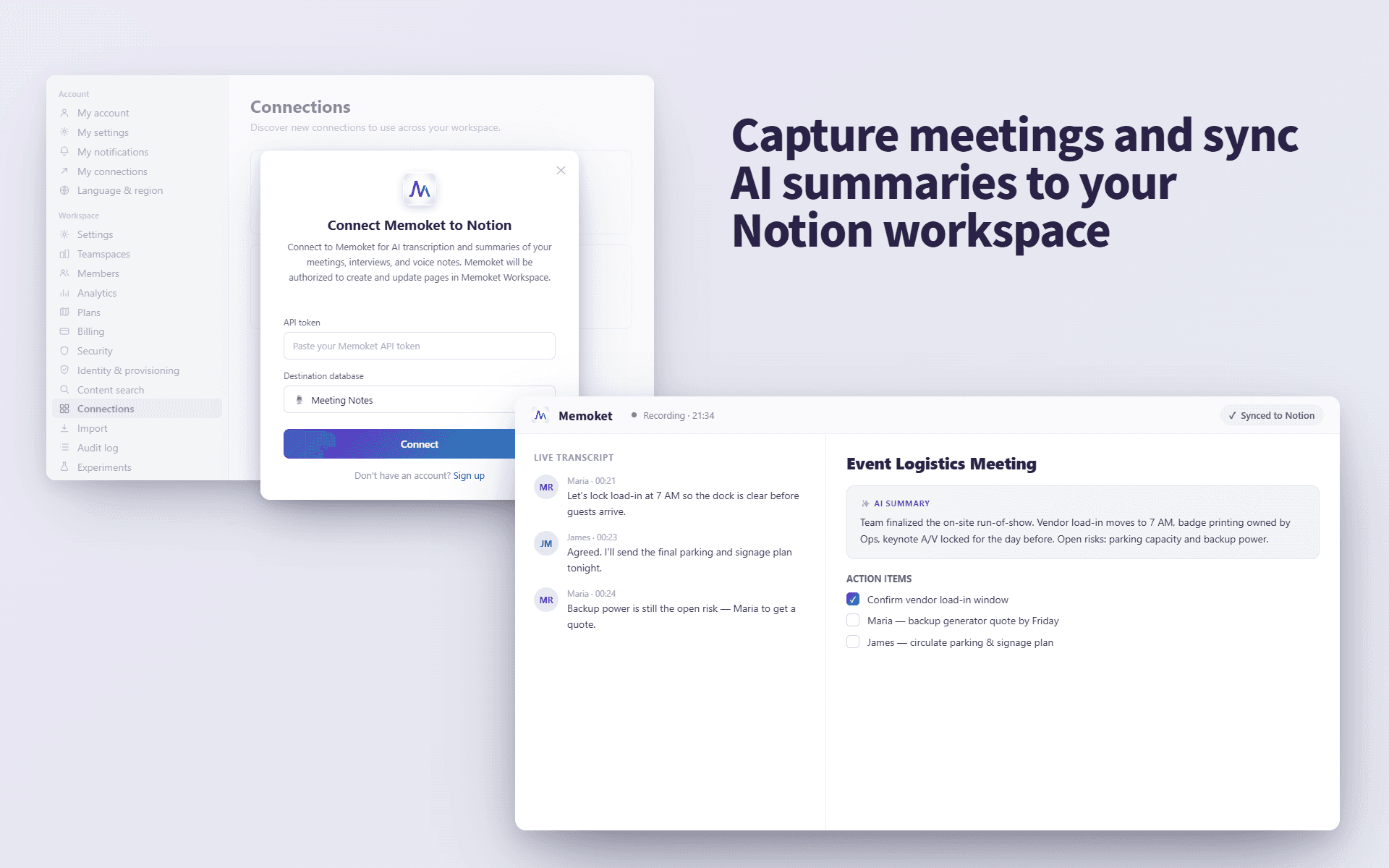
Memoket helps you turn conversations, meetings, interviews, and voice notes into structured transcripts and AI summaries, then send them directly to your Notion pages.
Use Memoket to keep important discussions, research calls, meeting notes, and personal ideas organized in your Notion workspace.
功能
- 讀取、插入和更新內容可以讀取、插入和更新此連接共享的頁面、資料庫和區塊。
- 查看工作空間使用者讀取工作空間成員與訪客的基本個人檔案詳細資料,包括其電子郵件地址。
使用方式
Open the Memoket app and go to Settings → Integrations (Connections), then tap "Connect Notion." You'll be redirected to Notion's authorization page, where you choose your workspace and select the specific pages you want Memoket to access. After you click "Allow access," you'll be redirected back to Memoket and the connection is active. From then on, open any recording, choose "Send to Notion," and pick a destination page — Memoket sends the transcript and AI summary to that Notion page.
Note: Memoket can only access the pages you select during authorization. You can review or revoke access anytime in Notion → Settings → Connections.