
簡介
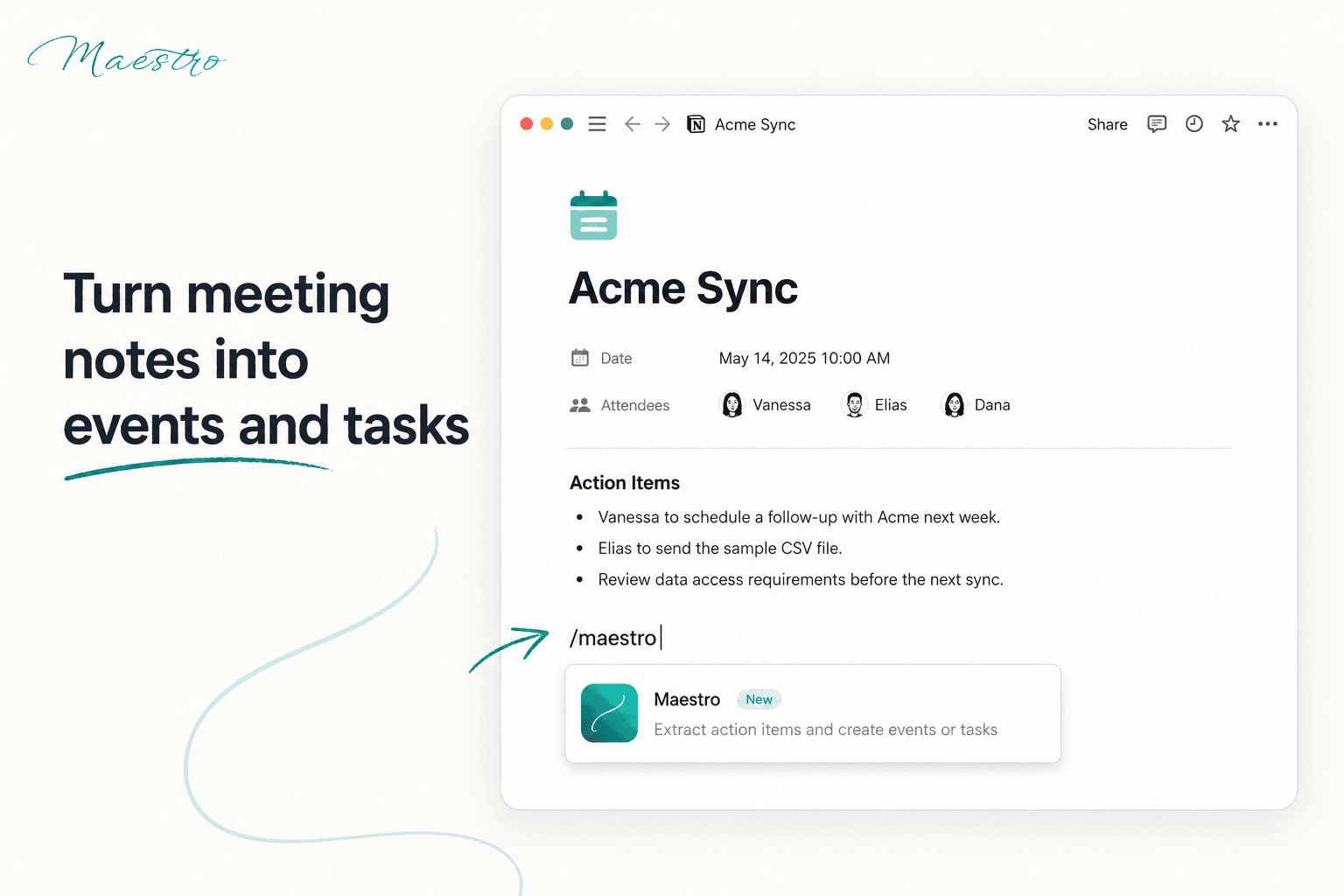
Maestro brings your calendars, tasks, and schedules together in one unified view. Sync multiple calendars, automatically block time to protect your availability, and reduce the mental overhead of managing a busy schedule — perfect for consultants, fractional executives, and anyone juggling multiple clients, roles, or commitments.
功能
- 讀取、插入和更新內容可以讀取、插入和更新此連接共享的頁面、資料庫和區塊。
- 讀取和加入 個留言可以在有權存取的頁面和區塊上讀取和加入留言。
- 查看工作空間使用者讀取工作空間成員與訪客的基本個人檔案詳細資料,包括其電子郵件地址。
使用方式
- Sign up for free at
maestroyourlife.com
. - Connect your calendars to Maestro and sync with your Notion workspace.
- Start managing your schedule immediately with a free account, or activate your 30-day free trial to unlock advanced features — including syncing up to 3 calendars, smart time-blocking, and a shareable public booking link.
- Review your unified calendar and let Maestro's smart blocking protect your free time automatically.