HyNote_bao

HyNote
簡介
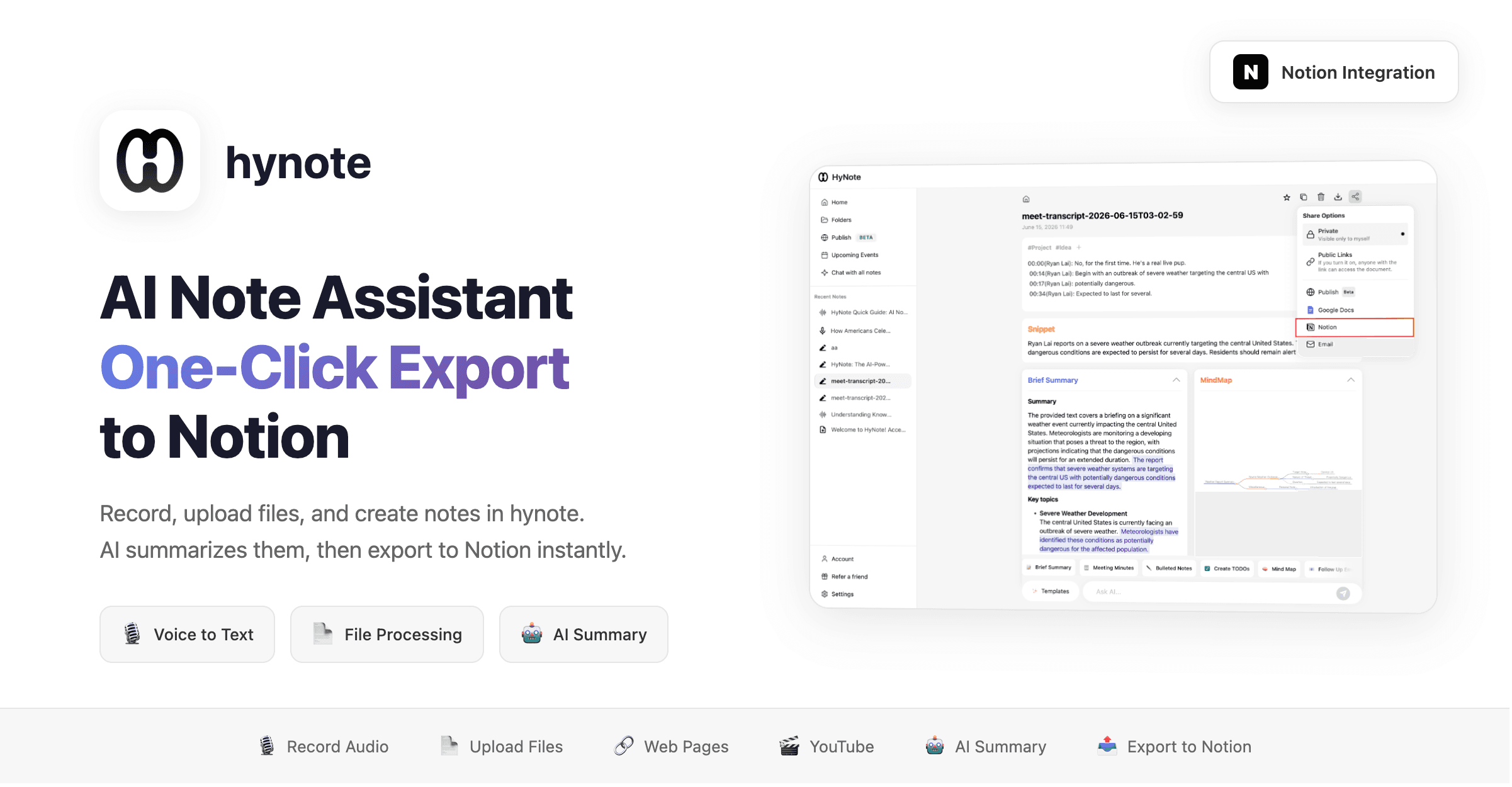
hynote is an AI-powered note assistant that helps you summarize recordings, uploaded files, and handwritten notes, then export them to Notion with one click.
What it does:
- 🎙️ Record audio → AI transcribes and summarizes
- 📄 Upload files (PDF, images, docs) → Extract content and summarize
- ✍️ Handwritten notes → AI organizes into structured content
- 📤 One-click export to Notion pages
Use cases:
- Meeting recording → Auto-generate meeting notes → Export to Notion
- Read a paper → AI summarizes key points → Save to Notion knowledge base
- Class notes → Organize into structured notes → Sync to Notion
功能
- 讀取、插入和更新內容可以讀取、插入和更新此連接共享的頁面、資料庫和區塊。
- 查看工作空間使用者讀取工作空間成員與訪客的基本個人檔案詳細資料,包括其電子郵件地址。
使用方式
hynote - AI Note Assistant | Notion Integration Guide
Step 1: Create a Note
- Log in to hynote
- Click
New Note - Choose your input method:
- 🎙️
Record Audio
— Record meetings, classes, or voice notes - 📷
Upload Image
— Upload images, screenshots, or handwritten notes - 📄
Import PDF
— Import PDF documents, papers, or reports - 📝
Import Text
— Import text files - 🔗
Import Web Page
— Paste a URL to auto-fetch content - 🎬
YouTube Video
— Paste a YouTube link to extract subtitles - 📸
Take Screenshot
— Capture screenshots as notes - 🎵
Import Audio
— Import audio files
- 🎙️
Step 2: AI Processing
- hynote auto-generates note content
- Use
AI Summary
— One-click intelligent summary - Use
AI Chat
— Chat with your note content for deeper understanding
Step 3: Export to Notion
- Click the
Share to Notion
button in the top right corner - Select the Notion page or database to export to
- Done! Your note is automatically written to Notion