Hazelchat

Hazelchat
簡介
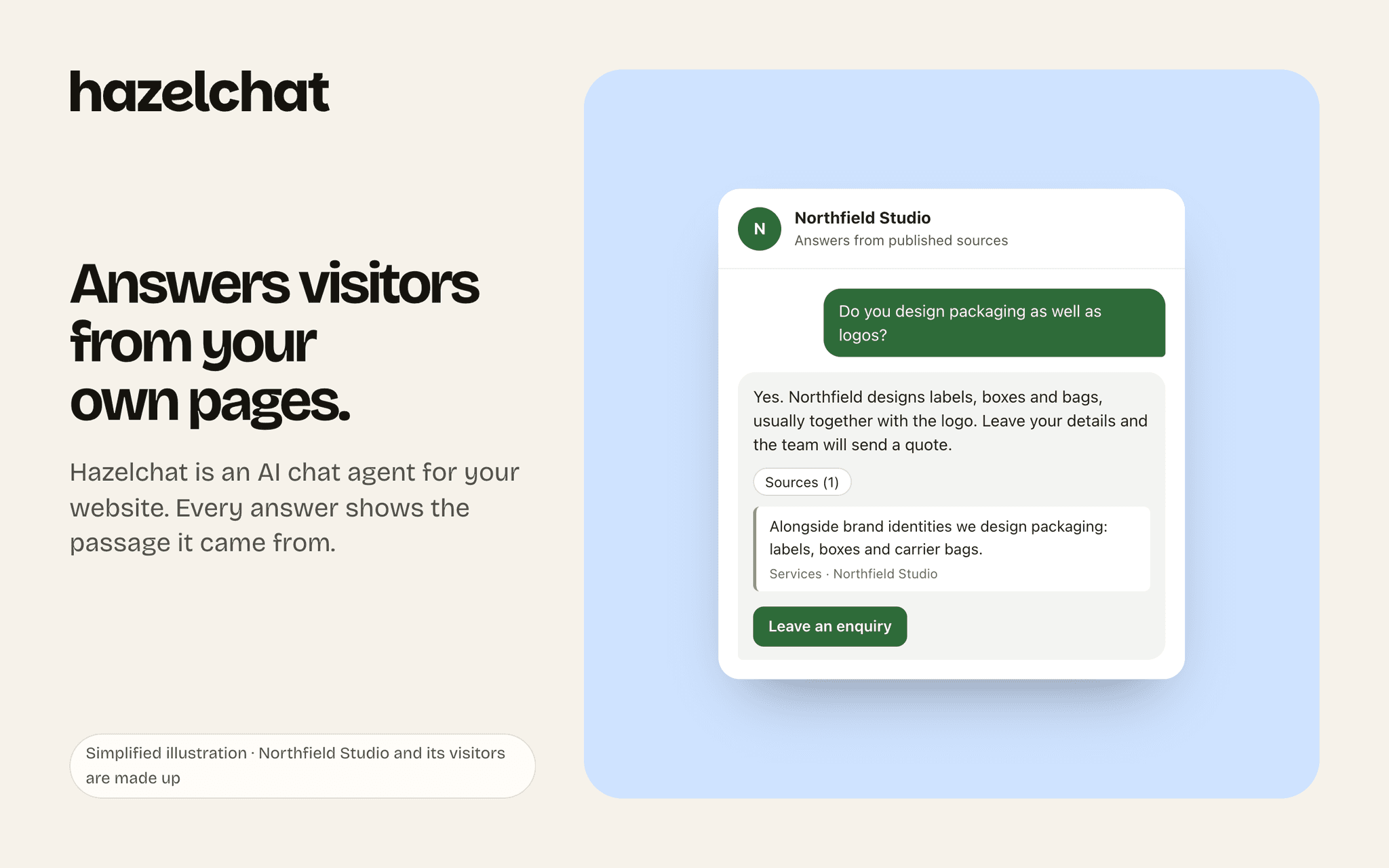
Hazelchat is an AI chat agent for your website. It answers visitors from your own pages and the sources you approve, and shows where each answer came from. When it can't answer, it says so and offers to take an enquiry.
Connect Notion and choose "Use a template": Notion adds a Hazelchat page to your workspace with a database for your website chat. From then on:
Every enquiry a visitor sends becomes a row with their name, email address, the time, your website and a link to the conversation in Hazelchat. The row's page holds their message, the last question they asked and where the chat came from.
Every question Hazel couldn't answer becomes a row too, with email addresses and phone numbers removed, so you can see what visitors ask that your website doesn't cover yet. Open it in Hazelchat to add the answer.
The database comes with three views: All, Enquiries (a board by status) and Unanswered questions. Rename columns, add your own and change the status as you follow up. Hazelchat writes by column, not by name.
Hazelchat can only add rows. It can't change or delete anything in your Notion, and it never writes to a page you've published to the web. If you share a database of your own instead of using the template, Hazelchat adds enquiries there and leaves its columns as they are.
Sending enquiries to Notion is part of Hazelchat's paid plans.
功能
- 讀取和插入內容可以讀取和插入此連接共享的頁面、資料庫和區塊。
使用方式
- Sign in to Hazelchat (or start for free at hazelchat.co) and set up your website chat.
- 2. In Hazelchat, open Settings, go to Notion and click Connect Notion.
- 3. In Notion, choose "Use a template", then Allow access. Notion adds a Hazelchat page with its database to your workspace; Hazelchat waits until the copy is ready.
- 4. That's it. New enquiries and unanswered questions from your website chat appear as rows. To stop, click Disconnect Notion in Hazelchat; what's already in Notion stays there.