
Graphite
簡介
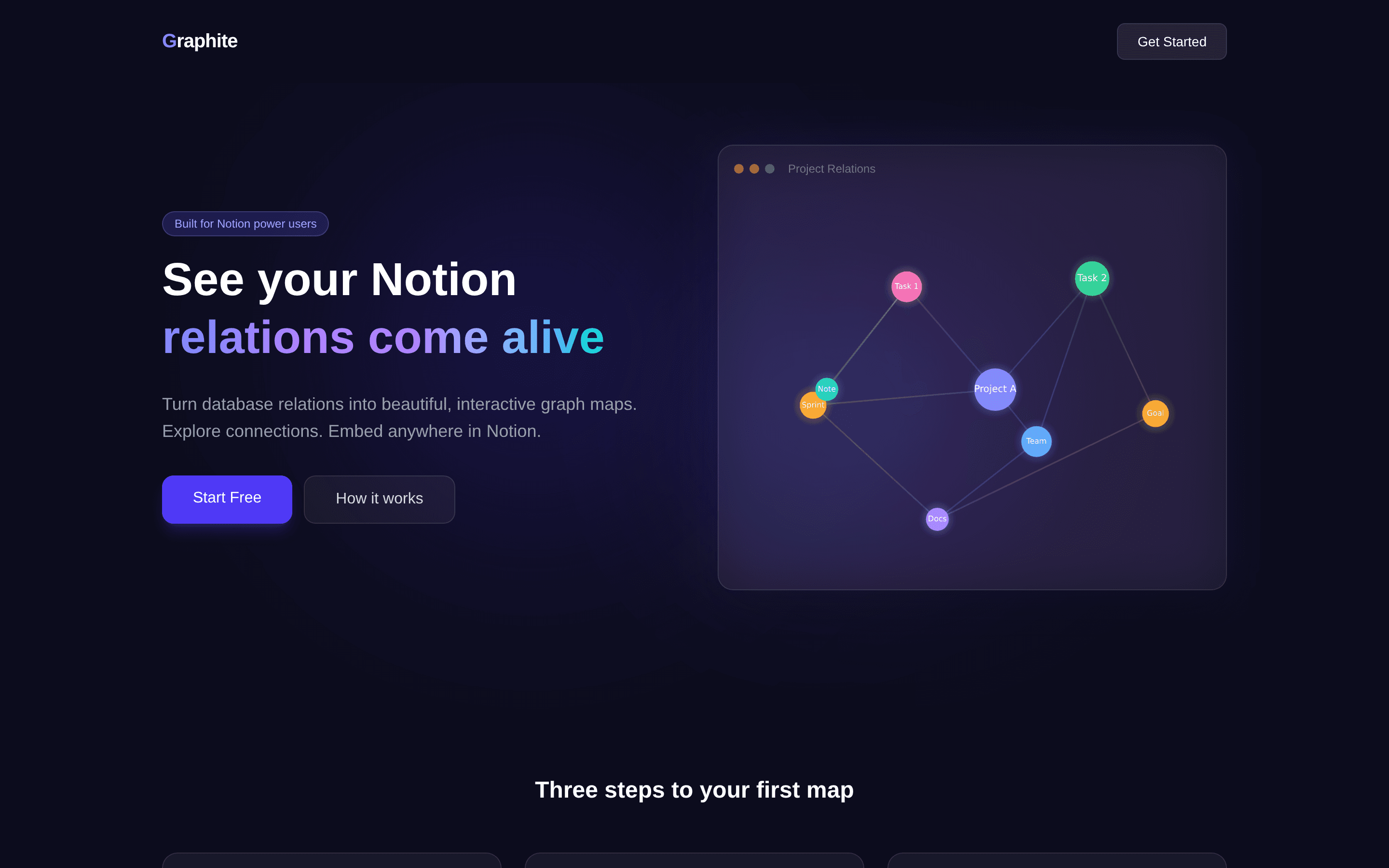
Graphite turns the relation properties of your Notion databases into beautiful, interactive graph maps.
Connect your workspace with Notion's official OAuth, pick a database that has relation properties, and Graphite automatically detects every connection to build a live force-directed graph, in 2D or 3D. Click any node to jump straight to its Notion page.
Set a map to Public and embed it in any Notion page with /embed. The map stays in sync with your database: changes in Notion appear the next time the map loads.
Plans: Free = 1 relation map with interactive 3D preview and PNG download. Embed ($5/mo) = embed maps inside Notion pages, up to 3 maps. Pro ($9/mo) = unlimited maps, color themes, physics settings, timeline filter, and node detail panel.
Graphite is read-only: it never modifies or writes to your workspace content. Powered by N Graph.
功能
- 讀取內容可以讀取此連接共享的頁面、資料庫和區塊。
- 查看工作空間使用者讀取工作空間成員與訪客的基本個人檔案詳細資料,包括其電子郵件地址。
使用方式
Step 1: Open the Graphite dashboard and click "Connect to Notion". Authorize the pages or databases you want to visualize.
Step 2: Click "+ New Map", choose a database that has relation properties, and give the map a title.
Step 3: Click "Preview" to explore the graph. Drag to rotate, scroll to zoom, and click a node to open its Notion page.
Step 4: To embed, toggle the map to "Public", click "Copy Embed URL", paste the URL into any Notion page, and choose "Create embed".
Step 5: Upgrade to Embed or Pro from the dashboard header to unlock embedding, more maps, and customization.