簡介
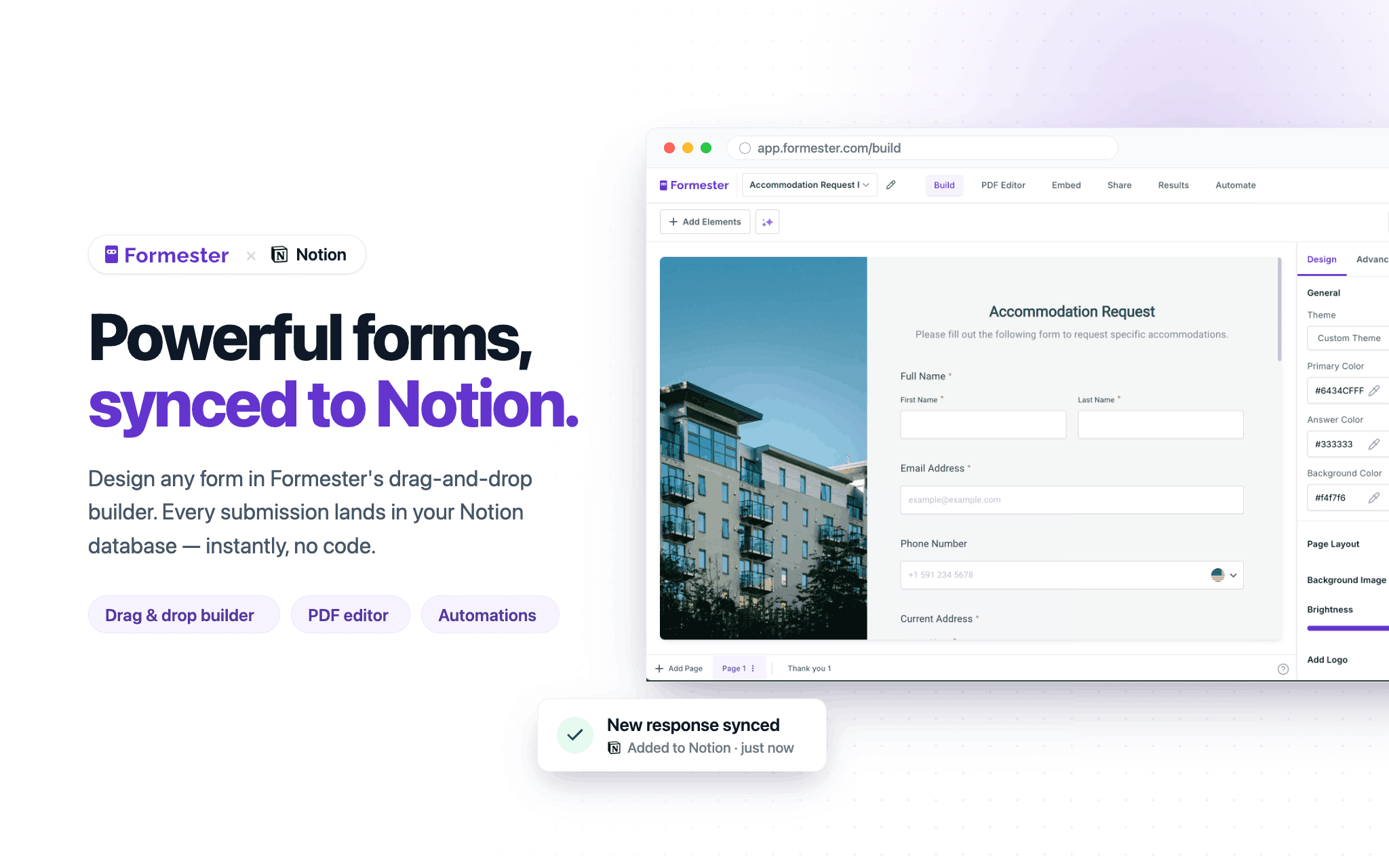
Formester is a powerful online form builder that lets you create customizable forms, surveys, and applications that seamlessly connect with your Notion databases. Collect new entries or update existing records, automatically sync responses to Notion, and keep your data organized in one place.
功能
- 讀取、插入和更新內容可以讀取、插入和更新此連接共享的頁面、資料庫和區塊。
- 查看工作空間使用者讀取工作空間成員與訪客的基本個人檔案詳細資料,包括其電子郵件地址。
使用方式
1. Sign up or log in to your Formester account.
2. Create a new form or open an existing form you want to connect to Notion.
3. In Formester, connect your Notion account and select the database you want to sync submissions to.
4. Map your form fields to the corresponding properties in your Notion database.
5. Publish your form and share it or embed it where you collect responses.
6. Submit a test response to confirm new pages are created or updated in your Notion database.
7. Manage all responses, automations, and integrations from your Formester dashboard.