
簡介
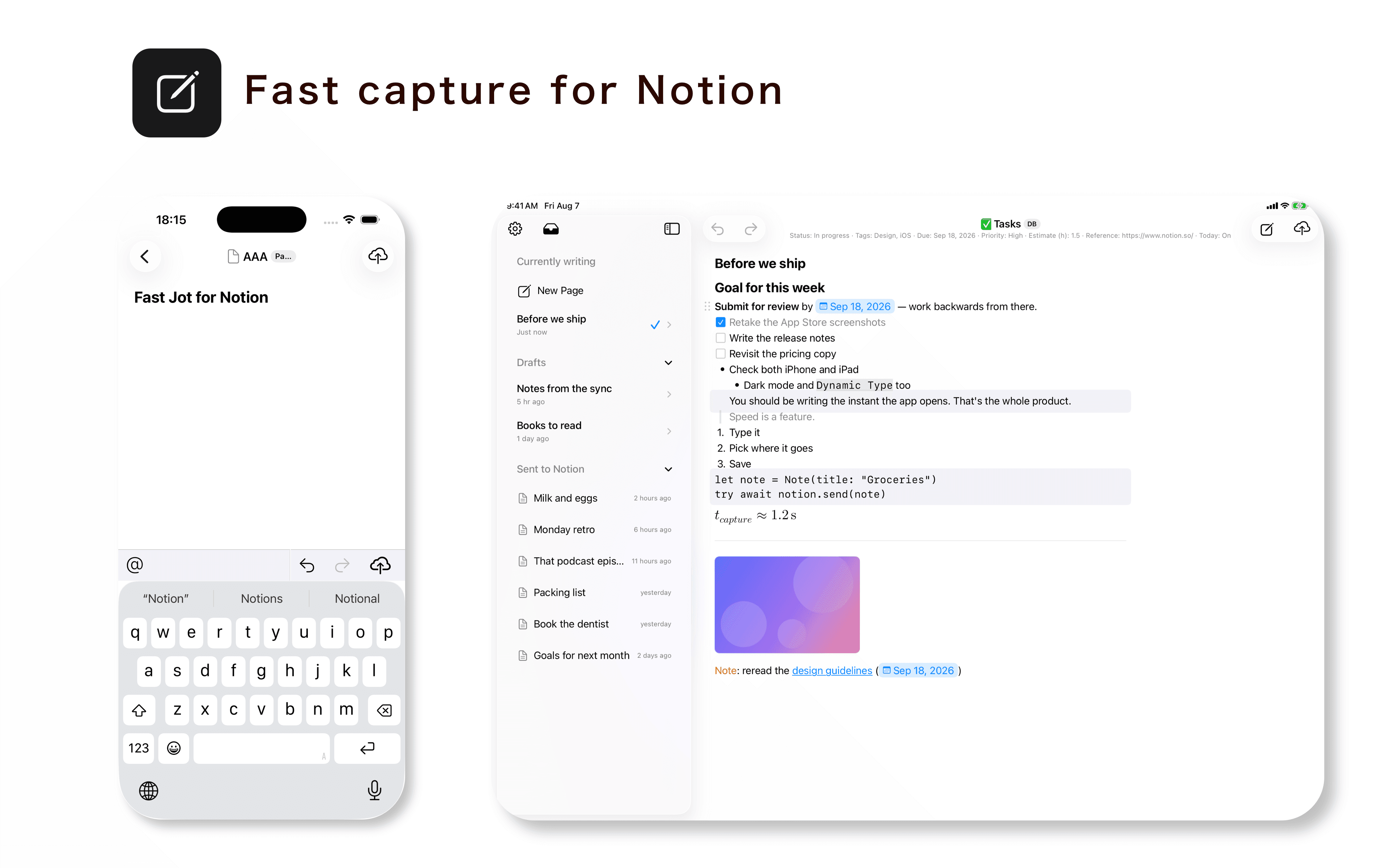
Fast Jot is a native iPhone and iPad app designed for quickly capturing notes directly into Notion.
Open the app and start writing immediately, then send your note to any Notion database you have connected.
Unlike simple text capture tools, Fast Jot lets you compose content using native Notion blocks and set database properties such as status, tags, dates, and more before sending.
Fast Jot supports headings, to-do lists, numbered lists, quotes, callouts, code blocks, dividers, mentions, images, equations, and Markdown input.
Templates make repeated entries faster, while drafts and offline sending help you capture ideas even when a connection is unavailable. You can also connect multiple Notion workspaces and choose where each note is saved.
Fast Jot uses the official Notion API and only accesses the pages and databases that you authorize when connecting your workspace.
功能
- 讀取、插入和更新內容可以讀取、插入和更新此連接共享的頁面、資料庫和區塊。
- 讀取和加入 個留言可以在有權存取的頁面和區塊上讀取和加入留言。
- 查看工作空間使用者讀取工作空間成員與訪客的基本個人檔案詳細資料。
使用方式
1. Download Fast Jot from the App Store.
2. Open Fast Jot and tap “Connect Notion.”
3. Sign in to Notion and select the pages and databases you want Fast Jot to access.
4. In Fast Jot, select the database where you want to create new pages.
5. Start writing. You can use Notion blocks, Markdown, and set database properties such as status, tags, and dates before sending.
6. Tap Send to create the page in Notion.
You can change which pages and databases Fast Jot can access at any time from Notion’s connection settings.