DocsAutomator
DocsAutomator
簡介
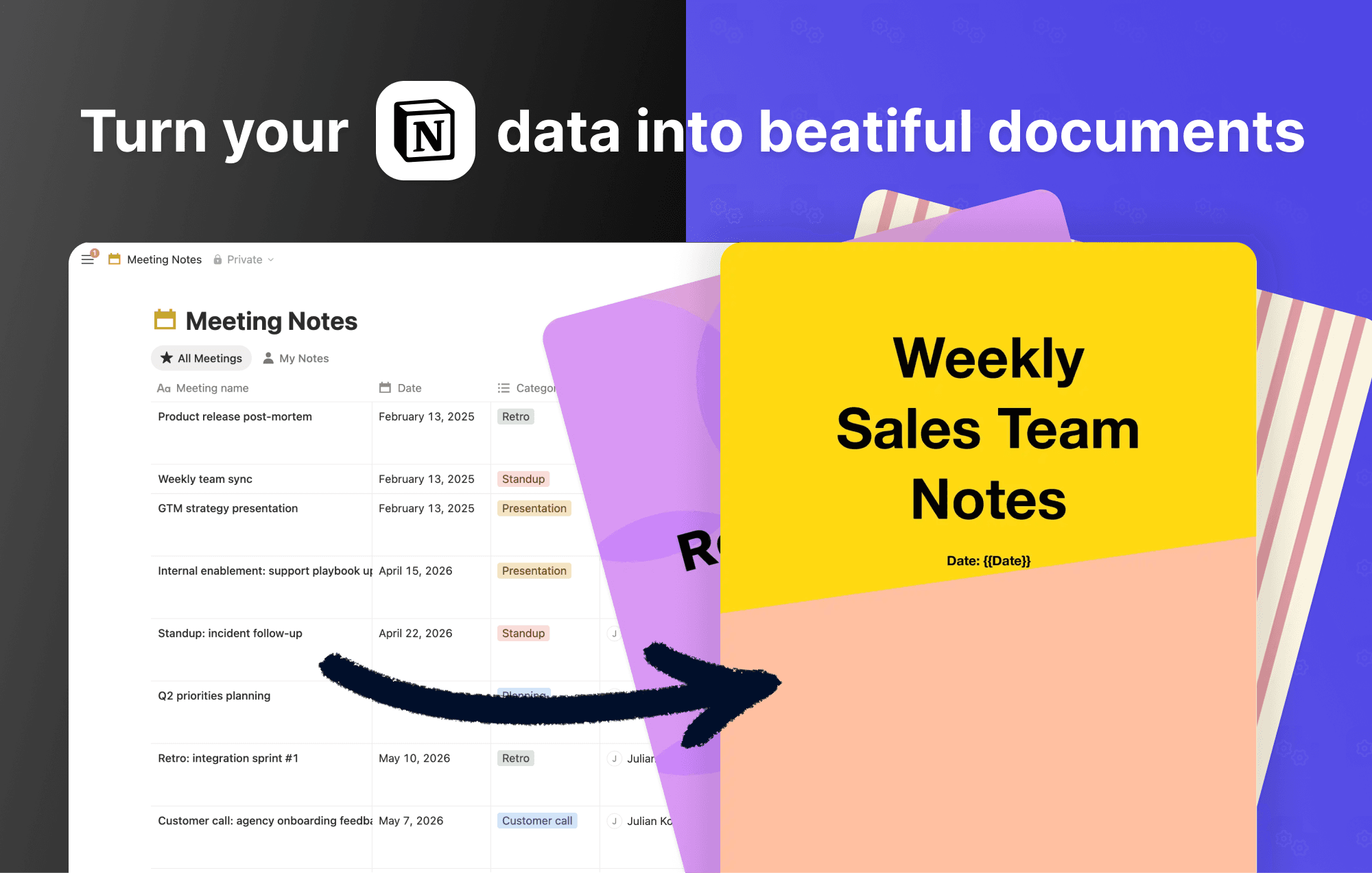
Connect a Notion database to DocsAutomator and generate PDFs or Google Docs from any page. Design a template in Google Docs, map your Notion properties to placeholders, and DocsAutomator fills in the content whenever a page is created or updated.
Page body content is supported as a first-class field. Notion blocks are rendered as Markdown, so long-form notes carry over with their headings, lists, links, and tables intact.
What you can build:
- Contracts, proposals, and statements of work driven by a Notion CRM
- Invoices and receipts from a Notion finance database
- Reports, certificates, and onboarding packets from project trackers
- Repeating line items (up to 3 levels of nesting) from related databases
Output options include saving to Google Drive, emailing a recipient stored in Notion, posting the file back to Notion, or forwarding via webhook. You can also collect legally binding e-signatures on the generated PDF without leaving DocsAutomator.
Authenticate with OAuth, pick a database, map your fields, and you're live in a few minutes.
功能
- 讀取、插入和更新內容可以讀取、插入和更新此連接共享的頁面、資料庫和區塊。
- 查看工作空間使用者讀取工作空間成員與訪客的基本個人檔案詳細資料,包括其電子郵件地址。
使用方式
-
Sign up for a free DocsAutomator account at docsautomator.co and create a new automation.
-
Choose Notion as your data source, connect your workspace, and select the database you want to generate documents from.
-
Design your Google Docs template with placeholders like {{name}}, {{date}}, or {{line_items_1}}{{item_name}} for repeating rows. The full Notion page body is available as a field too, so long-form notes carry over as Markdown with headings, lists, and tables intact.
-
Map your Notion properties (and the page body) to the placeholders in your template. DocsAutomator auto-detects matching names, and you can adjust any mapping manually.
-
Pick how documents should be created:
- Auto-generate: choose a Notion property (status, select, multi-select, or checkbox) and a trigger value. DocsAutomator generates a document automatically whenever a record reaches that value.
- Manual button: add a Notion Button property that sends a webhook to DocsAutomator. Click the button on any row to generate on demand.
-
Configure output: save Google Docs or PDFs to a Drive folder, email them as attachments, or post results to a webhook.
-
(Optional) Add e-signature fields, conditional sections, or dynamic images for more advanced documents.