
簡介
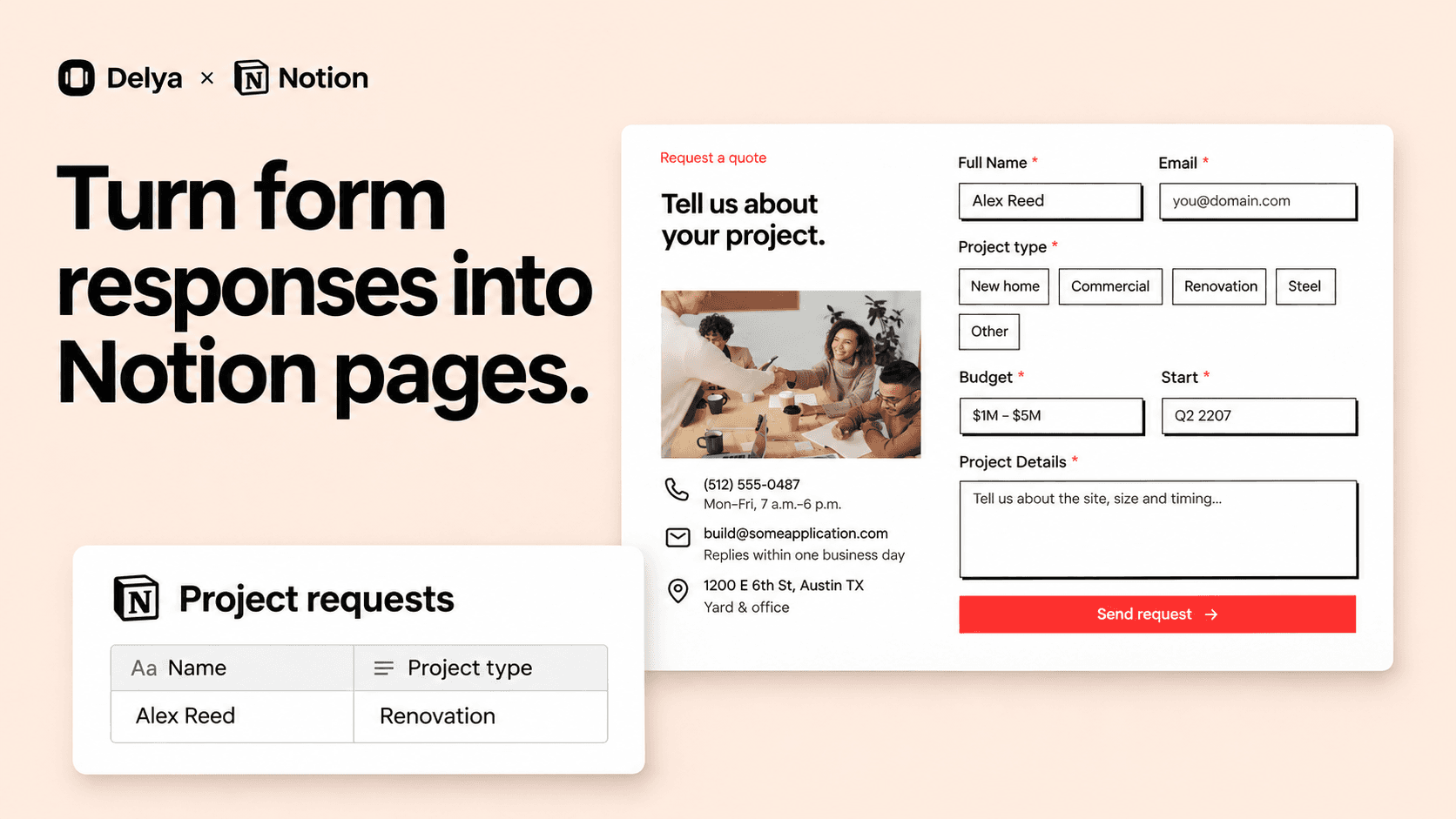
Delya helps you collect leads, feedback, registrations, and more through customizable forms. Connect Delya to Notion to automatically create a new database entry for each completed response.
Choose your database, map form fields to Notion properties, and customize each entry’s page content with answers from your form. Keep responses organized where your team works, without copying data by hand.
功能
- 讀取、插入和更新內容可以讀取、插入和更新此連接共享的頁面、資料庫和區塊。
- 查看工作空間使用者讀取工作空間成員與訪客的基本個人檔案詳細資料,包括其電子郵件地址。
使用方式
How to get started
1. Sign in to Delya and open the form you want to connect.
2. Go to Integrations and select Notion.
3. Connect your Notion account and grant access to the pages containing your destination database.
4. Choose your database and map your form fields to the corresponding Notion properties. Optionally, customize the page content to include additional response details.
5. Click Create integration and make sure the integration is enabled.