 Dashbreeze
Dashbreeze
簡介
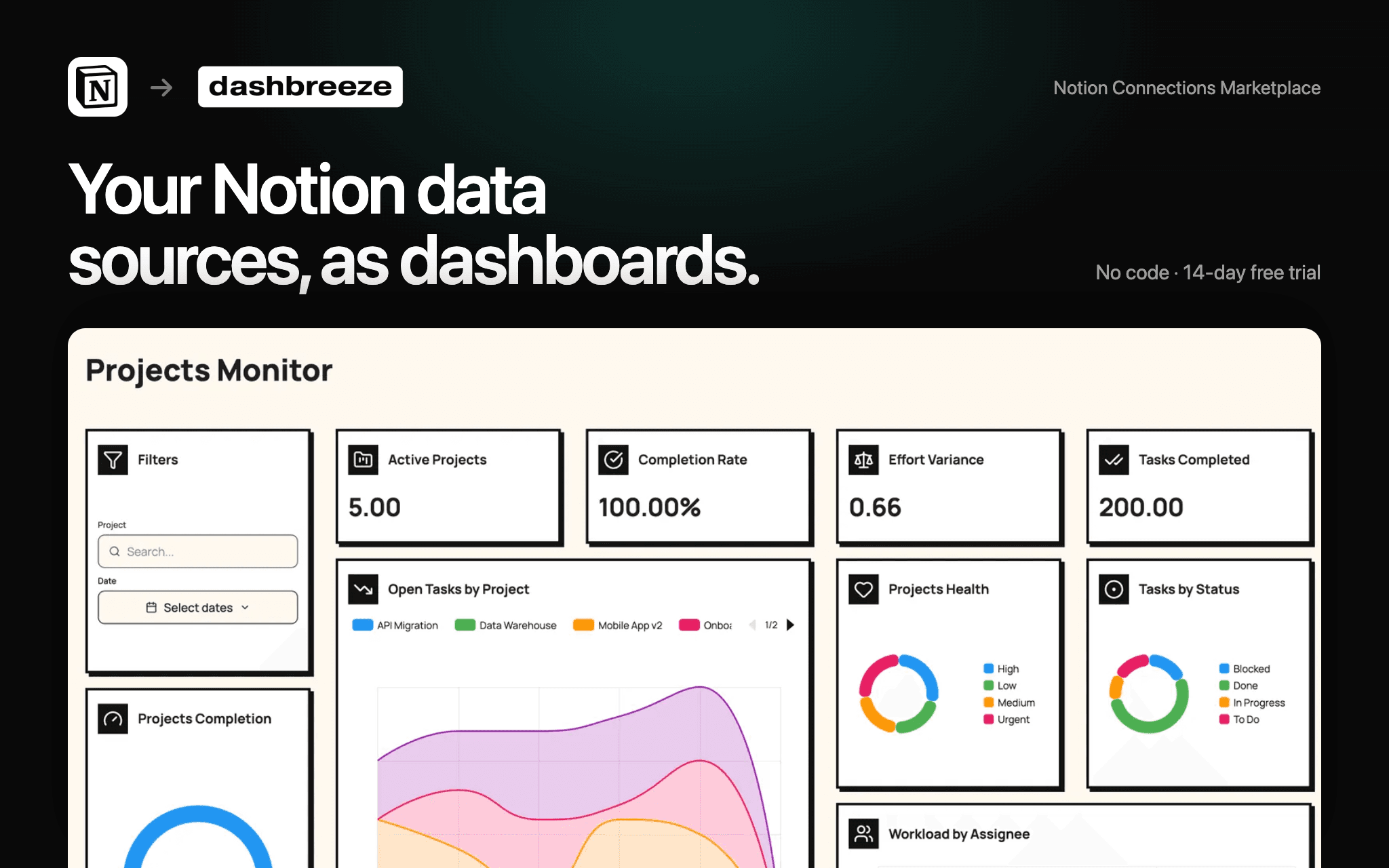
Dashbreeze turns your Notion data sources into interactive dashboards.
- **Visualize** projects, CRM pipelines, finances, marketing metrics, and operations.
- **Build** customizable charts, KPI cards, tables, filters, and custom metrics.
- **Combine** Notion with Stripe, Google Analytics, Airtable, SQL databases, and spreadsheets in a single dashboard.
- **Share** dashboards with your team, clients, or anyone using a public link or a protected dashboard.
功能
- 讀取內容可以讀取此連接共享的頁面、資料庫和區塊。
- 查看工作空間使用者讀取工作空間成員與訪客的基本個人檔案詳細資料。
使用方式
1. **Connect Notion to Dashbreeze**
Open Dashbreeze and add Notion as a data source. Authorize Dashbreeze to access the Notion pages and databases you want to use.
2. **Select your data**
Choose the Notion data source you want to bring into Dashbreeze. Your data will be imported into a Dashbreeze table.
3. **Build your dashboard**
Use your Notion data to create charts, KPI cards, tables, and other dashboard blocks.
4. **Customize your dashboard**
Add filters, adjust styles, and organize your blocks to create a dashboard that fits your needs.
5. **Share your dashboard**
When your dashboard is ready, publish it and share the link with your team or anyone who needs access.
> **Tip:** You can combine Notion with other data sources in Dashbreeze to bring all your business data into one dashboard.
