 CraftNote
CraftNote
簡介
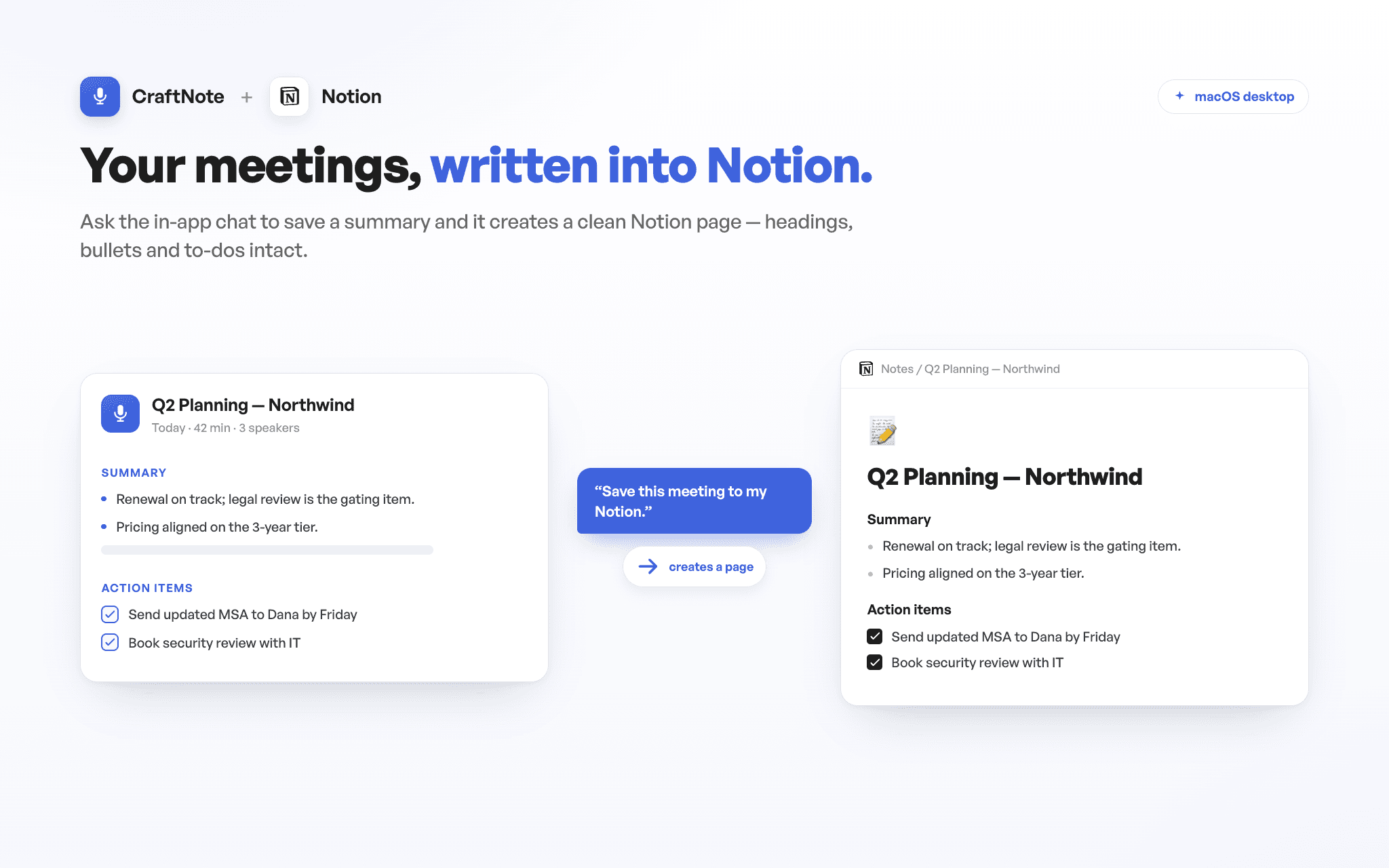
CraftNote turns your meetings into transcripts and AI-generated summaries. With the Notion connection, the in-app chat saves your meeting summaries and notes straight to your Notion workspace, and reads your Notion pages back to answer questions while you work. Connect once, choose exactly which pages CraftNote can access, and keep your meeting knowledge where your team already works — CraftNote only ever sees the pages you explicitly share with it.
功能
- 讀取、插入和更新內容可以讀取、插入和更新此連接共享的頁面、資料庫和區塊。
- 查看工作空間使用者讀取工作空間成員與訪客的基本個人檔案詳細資料。
使用方式
1) In the CraftNote desktop app for Mac, open Settings → Connectors → Notion and tap Connect. 2) On Notion's consent screen, choose the pages or databases CraftNote may access — that's the only content it can ever see — and approve. 3) Back in the CraftNote chat, ask it to save a meeting summary to Notion (a formatted page appears under the destination you picked), or ask a question and it answers from the pages you shared. Get CraftNote at craftnoteapp.com/integrations/notion.
