

簡介
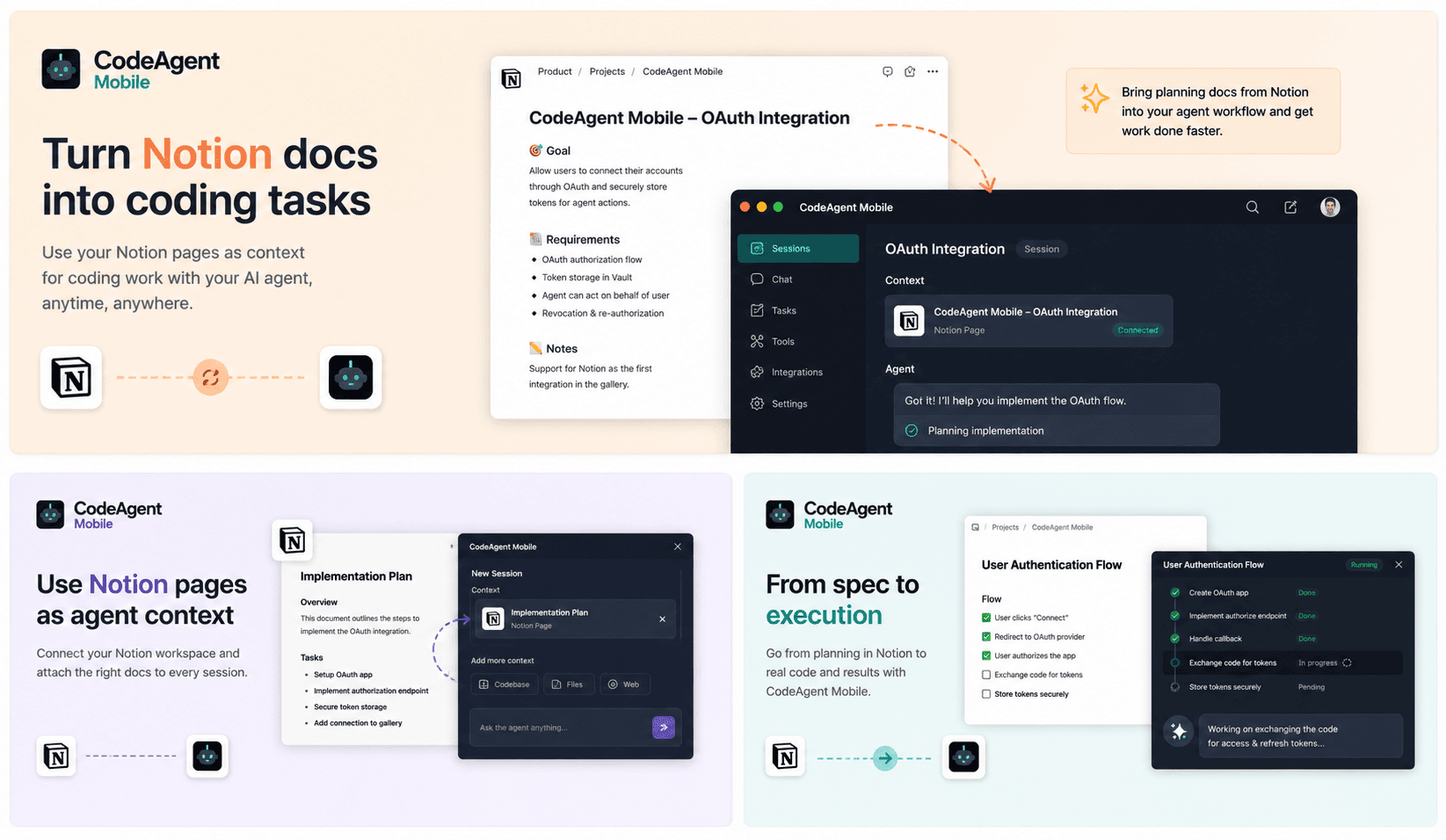
CodeAgent Mobile connects Notion to your AI coding workflows so agents can access product specs, technical notes, tasks, and project documentation during active development sessions.
Use Notion pages and databases as context when launching Codespaces, self-hosted environments, or agent sessions from CodeAgent Mobile. Your agent can understand requirements, summarize documentation, reference project decisions, and help turn Notion context into actionable engineering work.
功能
- 讀取、插入和更新內容可以讀取、插入和更新此連接共享的頁面、資料庫和區塊。
- 讀取和加入 個留言可以在有權存取的頁面和區塊上讀取和加入留言。
- 查看工作空間使用者讀取工作空間成員與訪客的基本個人檔案詳細資料,包括其電子郵件地址。
使用方式
Get started in three steps:
1. Create a free CodeAgent Mobile account — download the iOS/Android app or open the web dashboard at https://www.codeagent-mobile.com.
2. In CodeAgent Mobile, go to Profile → Integrations → Notion and tap Connect. Authorize CodeAgent Mobile to access your Notion workspace and pick the pages and databases you want to share.
3. That's it — from any agent session, your AI coding agent can now read and act on your Notion workspace on your behalf: search pages and databases, read content, create and update pages, and append blocks, all at your request.
CodeAgent Mobile does not run its own LLM — it invokes the AI coding agent (e.g. Claude) you've connected, using your own credentials, and never stores your Notion content.
