

簡介
NotionCal turns any Notion database into a fully synced calendar. Add a Date property to your pages, connect your database, and every page becomes a calendar event automatically.
View and manage events in a built in calendar webview, or subscribe via CalDAV to see them in Apple Calendar, Google Calendar, or any app that supports the CalDAV protocol. Changes sync both ways: edit a date in Notion and your calendar updates instantly, or drag an event in the calendar and Notion updates too.
Real time updates are powered by Notion webhooks, so there is no waiting for a refresh. Great for teams and individuals who plan projects, content, or events in Notion but want a native calendar view too.
功能
- 讀取、插入和更新內容可以讀取、插入和更新此連接共享的頁面、資料庫和區塊。
- 查看工作空間使用者讀取工作空間成員與訪客的基本個人檔案詳細資料,包括其電子郵件地址。
使用方式
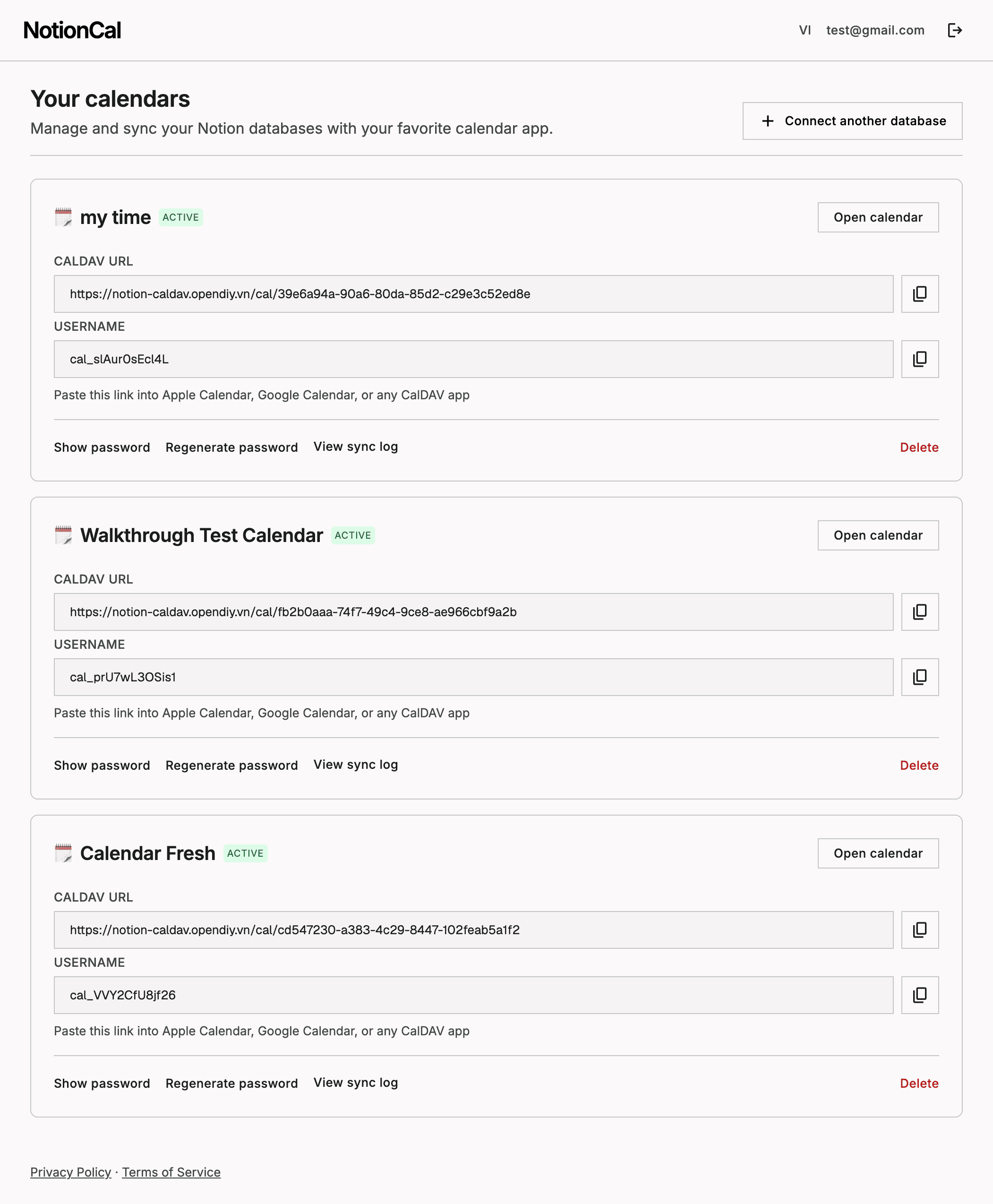
Click Connect, sign in with Notion, and select the databases you want to sync. Add a Date property to each database if it does not already have one. You will get a calendar webview link and a CalDAV URL to add to Apple Calendar, Google Calendar, or any calendar app, ready in under a minute. See the full setup guide with screenshots at notion-caldav.opendiy.vn/guide.
