簡介
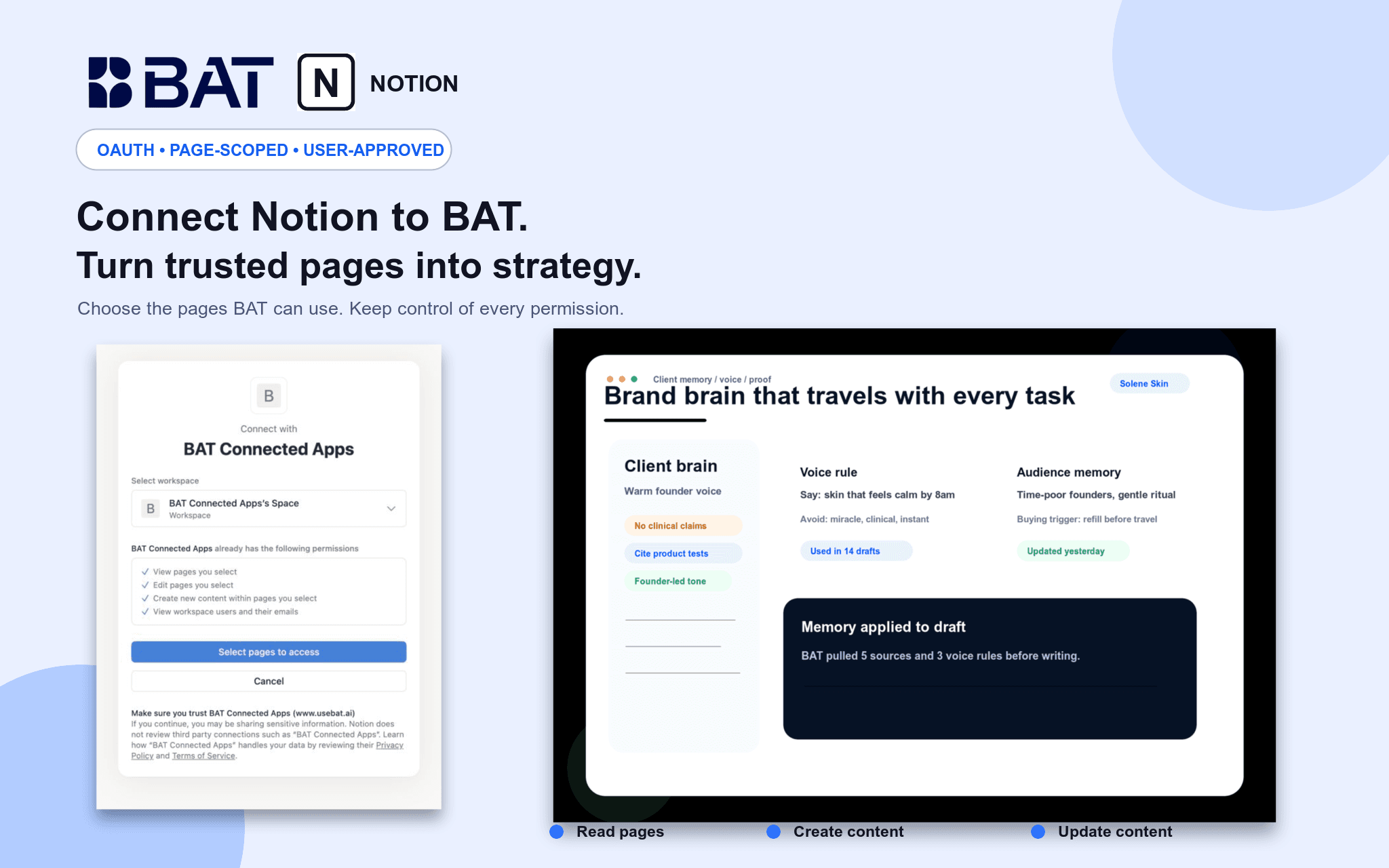
Connect Notion to BAT so your team can use authorized pages as grounded context in Brand Brain and chat. BAT uses OAuth 2.0 and acts only within pages shared with the connection. Users can search and read permitted pages, create new pages, and update existing pages through explicit, reviewed actions. Credentials are actor-owned and isolated by workspace, and users can disconnect at any time.
功能
- 讀取、插入和更新內容可以讀取、插入和更新此連接共享的頁面、資料庫和區塊。
- 查看工作空間使用者讀取工作空間成員與訪客的基本個人檔案詳細資料,包括其電子郵件地址。
使用方式
1. Create or sign in to your BAT account.
2. Open a BAT workspace, then go to Brain → Sources → Connected apps & MCP.
3. Choose Notion and approve the requested access.
4. Select the Notion workspace and pages you want to share.
5. Use BAT Chat to search, summarize, create, or update authorized Notion content. Write actions require explicit approval.