
簡介
Brief is a product strategy agent that helps your team work from shared decisions, customer knowledge, and priorities.
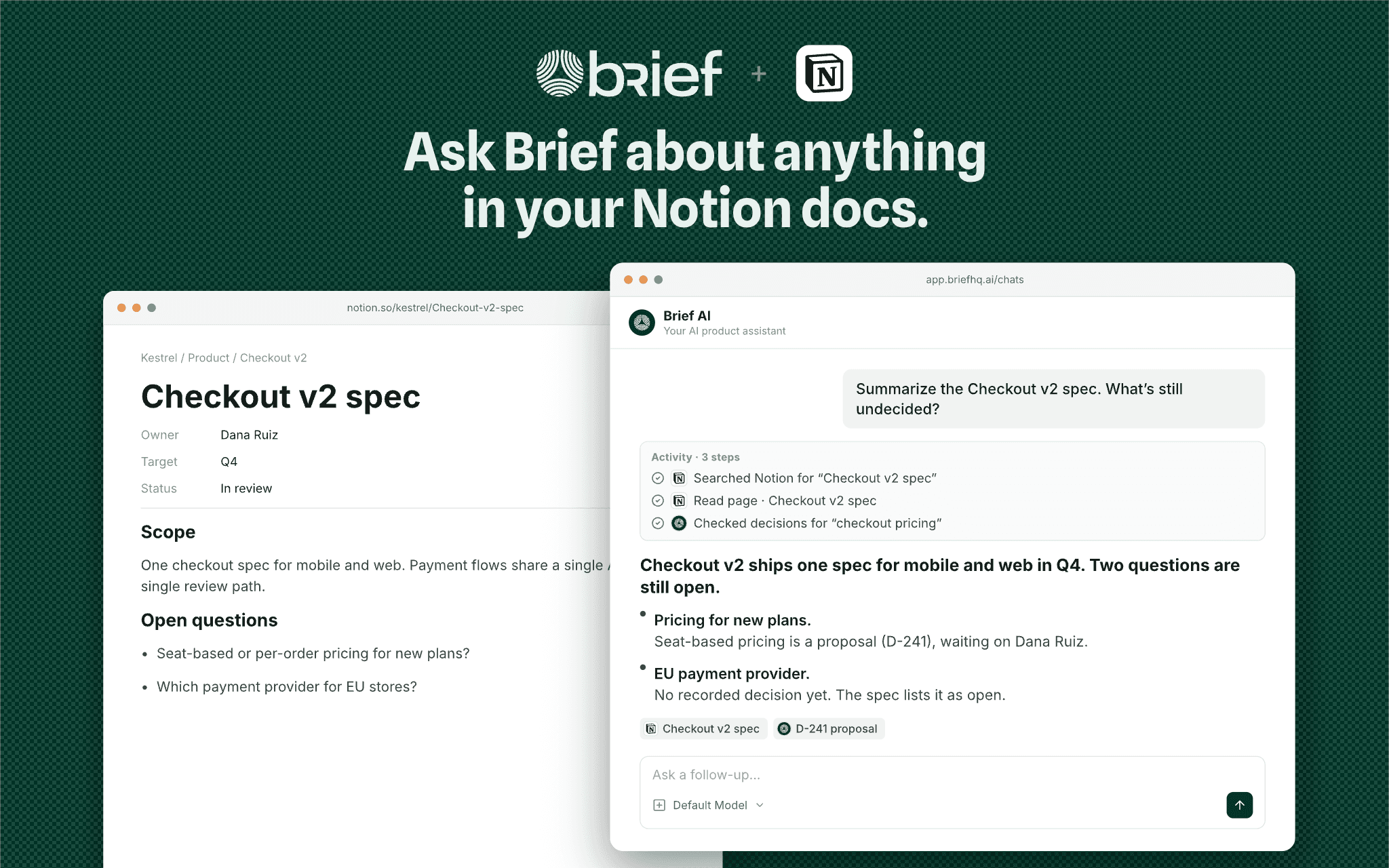
Connect Notion to use the pages and databases you authorize as context for product questions, research, and planning. Ask Brief to find a spec, summarize a page, compare a proposal with existing decisions, or create and update Notion content when you request it.
You control which content the connection can access in Notion. Brief’s chat tools use the requesting user’s connected access; selecting content for team sharing does not replace Notion permissions.
A Brief account and a Notion workspace are required. Learn more at https://usebrief.com/docs/notion-integration/.
功能
- 讀取、插入和更新內容可以讀取、插入和更新此連接共享的頁面、資料庫和區塊。
- 讀取和加入 個留言可以在有權存取的頁面和區塊上讀取和加入留言。
- 查看工作空間使用者讀取工作空間成員與訪客的基本個人檔案詳細資料,包括其電子郵件地址。
使用方式
1. Sign in to Brief at https://app.briefhq.ai and open Integrations.
2. Find Notion and select Connect.
3. Authorize Brief in Notion and grant access to the pages and databases you want it to use.
4. Back in Brief, select any content you want to share with your team and complete setup.
5. Ask Brief to find or summarize an authorized Notion page.
To change your team selection later, open Configure on the connection. To change the content Brief can access, update the connection’s access in Notion.
Setup guide: https://usebrief.com/docs/notion-integration/
Support: https://usebrief.com/support/