
簡介
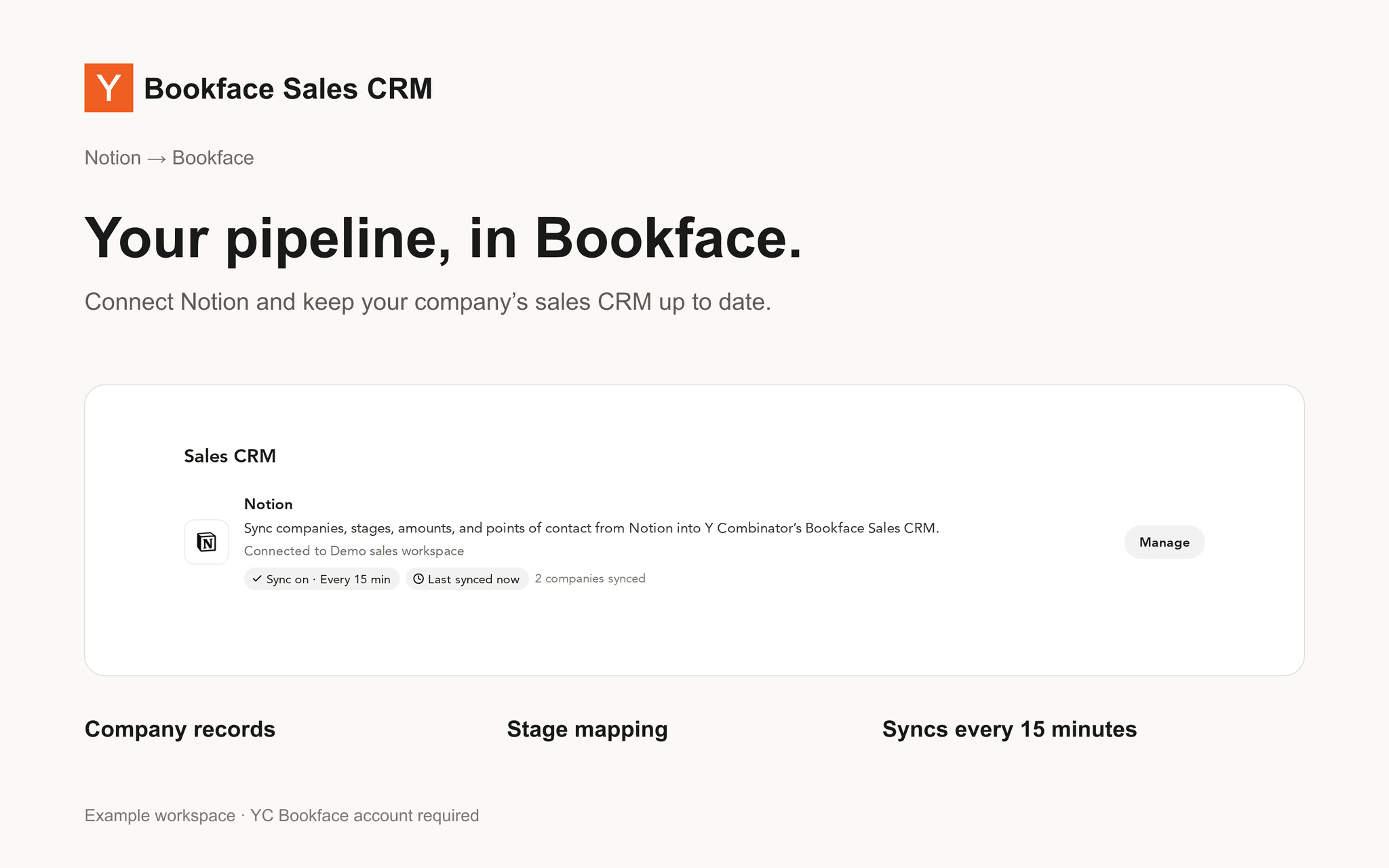
Bookface Sales CRM helps YC founders and company teammates keep their customer pipeline up to date from a Notion database. Connect a database with one row per company, then review automatically suggested mappings for company name, website, sales stage, USD amount, and customer points of contact. You can change the suggestions before saving. When enabled, Bookface syncs every 15 minutes. The connection is read-only in Notion and does not import page body content. Source record properties and schema snapshots are stored encrypted for troubleshooting and future field mappings. Requires a YC Bookface account with permission to manage your company CRM and access to this integration.
功能
- 讀取內容可以讀取此連接共享的頁面、資料庫和區塊。
使用方式
Open your company Integrations page in Bookface and choose Manage for Notion. Authorize the Notion workspace and share the CRM database, including any related contact database you want to sync. Select the database and review the suggested field and stage-value mappings. Select No matching field when a field is unavailable. Save and start syncing. Use Manage to pause or disconnect; existing Bookface CRM rows remain. If the integration is unavailable for your user, contact [email protected].