簡介
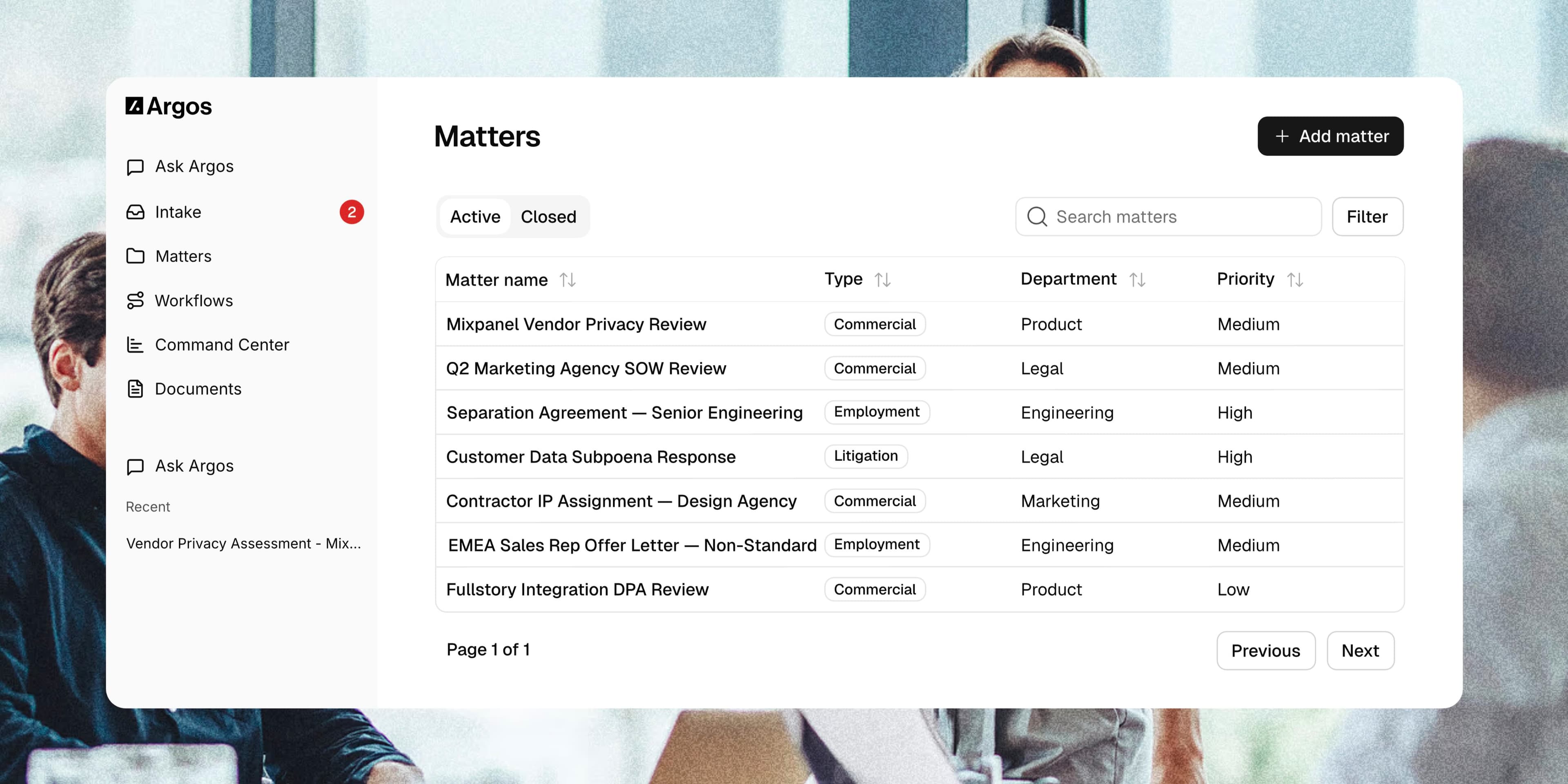
Argos connects Notion workspace knowledge to AI workflows for modern legal teams. Once authorized, Argos syncs the Notion pages your team grants access to, including page content, properties, comments, and file references, then makes that context available inside Argos for search, document review, matter work, and workflow automation.
Legal teams can bring policies, playbooks, matter notes, trackers, and operating procedures from Notion into the same workspace as their emails, files, and other business systems. Argos uses that connected context to help answer questions, cite relevant source material, and support legal operations without forcing teams to copy information out of Notion manually.
Access is based on the permissions granted during Notion authorization. Admins can manage or disconnect the Notion connection from Argos settings at any time.
功能
- 讀取內容可以讀取此連接共享的頁面、資料庫和區塊。
- 讀取 個留言可以在有權存取的頁面和區塊上讀取留言。
- 查看工作空間使用者讀取工作空間成員與訪客的基本個人檔案詳細資料,包括其電子郵件地址。
使用方式
1. Sign in to Argos.
2. Open Settings > Integrations.
3. Click New Connection, then choose Notion.
4. In Notion, select the workspace and pages you want Argos to access, then approve the connection.
5. Return to Argos. Argos starts an initial sync of the accessible Notion pages, comments, and file references.
6. Use Argos search, matter context, document workflows, and AI assistance to work with your Notion knowledge alongside your other connected sources.
You can reconnect, disconnect, or remove the Notion connection later from Settings > Integrations in Argos.