

簡介
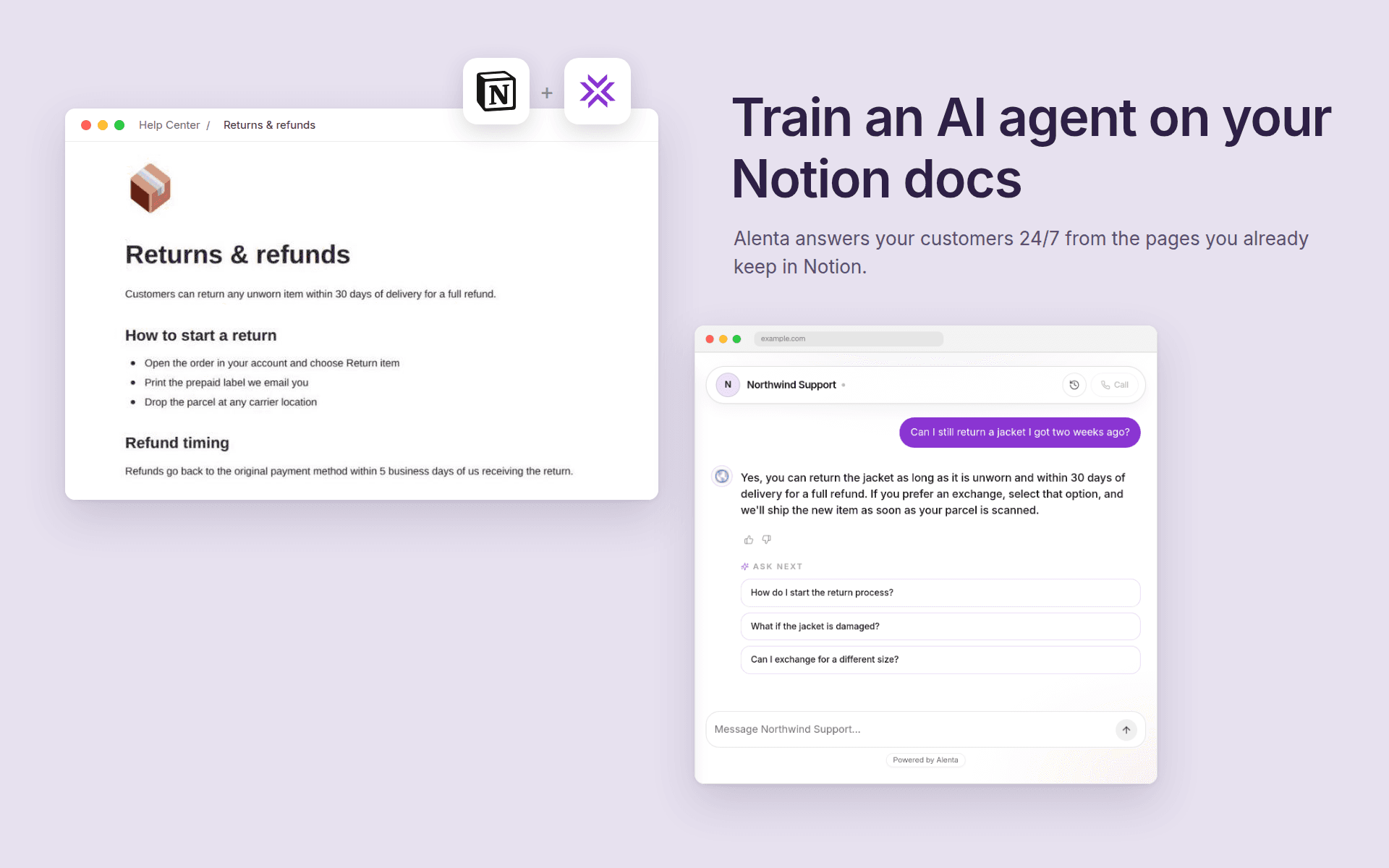
Alenta turns your website into an active sales representative. You build an AI agent in the Alenta dashboard, embed it on your site, and it answers visitor questions, qualifies leads, and books appointments — grounded in your own content instead of generic model knowledge.
This connection lets that agent read from Notion.
After you connect your workspace and choose which pages and databases to share, Alenta syncs those pages into your agent's knowledge base. Page content is converted to plain text and indexed so the agent can cite it when answering. Syncs run automatically on a schedule and can be triggered manually from the dashboard; only pages edited since the last run are re-fetched.
Access is read-only. Alenta never creates, edits, comments on, or deletes anything in your Notion workspace, and it only ever sees the pages you explicitly share during the connection step. You can revoke the connection from the Alenta dashboard at any time, which stops all syncing and deletes the stored credentials.
Typical uses: Keep a help center, product documentation, internal FAQ, or pricing page in Notion and have your website agent answer from it without anyone copying content into a second tool.
功能
- 讀取內容可以讀取此連接共享的頁面、資料庫和區塊。
使用方式
1. Sign in to Alenta at https://alenta.ai and open the agent you want to connect.
2. Go to the Data sources tab and find the Knowledge connectors section.
3. Click "Connect Notion". You'll be sent to Notion to authorize.
4. On Notion's consent screen, select the pages and databases you want Alenta to read. Only what you select here is ever accessible.
5. You'll be returned to Alenta with the connector showing as Active. The first sync starts automatically.
6. Use "Sync now" on the connector row to pull changes on demand, or let the scheduled sync handle it.
To disconnect, click "Revoke" on the connector. Syncing stops immediately and the stored access token is deleted.
