
簡介
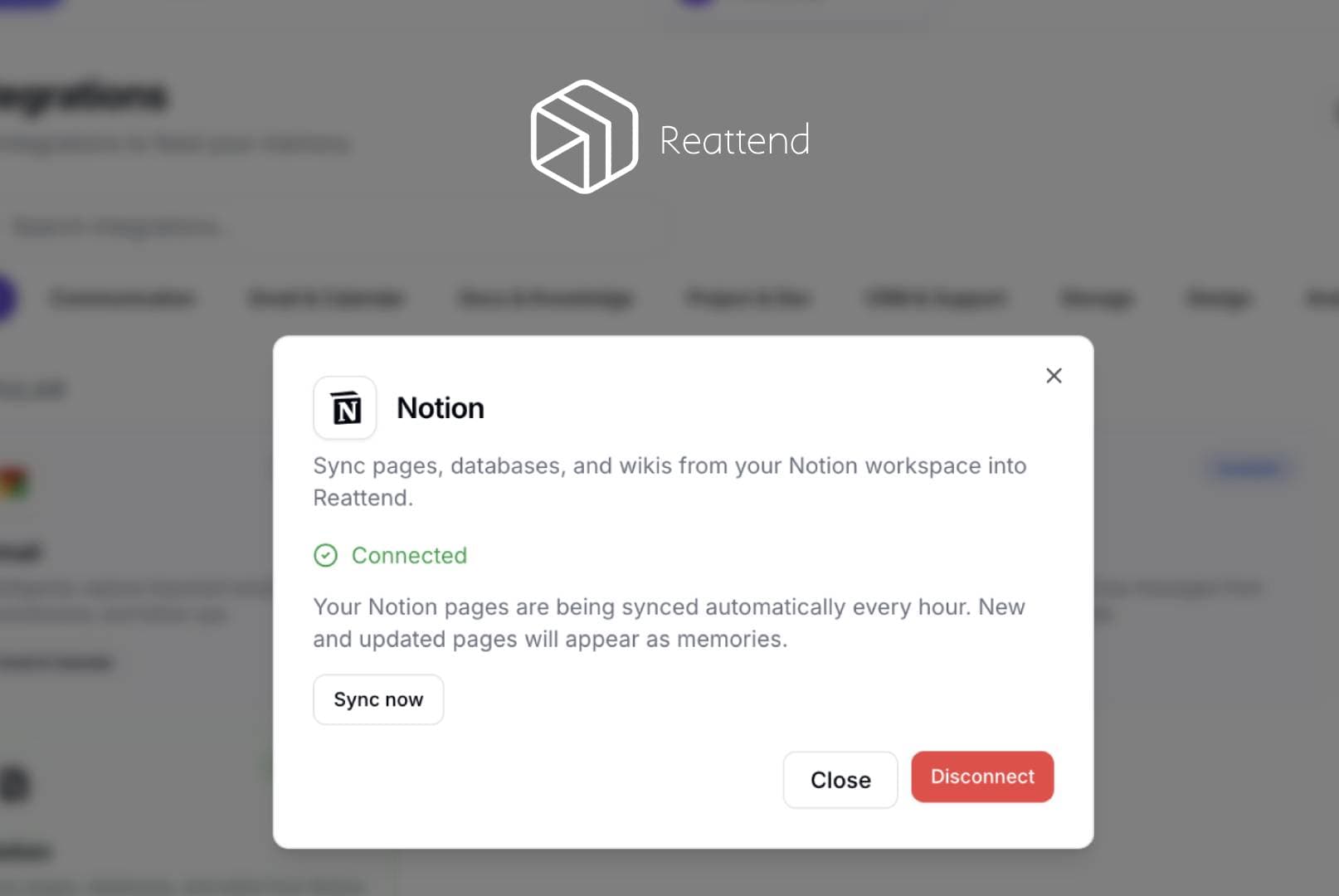
Reattend syncs Notion pages into the user's private Reattend memory. When a user connects their Notion workspace via OAuth, Reattend reads the pages they grant access to using the Notion API (search and blocks endpoints). Page titles and block content are extracted as plain text and stored as memories in the user's Reattend account. The integration re-syncs every 60 minutes, checking page last_edited_time to only process new or updated pages. No data is written back to Notion - it is read-only. Users can disconnect at any time from the Reattend integrations page, which revokes the access token.
功能
- 讀取、插入和更新內容可以讀取、插入和更新此連接共享的頁面、資料庫和區塊。
- 查看工作空間使用者讀取工作空間成員與訪客的基本個人檔案詳細資料,包括其電子郵件地址。
使用方式
- Sign up at reattend.com and log in
- Go to Settings → Integrations
- Click "Notion" → "Connect Notion"
- Authorize Reattend in the Notion popup - select which pages to share
- Pages are automatically imported as searchable memories
- Ask questions about your Notion content using Reattend's AI assistant
- New and edited pages sync automatically every hour
- To disconnect, go to Integrations → Notion → Disconnect