SparrowDesk
SparrowDesk
簡介
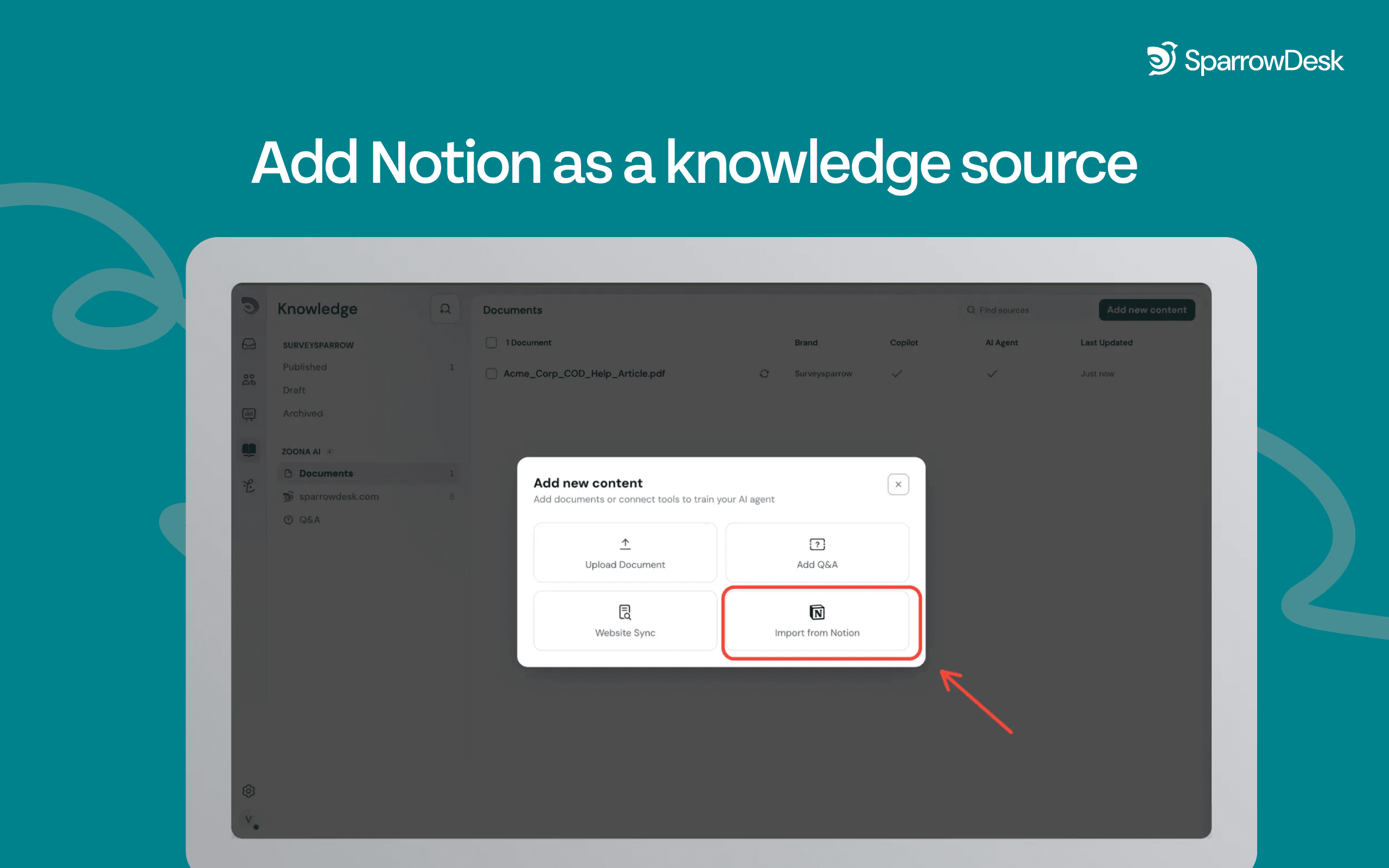
SparrowDesk connects to your Notion workspace so you can import pages and articles directly into your knowledge base as a new source. Authenticate via OAuth, select the pages you want to share, and SparrowDesk fetches and indexes the content automatically. Choose a one-time import or set a recurring weekly sync or monthly sync- content is updated and ready without manual re-uploads.
Manage everything from the Zoona AI knowledge tab. Enable or disable training at the individual page level, preview imported content using the side peek, and connect multiple Notion workspaces or accounts. Knowledge managers can enable or disable the entire integration at any time.
功能
- 讀取內容可以讀取此連接共享的頁面、資料庫和區塊。
- 查看工作空間使用者讀取工作空間成員與訪客的基本個人檔案詳細資料,包括其電子郵件地址。
使用方式
1. Open the Knowledge tab in SparrowDesk and select Notion as a new source.
2. You'll be redirected to Notion to sign in and select which pages to share.
3. Return to SparrowDesk- authorised content begins fetching automatically.
4. Choose your sync preference: one-time import or recurring weekly or monthly sync.
5. Preview and manage imported pages from the knowledge tab.