Adam

Jasper
簡介
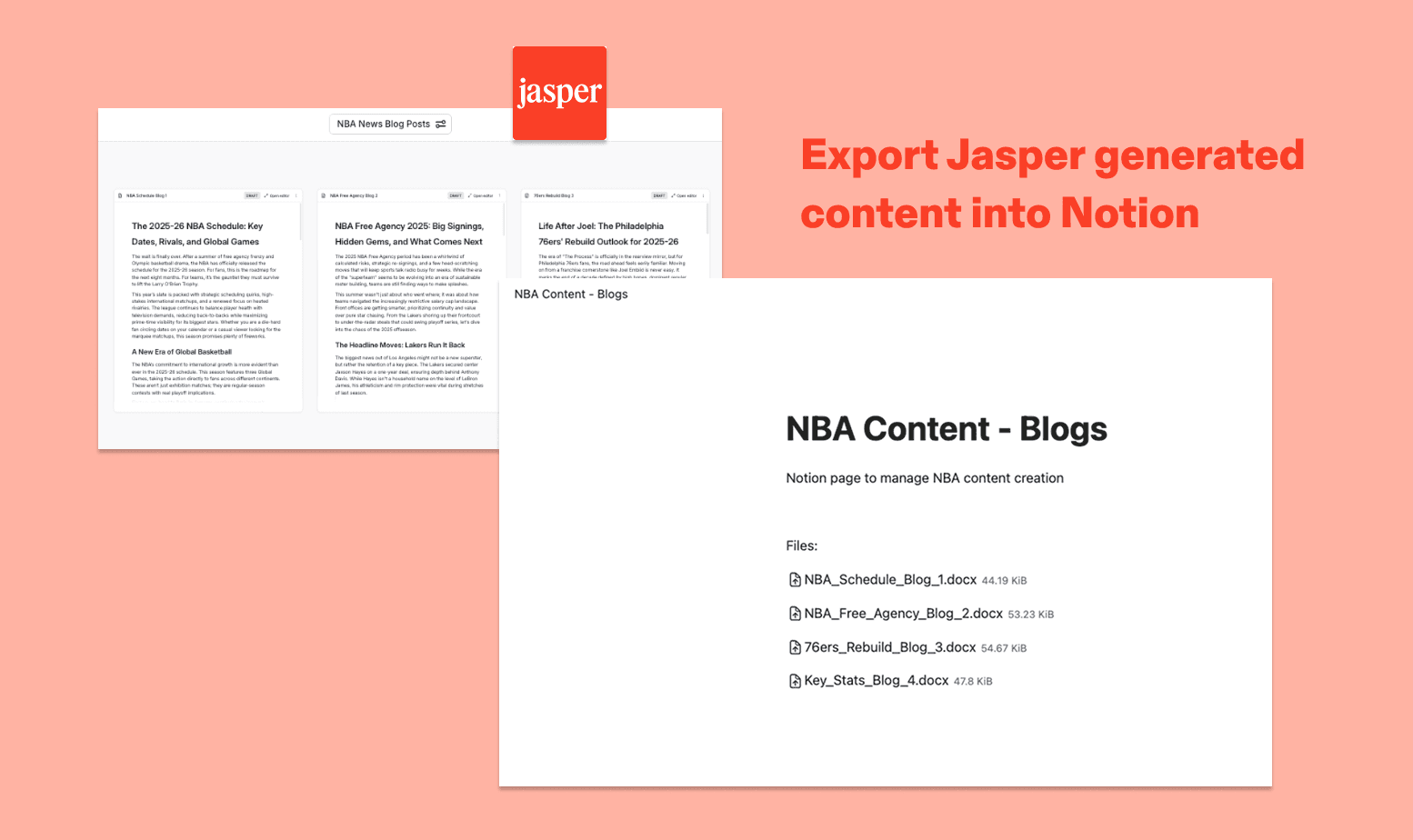
With Jasper's Notion integration, you can export documents, images, and other assets directly into your Notion workspace. Once connected, simply browse your existing Notion pages or create a new one, and your content will be uploaded as a DOCX or PNG — ready to share, review, or publish.
功能
- 讀取、插入和更新內容可以讀取、插入和更新此連接共享的頁面、資料庫和區塊。
- 查看工作空間使用者讀取工作空間成員與訪客的基本個人檔案詳細資料,包括其電子郵件地址。
使用方式
- A Jasper Workspace admin enables the Notion integration in Jasper. This makes Notion available as a connection option for all users in the Workspace.
- Each Jasper user connects their Notion account, either from the Integrations settings page or when they first try to export content to Notion.
- Notion will prompt the user to review the permissions Jasper is requesting: viewing and editing pages, creating new content within selected pages, and viewing workspace users and their emails.
- The user then selects which Notion pages Jasper should have access to. Only the pages selected here will be accessible to Jasper.
- Once authorized, Jasper is connected to the user's Notion account and ready to use.