

簡介
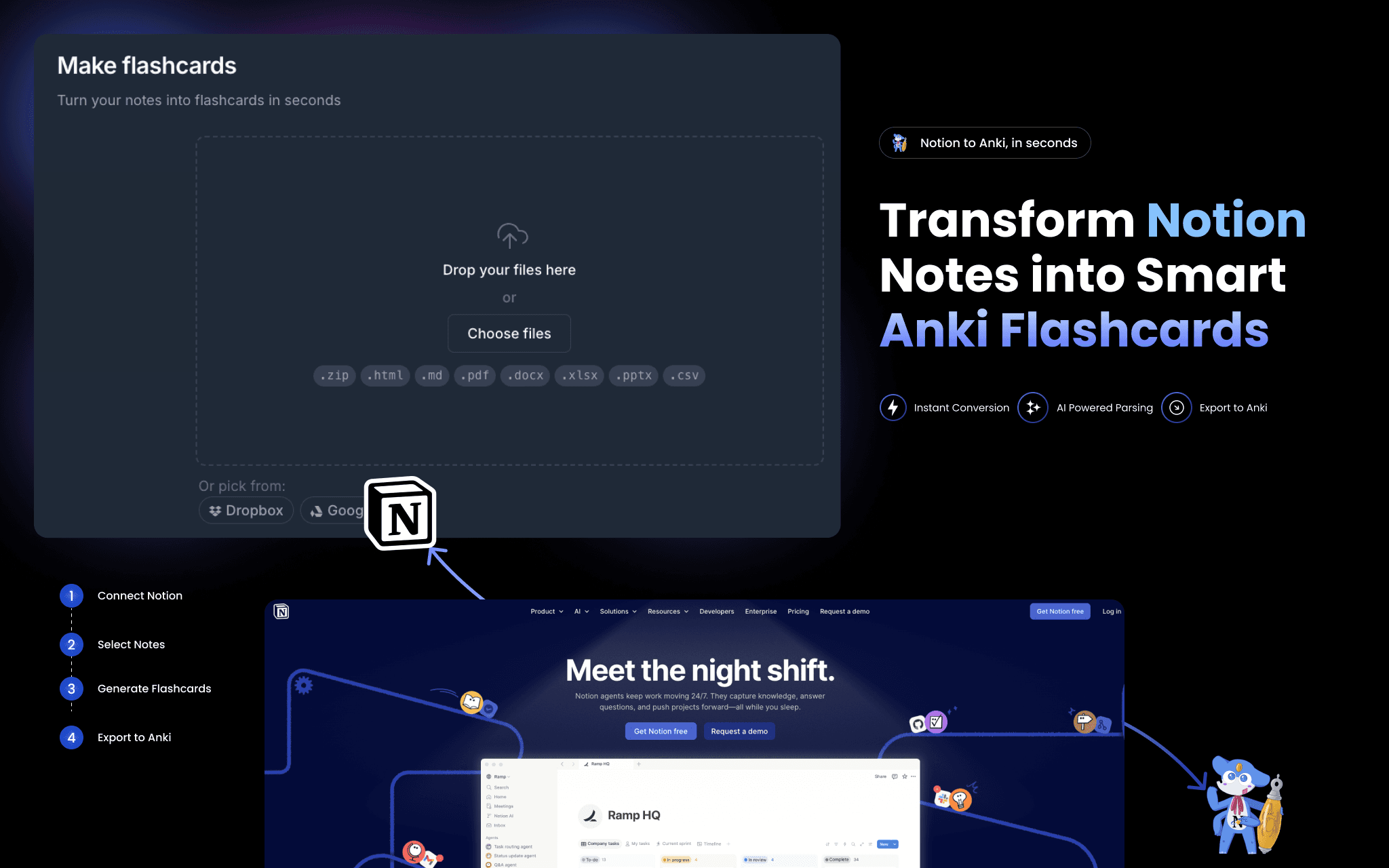
2anki reads your Notion pages and converts them into ready-to-import Anki flashcard decks (.apkg files).
Connect your Notion workspace once — no API token to copy-paste — then paste any page URL to convert. What gets converted:
• Toggle blocks → question/answer flashcards
• Tables and databases → structured card decks
• Images and code blocks → embedded in cards, formatting preserved
• Strikethrough text → card tags
A one-time conversion is a snapshot. For continuous sync, Hosted Anki polls your Notion pages every few minutes and keeps your decks current automatically.
功能
- 讀取、插入和更新內容可以讀取、插入和更新此連接共享的頁面、資料庫和區塊。
- 查看工作空間使用者讀取工作空間成員與訪客的基本個人檔案詳細資料,包括其電子郵件地址。
使用方式
- Go to 2anki.net and sign in or create a free account.
- Click "Connect Notion" and authorize 2anki to read your workspace.
- Open the Notion to Anki page and paste a Notion page URL.
- Click Convert — your .apkg deck downloads immediately.
- Open Anki on any device and import the file. Start studying.
