We know many of you wanted us to make project management in Notion easier and more powerful – so that’s what we did. We filled in feature gaps, revamped templates and setup flows, and added the power of AI. Here's what's new:
AI Autofill, a first of its kind
Automatically generate summaries, action items, project updates and more.
Notion is now available in Spanish and Portuguese (beta)
We're excited to take a big step toward making Notion feel native and intuitive to millions more people. Starting now, Notion is available in Spanish and Portuguese on the web, app, help center, and in-app templates.
To set your language to Spanish or Portuguese:
On web or desktop: go to Settings & members → Language & region
On mobile: when you change your device language to Spanish or Portuguese in your system settings, your Notion app will automatically change to Spanish or Portuguese
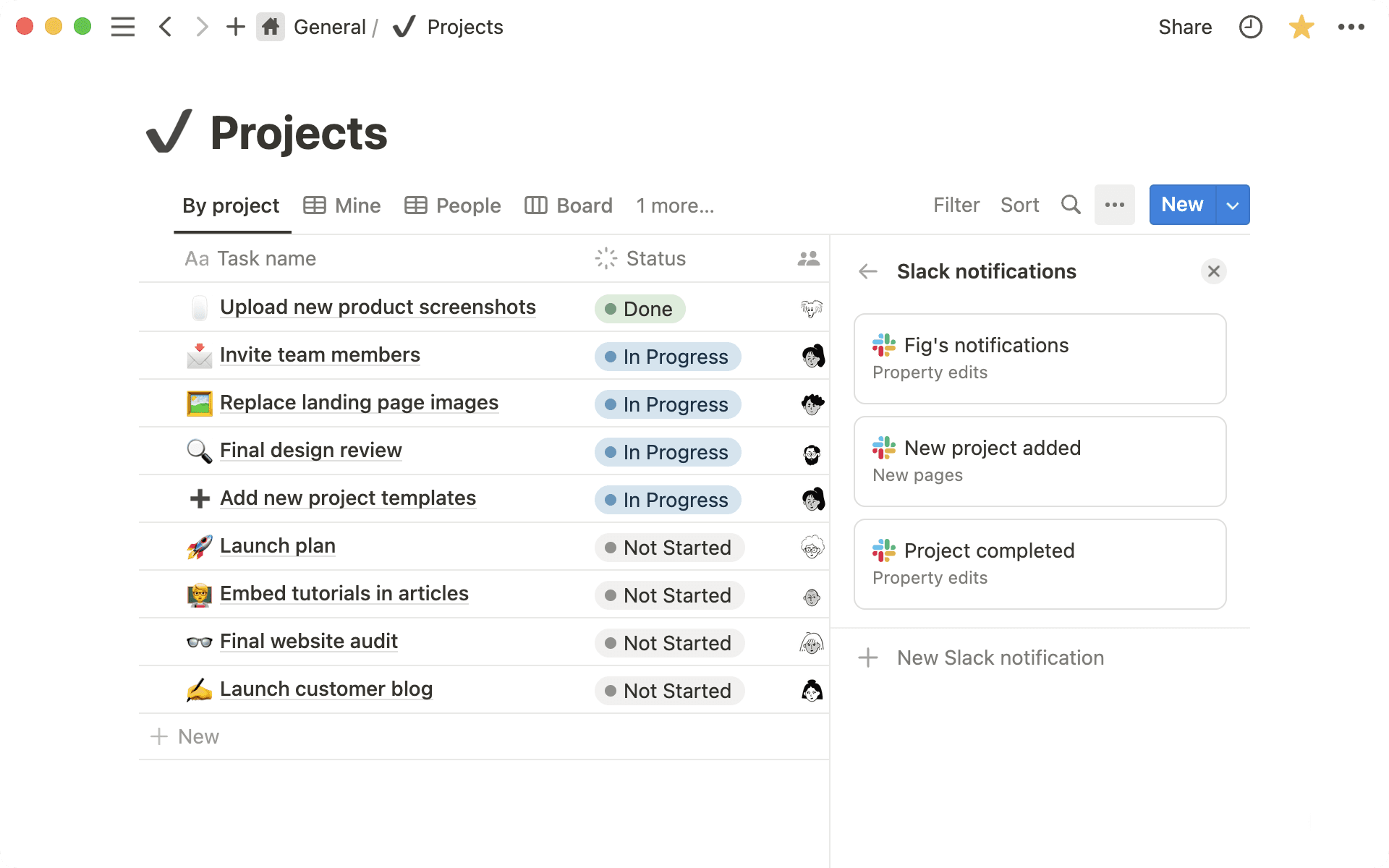
Slack integration 2.0: save messages and configure notifications
Capture your team's collective knowledge. Send Slack messages to a Notion database (e.g. record user feedback), get notifications in Slack (e.g. updates on tasks), and share links that expand with useful context.
Set up your first notification by going to a database's … menu at the top right → then Slack notifications
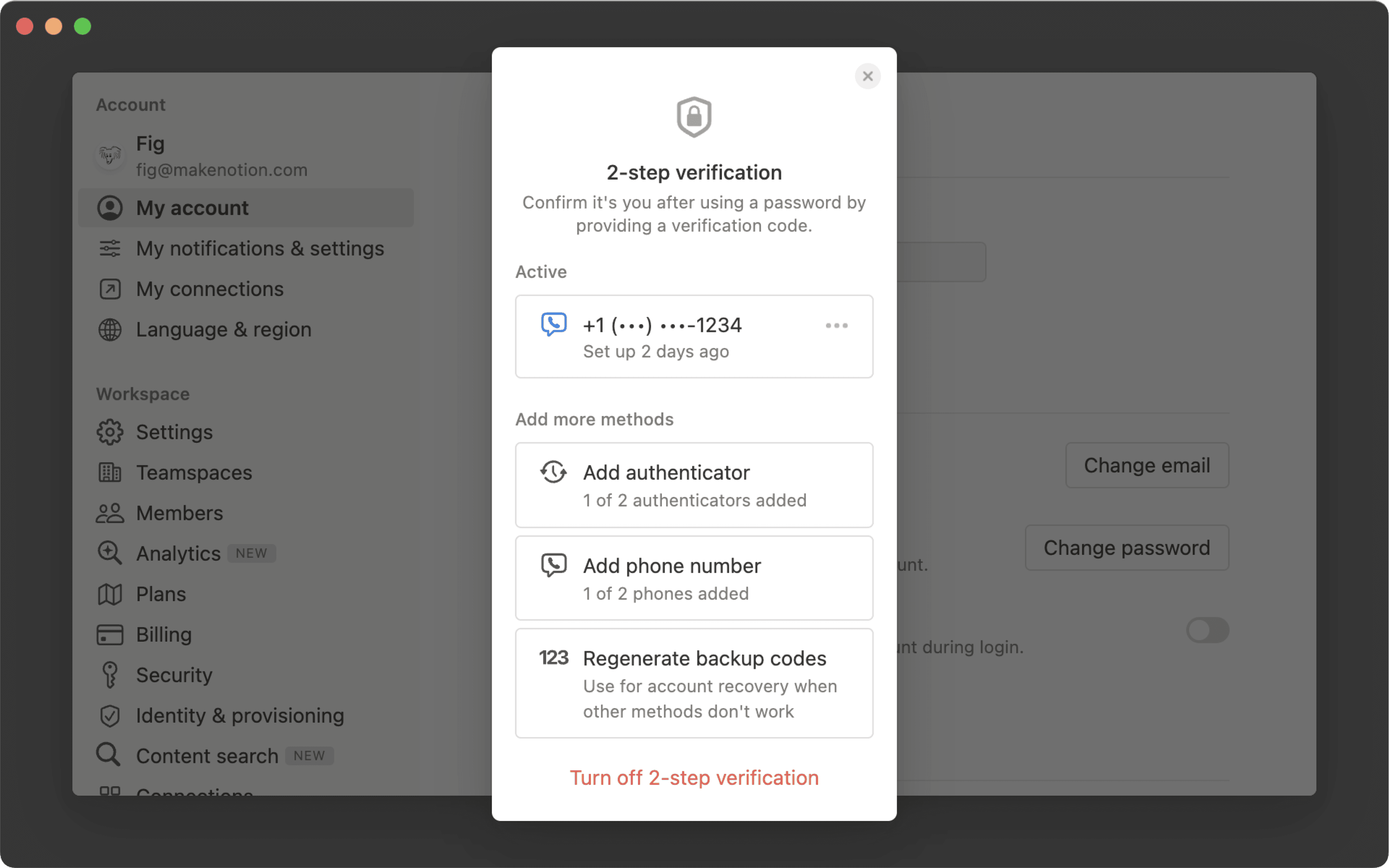
Add an extra layer of security to your account by requiring a second method of identification. Go into your account settings, click my account and under account security, toggle on 2-step verification.
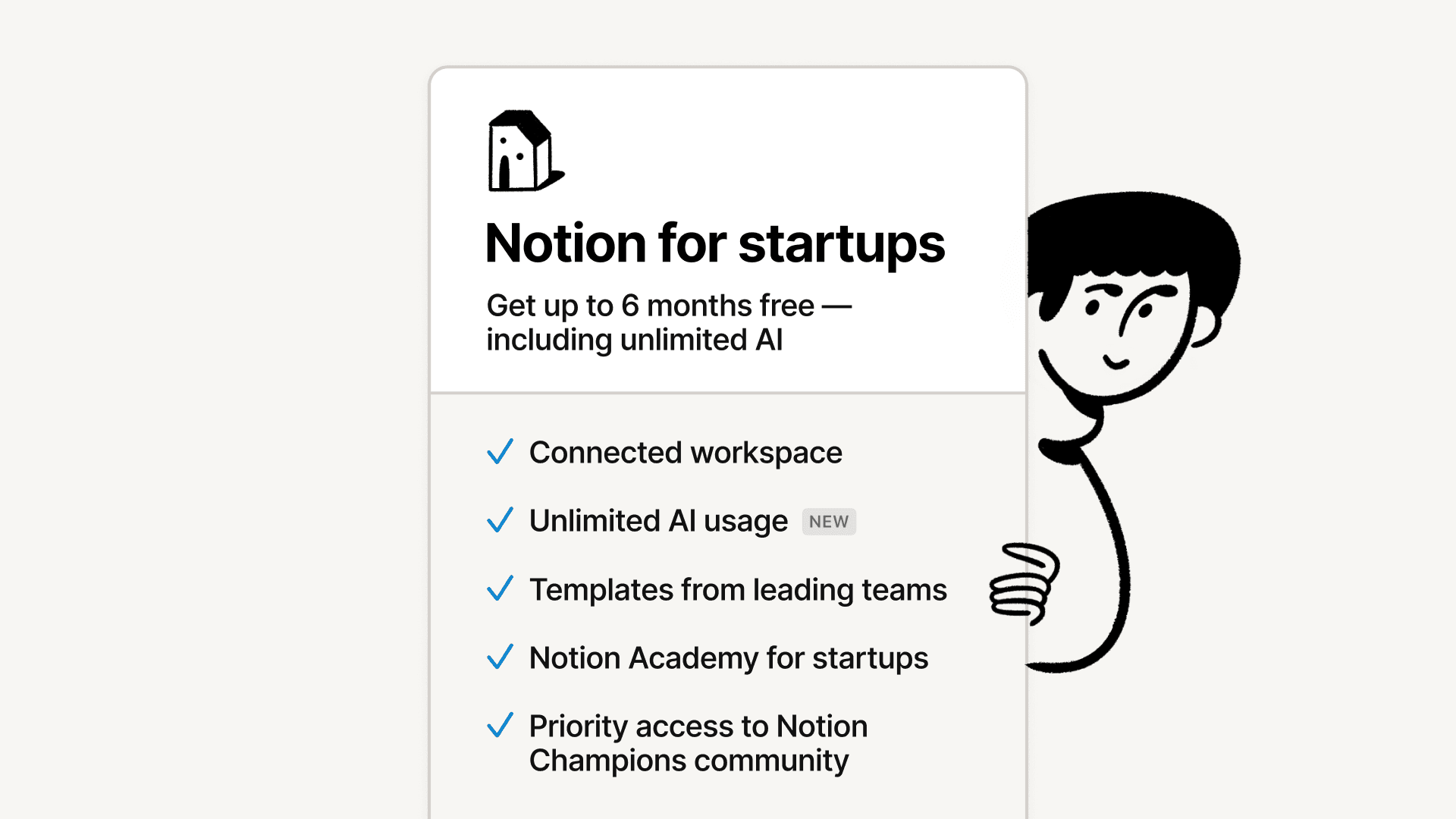
Extended free access for startups — including unlimited AI
Startups new to Notion, or currently using a free plan, can use a Notion Plus plan with unlimited AI for up to 6 months. This is equivalent to a maximum of $6000; 6x more than our previous credit offering.
We also built a "startup in a box" set of templates— real Notion pages built for startups by other startups and organized by stages in a founder’s journey.
Modern cars start with the push of a button so we can get moving quickly 🏎️
Now you can create a button that, when pushed, automatically creates a task, bug, or doc with the necessary info already filled in.
Type /button to get started. Example ways to use it:
Report a bug — support, sales, and marketing can file bugs without needing to follow a complex process
Add a new Product Requirements Doc (PRD) —instantly start a new PRD with an auto-generated outline prompting you to complete the what and why of the product, with the right PM and eng lead tagged
Submit a design request — if marketing needs a new mock-up, they can send a request straight to the design team’s project database
Embed content from 2,000 apps like Mixpanel and Twitch
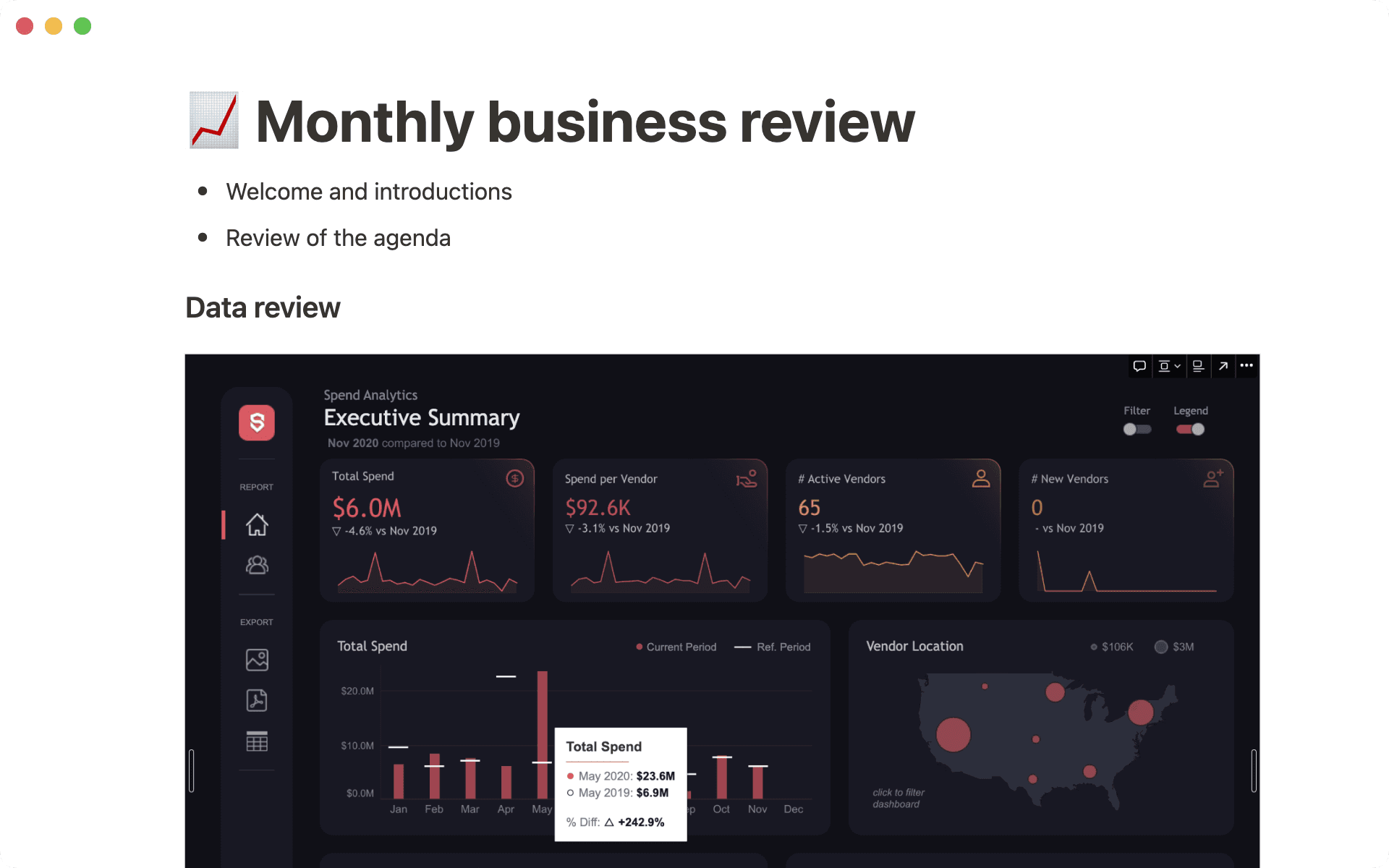
Make sure you always have fresh data without having to take new screenshots. Paste a link into a Notion page and select Create embed to pull in live info from other tools.
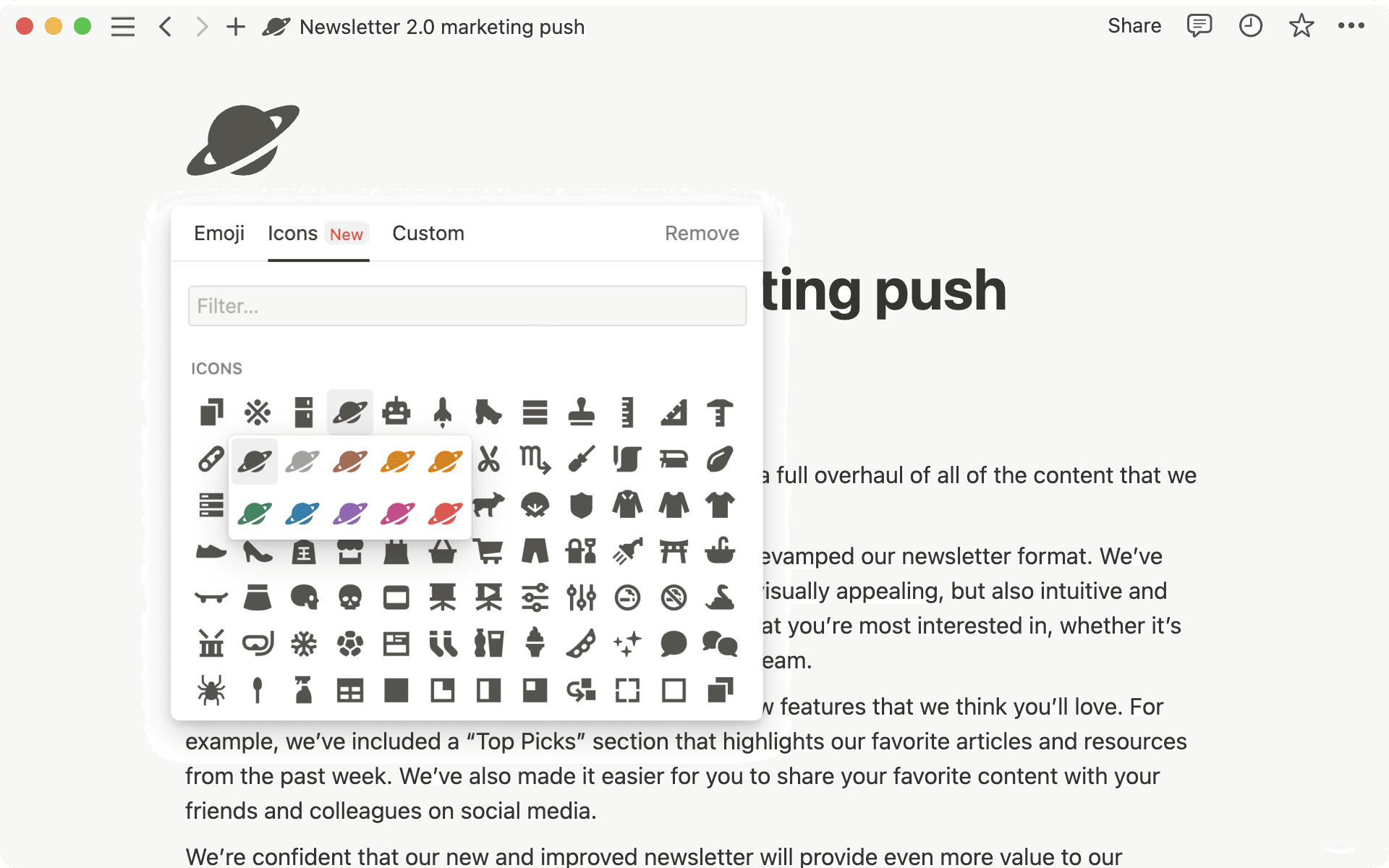
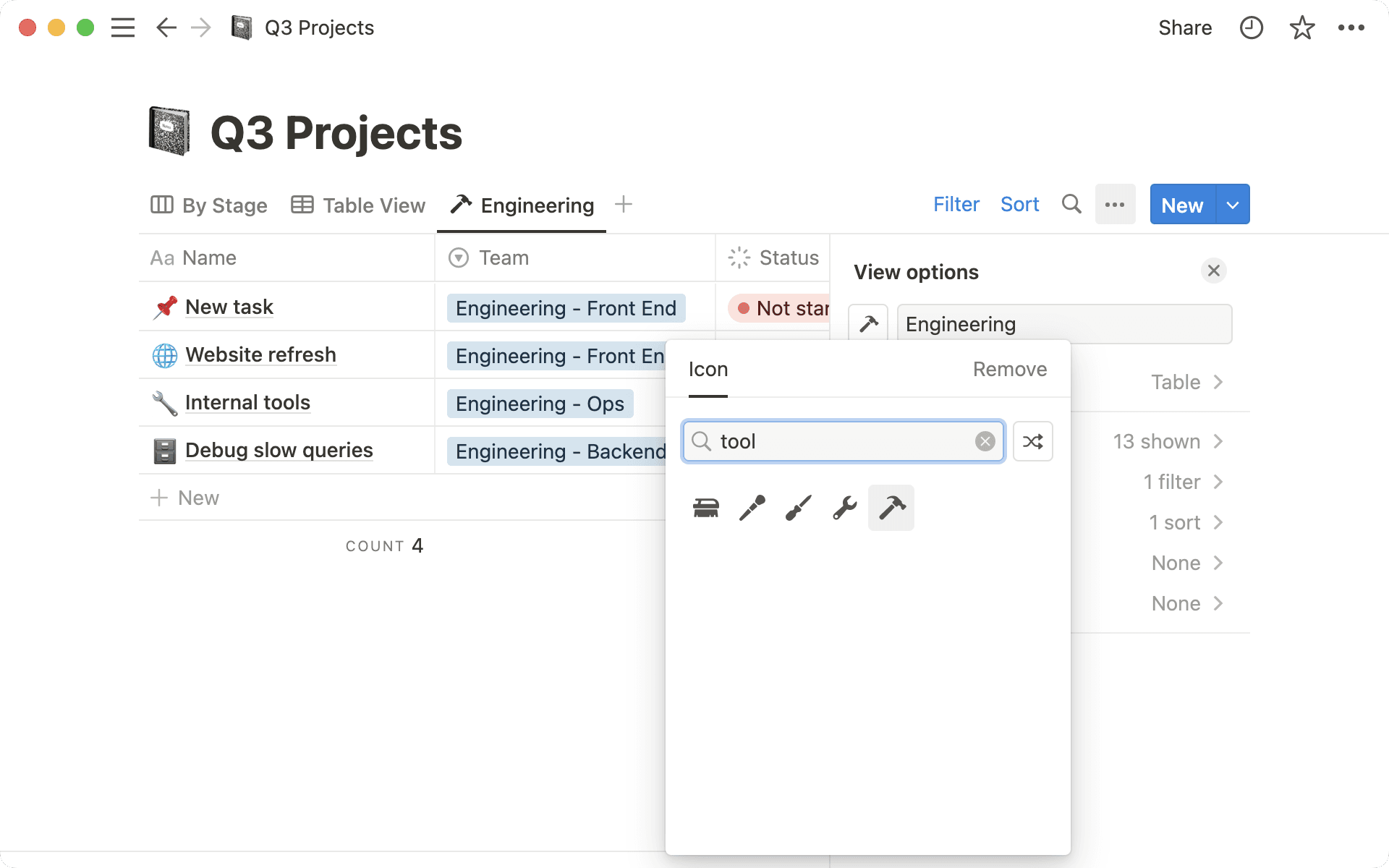
Sharing work with teammates should be delightful. So we redesigned our icons, adding 200+ new ones, improving icon search, and creating icons for project management.
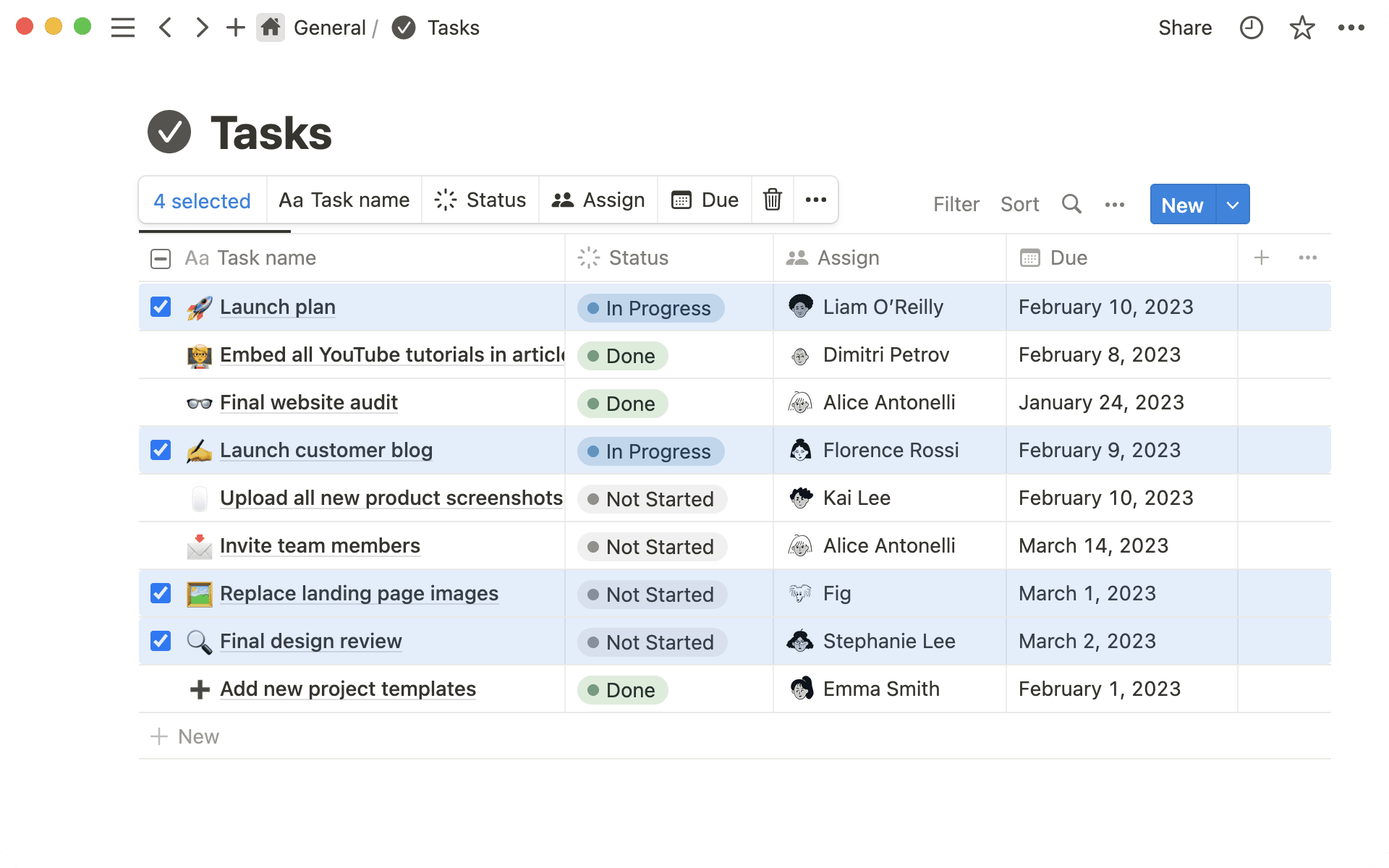
P.S. you can also now bulk edit icons in a database
No more waitlist, no “limited preview.” That means you can start to leverage the power of AI right inside Notion, across all your existing docs and notes—today.
Use Notion AI to augment your capabilities in new and unexpected ways. Just open any Notion page, and give these a try:
Generate an instant summary from a page of messy notes. Start a new line, hit space on your keyboard, then select “Summarize.”
Become a more effective communicator. Highlight a paragraph you wrote, click “Ask AI” in the toolbar that appears, and select “Improve writing.”
Approach projects with new creativity. Create a new page, click “Start writing with AI,” and ask it to list pros & cons of a decision you’re considering.
Nearly two million people signed up for the alpha waitlist ten weeks ago. Now, Notion AI is completely redesigned based on feedback and testing. Go to any Notion page and hit space to see for yourself.
Since launching the invite-only ALPHA, people have been testing Notion AI across every manner of workflow, from writing more effective documentation at work, to meal planning at home. Now, it’s available to everyone—whether you have an existing workspace full of notes, or you’re brand new to Notion, AI can be added to any plan.
Try Notion AI for free. You’ll get 20 free AI responses per member in your workspace. Promotion ends April 5, 2023.
Add to your workspace for $10 per member / month. For customers with annual billing, a 20% discount is available.
Use Notion AI as much as you need. No need to manage your plan or keep track of usage.
Perhaps the most exciting part of today’s launch is that for Notion AI, this is only the beginning. Using your feedback as our guiding light, we’ll continue to make Notion AI a better experience for you.
Is your idea resonating with your audience? Now you can see how many people are engaging with a page—with views, viewers, and editor information shown right in the sidebar. Use it next time you share a product spec or publish a blog post.
Go to 🕘 View all updates at the top right of your page → Analytics
Understand how the content in your workspace is performing—and identify areas for action—with metrics like number of views, unique visitors, and last edited date.
Workspace owners can also view user engagement—including top champions and members who could use more support—as well as search metrics.
Go to ⚙️ Settings & members at the top left of your workspace → Analytics
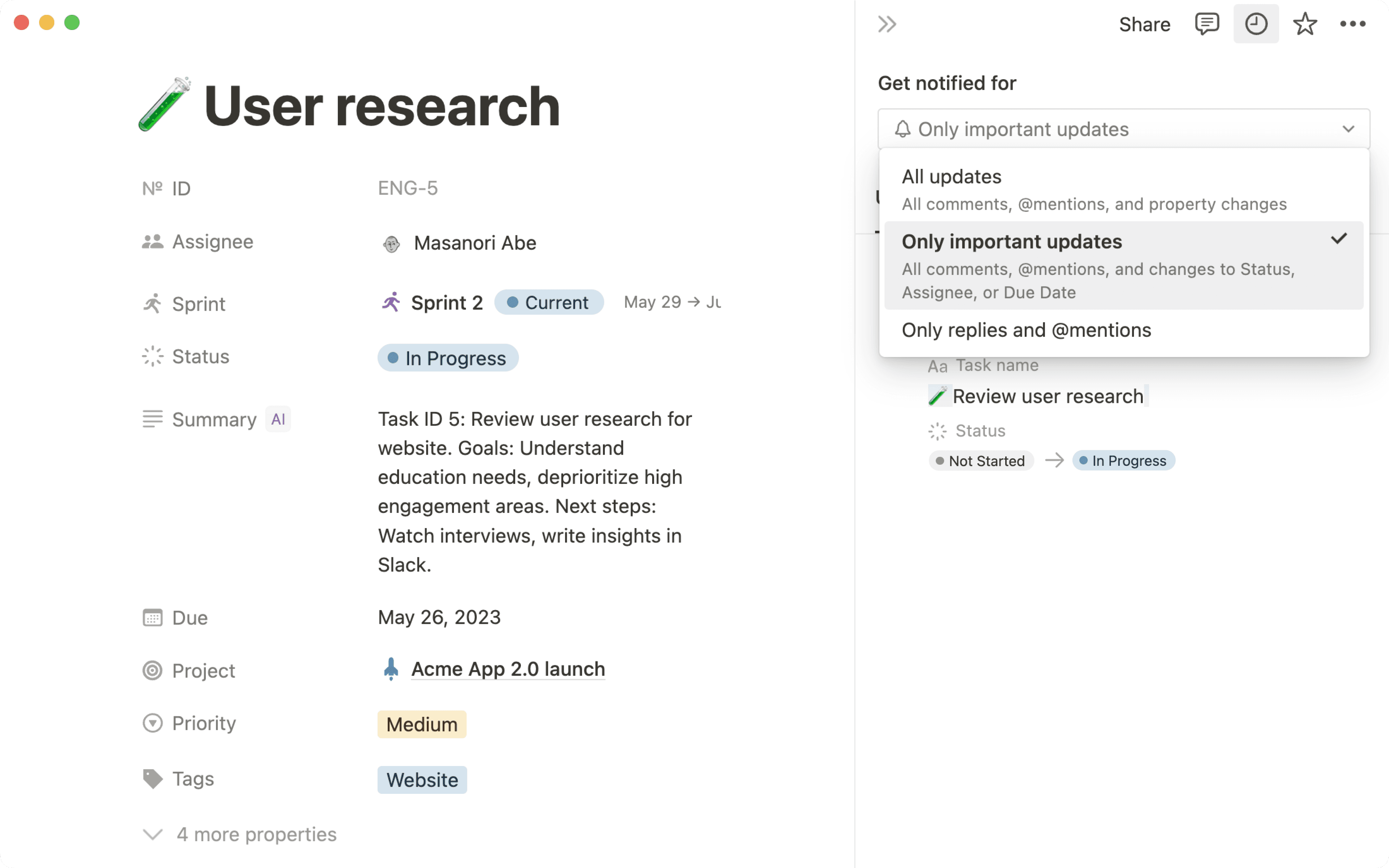
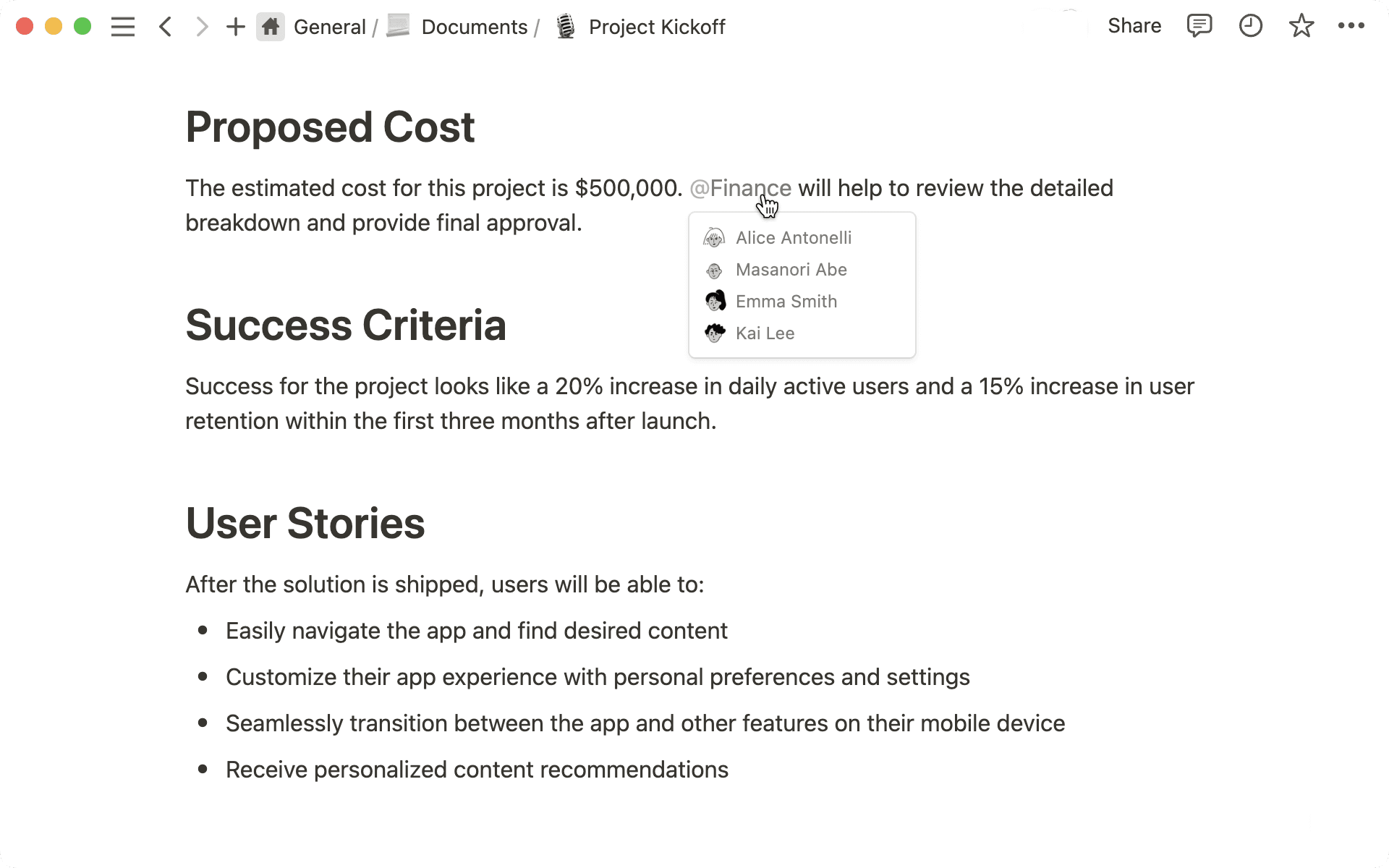
Notifications are like a mini-assistant, keeping you up to date and filtering out noise. Now, you’ll only get notifications when you’re @mentioned or someone replies to your edit. Clear notifications by tagging them as read or archive.
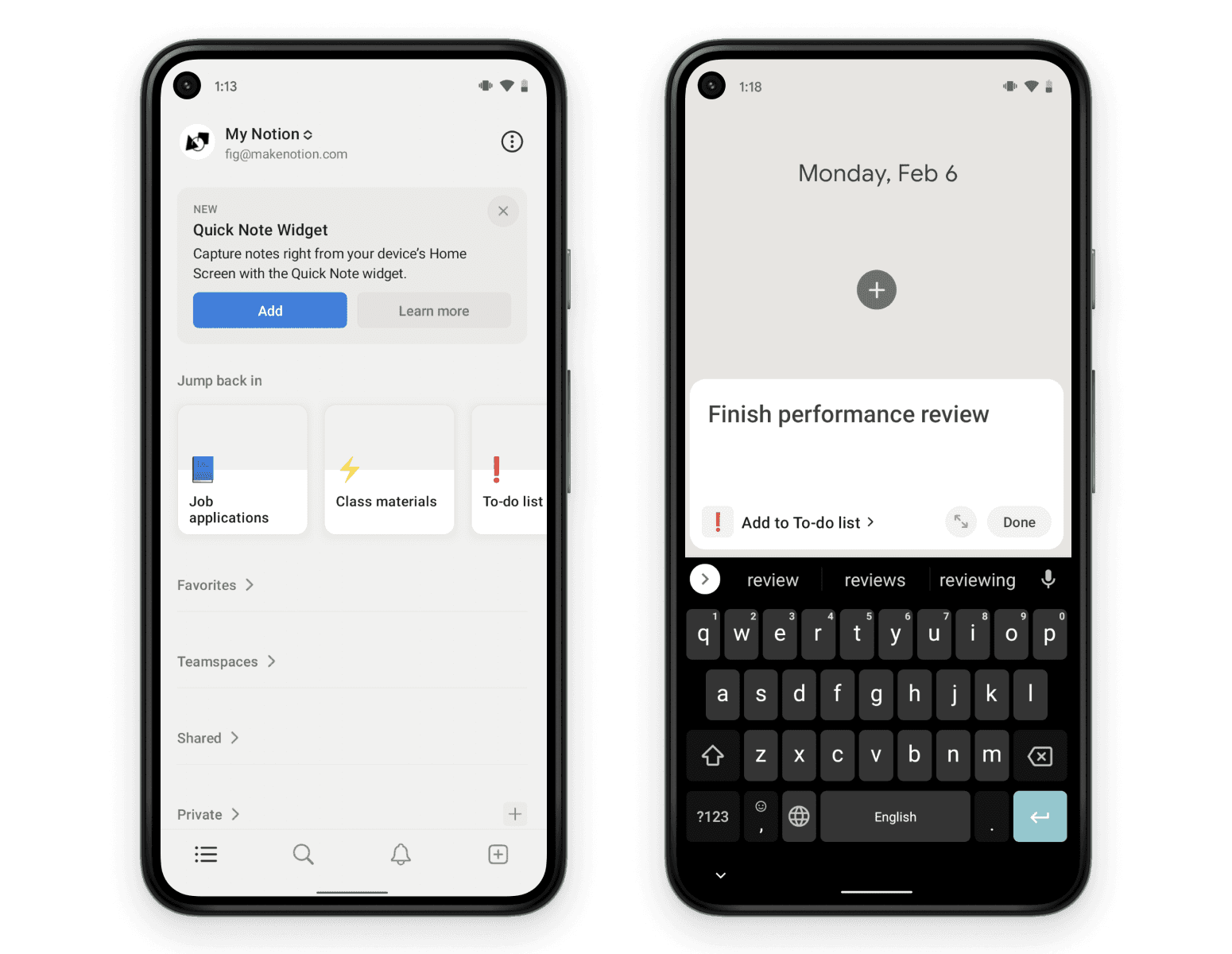
Now you have a Quick Note widget for Android that lets you create a new Notion page immediately after clicking. Use it the next time you think of a design idea at a basketball game. iOS coming soon.
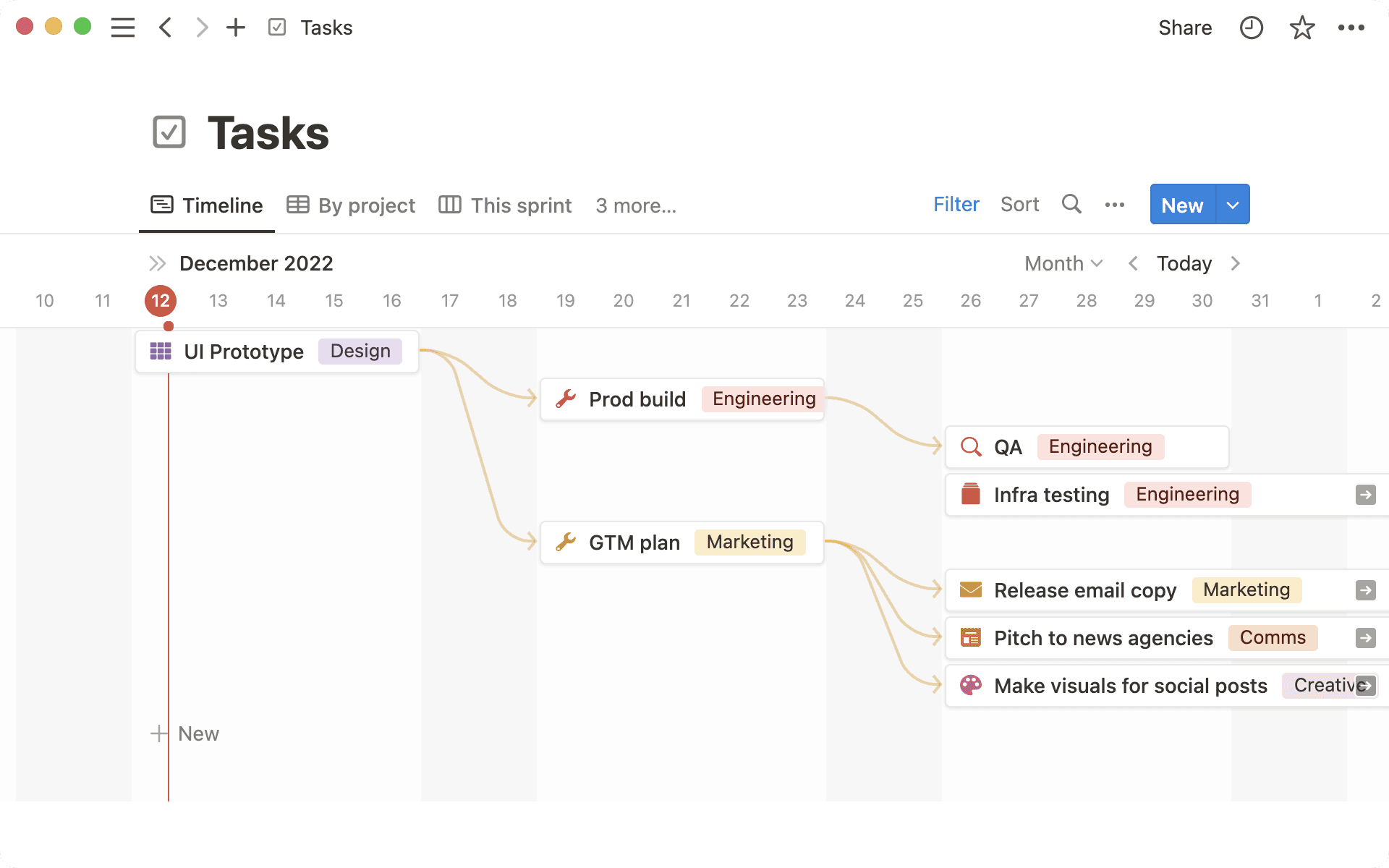
Easily visualize when one task is dependent on another task’s completion. Dependencies can easily be viewed with directional arrows in Timeline view, allowing your team to see conflicts and roadblocks early, and stay on track.
To get started:
Go to the ••• menu in the top right-hand side of your Notion task database in Timeline layout
Click on Dependencies and go through the set-up flow
Hover over any database item, click the yellow arrow, and then drag it to connect to the item it is blocking.
There are two reasons to use Notion in your desktop app instead of your web browser: 50% faster performance, and a more focused writing experience.
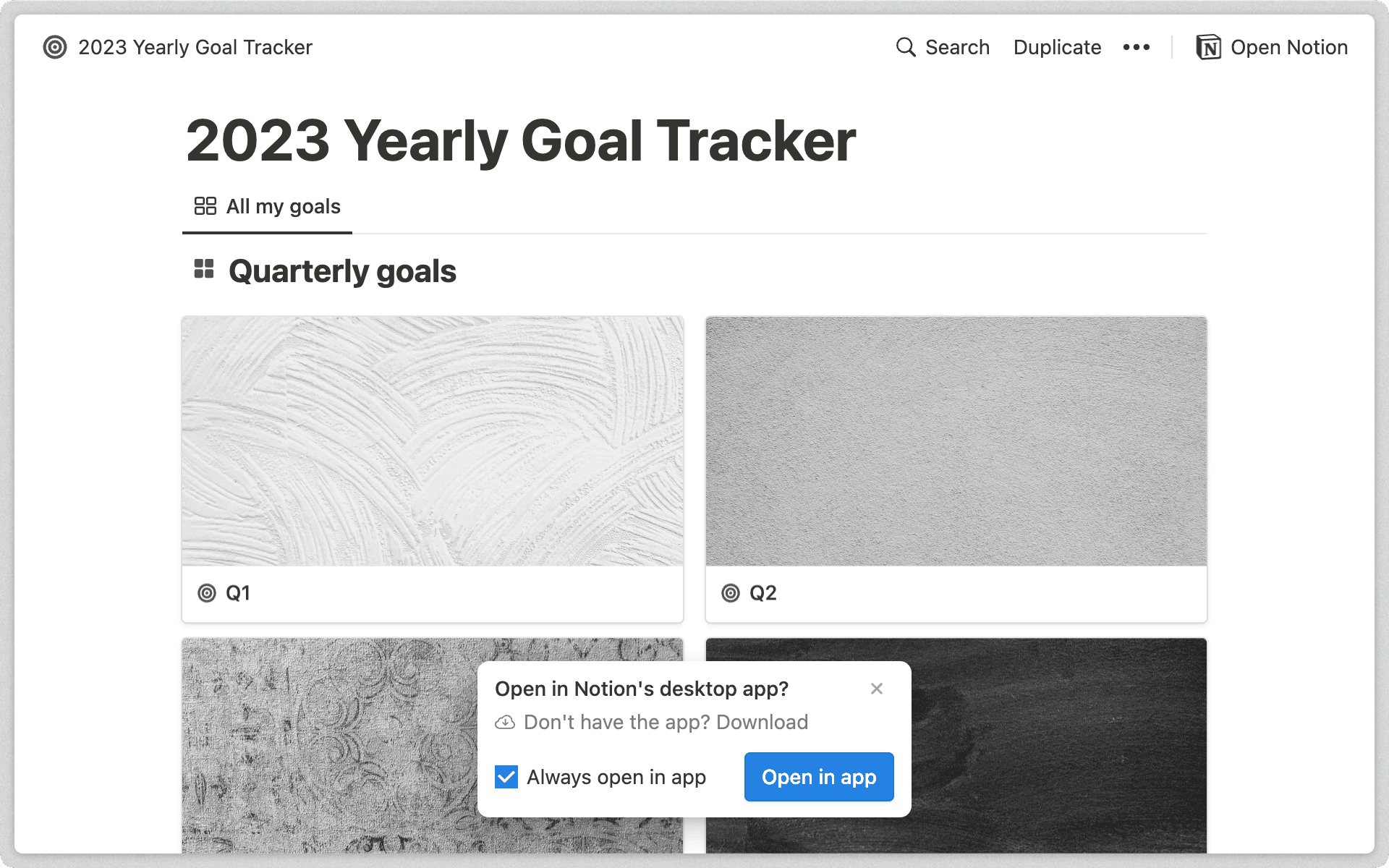
But whenever you clicked on a link to a Notion page (in an email or Slack message, perhaps), it would open in your browser even if you had the desktop app installed... until now!
When a link to a Notion page opens in your web browser, you should see a pop-up that lets you open the link in your desktop app instead.
To change your preference, go to Settings & members → My notifications & settings → Open links in desktop app.
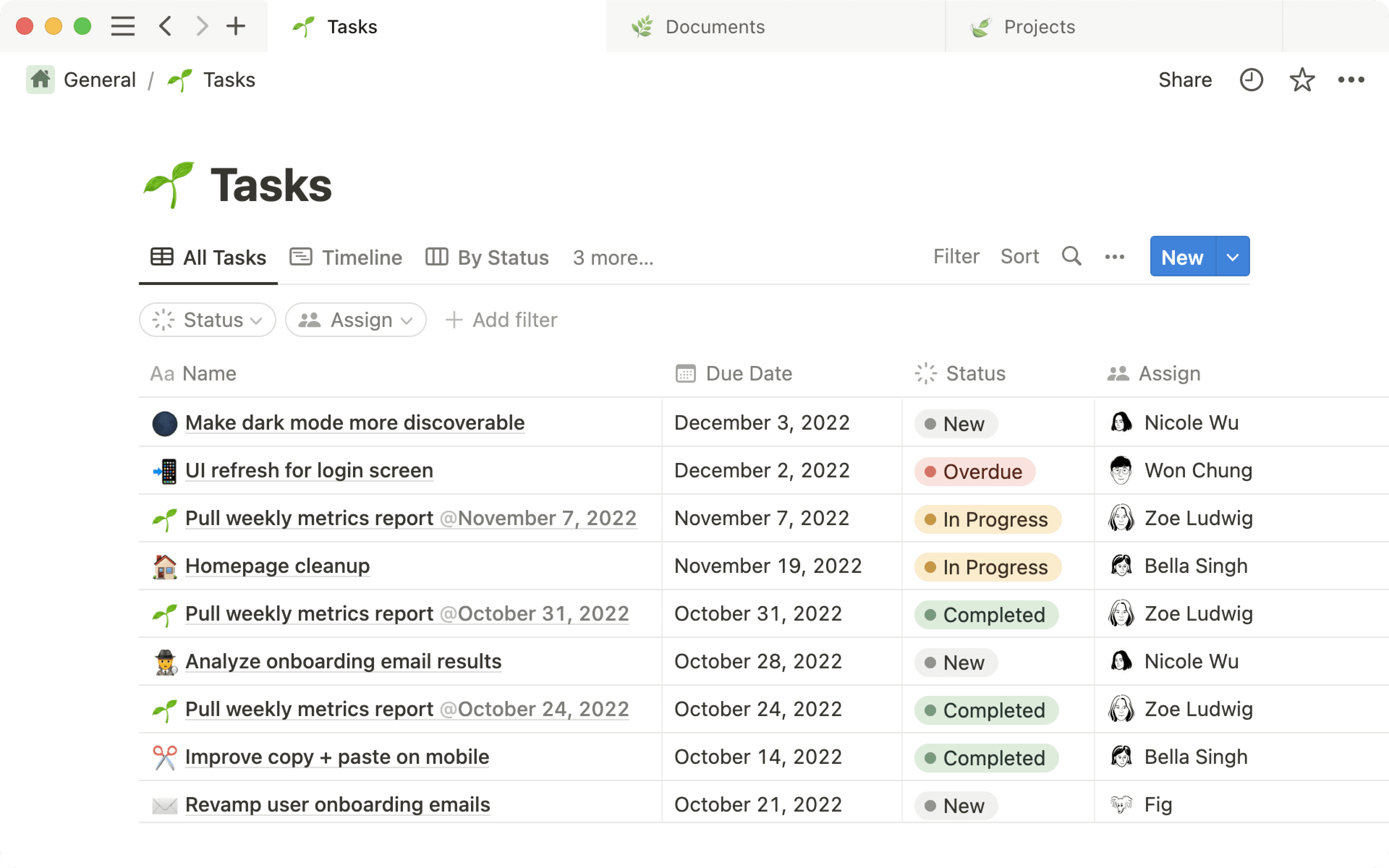
Stay in the flow by making quick edits in List view, without the need to open every database page. Just click on any property to make changes, or use these keyboard shortcuts:
Use Shift + Enter on any selected page, to create a new item underneath
Use tab to move between properties for easy editing
Resize link previews featuring images – for Figma, Dropbox, Lucid, and more
Data scientists are comfortable in Amplitude. Designers know their way around Figma. But it can be challenging to find the updates you need from these tools if you’re on marketing, sales, support, etc.
Notion supports dynamic link previews from a growing list of partners so you can bring more visibility to the info in those tools. And now, any previews that contain an image are fully resizable.
Following our French language launch earlier this year, we're excited to expand our support for our European users—from today, Notion is available in German (beta).
After changing your language to German, click Vorlagen at the bottom of your left-hand sidebar to find German templates
To change your language settings on your desktop, go to Settings and Members, then select German under Languages and regions.
Mobile and desktop apps will be released in batches; please wait until your app reflects the latest version. If your phone language is set to German, the Notion app will automatically change to German when available.
Bug fixes and improvements
The teamspace settings menus have been redesigned to be more intuitive and easy to use
When adding people to a teamspace, you can now add people who aren't a workspace member yet — adding them to the teamspace and the workspace
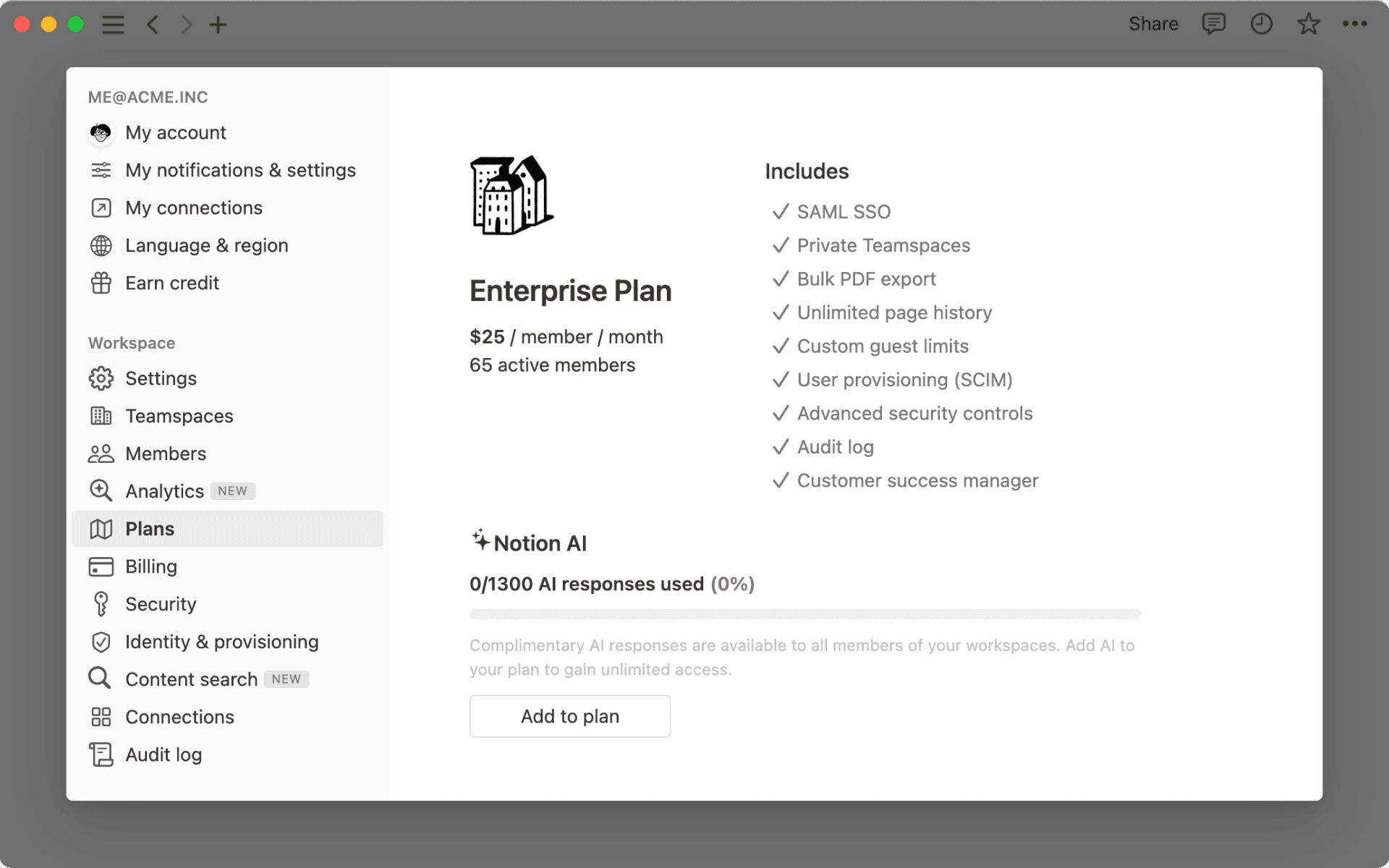
The Enterprise Plan in Korea is now called 엔터프라이즈 요금제 instead of 기업 요금제. No other changes to price or functionality.
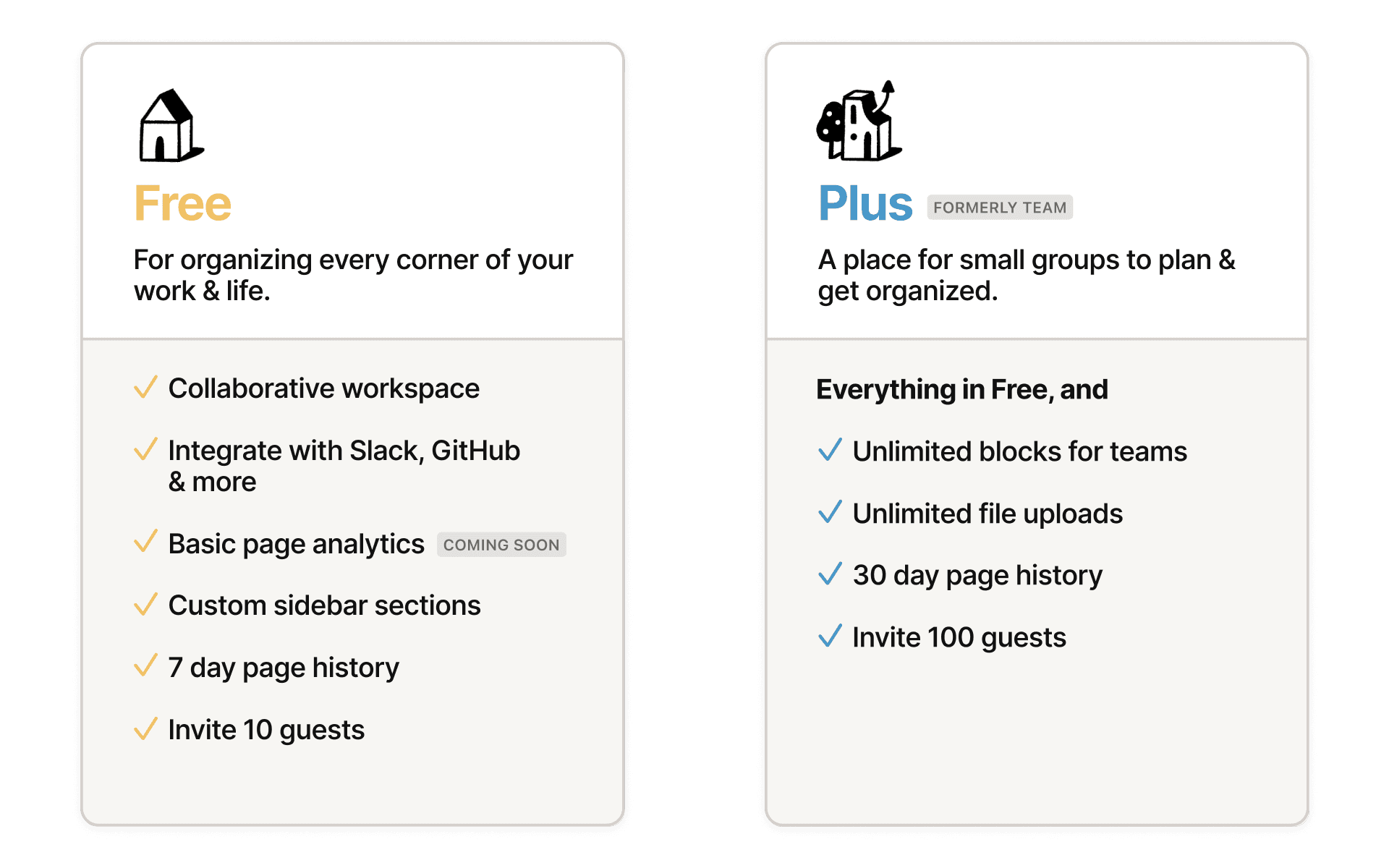
Still free for everyone. Now with even more features.
In May 2020, we made a commitment: Notion should be free for personal use. Today, we’re taking this a step further. Now the Free Plan is more collaborative and capable, with these features that used to require a paid subscription:
More guests: invite up to 10 collaborators, friends & family to your pages
Page history: view and restore previous versions of your content, up to 7 days
Teamspaces: create custom sections in your sidebar for a new layer of organization
As always, individuals can add unlimited pages and blocks to Notion. And teams can kick the tires before paying, with a limited block trial — no time limit, no credit card needed.
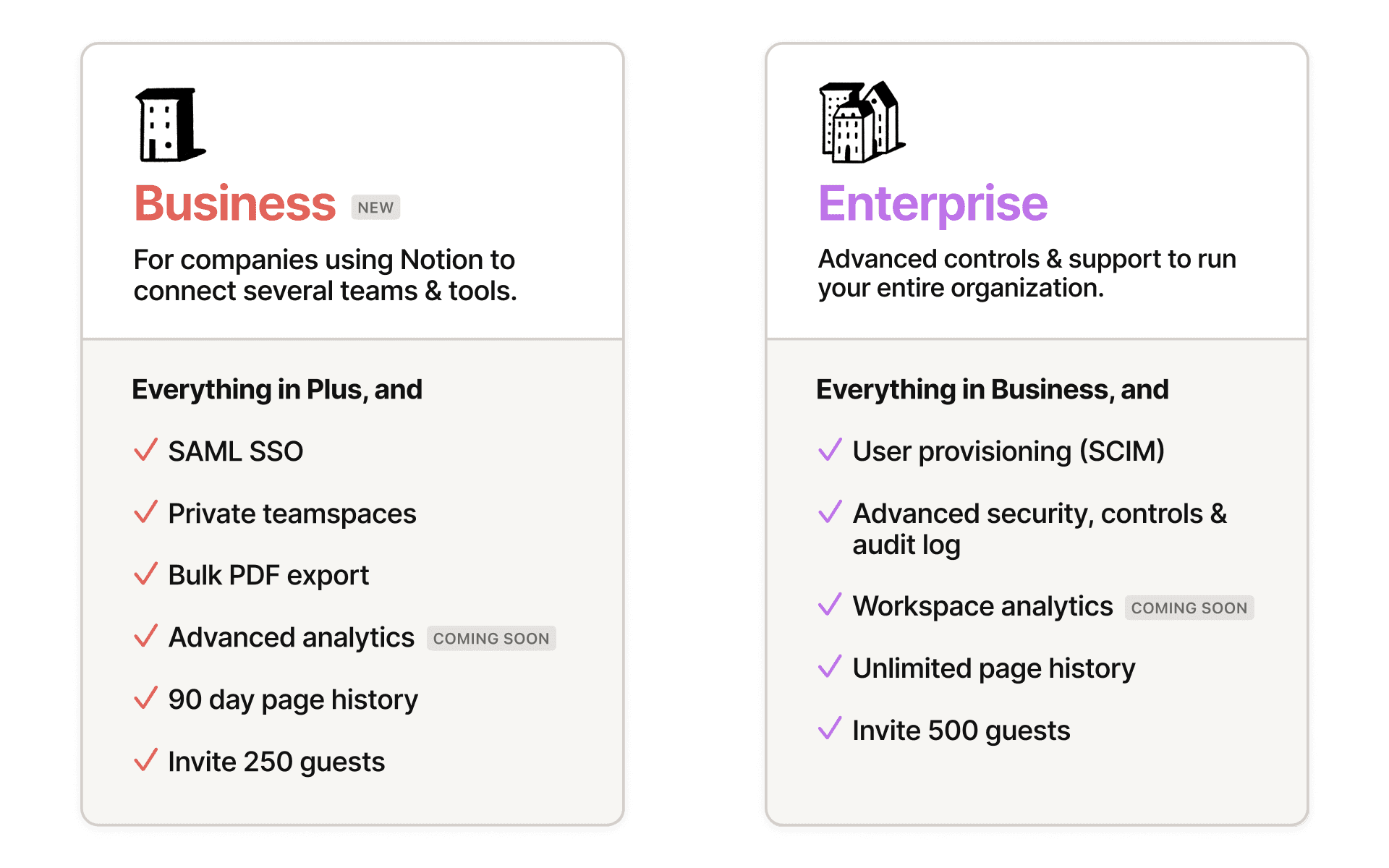
Trying to get cross-functional teams on the same page? Notion’s new Business Plan was designed for companies who need a few extra tools for admins, to ensure employees are using the workspace effectively:
SAML SSO: securely manage employee access at scale with single sign-on
Private teamspaces: dedicated areas for working groups to collaborate on sensitive docs
Bulk PDF export: perfect for legal and compliance backups of the entire workspace
COMING SOON Advanced page analytics: see who’s viewing and editing your content, and when
When you add an emoji or icon for your page, you’ll now see an option to set a default skin tone and icon color. Your chosen color will be pre-selected anytime you add an emoji or icon in Notion.
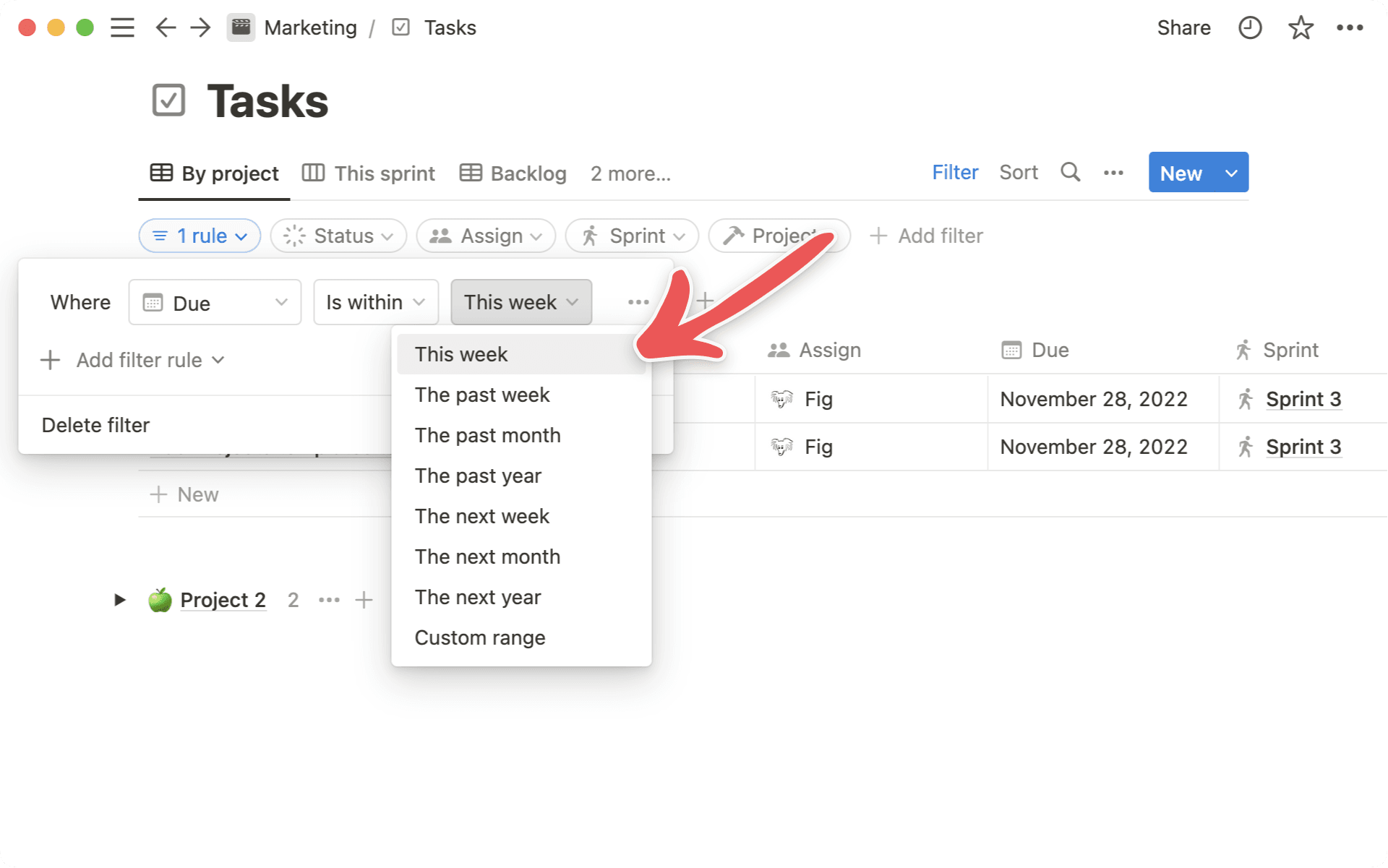
Getting the most out of your week starts with knowing what to work on. Now you can always see what tasks need your focus in the current week using the new “This week” filter.
To use it:
Create an Advanced filter in a database
Select a date property and then select the qualifier “Is within”
Notion AI is a writing assistant that can help you write, brainstorm, edit, summarize, and more. Consider Notion AI your partner. It augments your thinking — helping you save time or spend it more wisely.
Rất tiếc! Có vẻ như trình chặn quảng cáo của bạn đang ngăn không cho phát video.
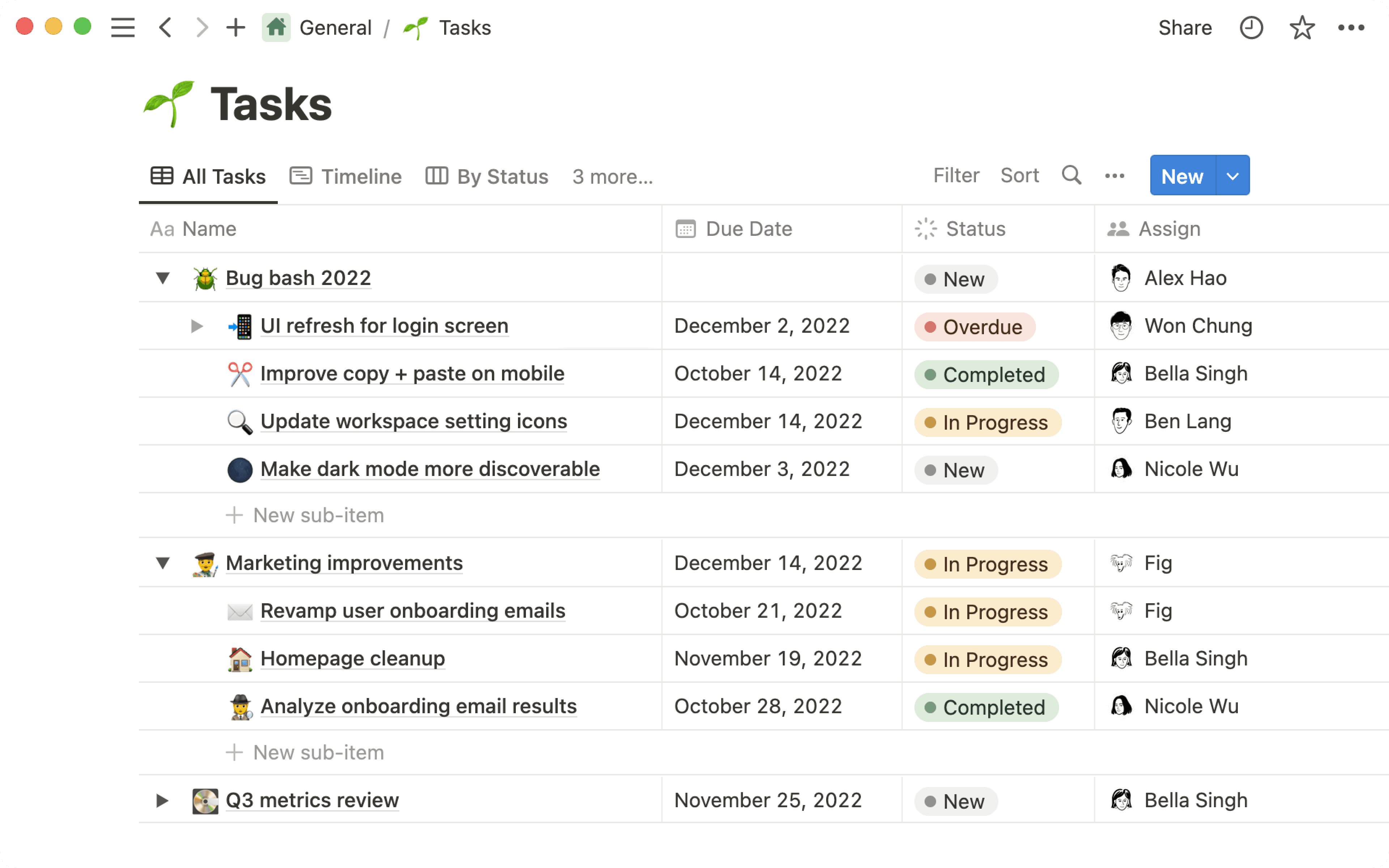
Build your workspace with new templates for project management, meetings, and docs
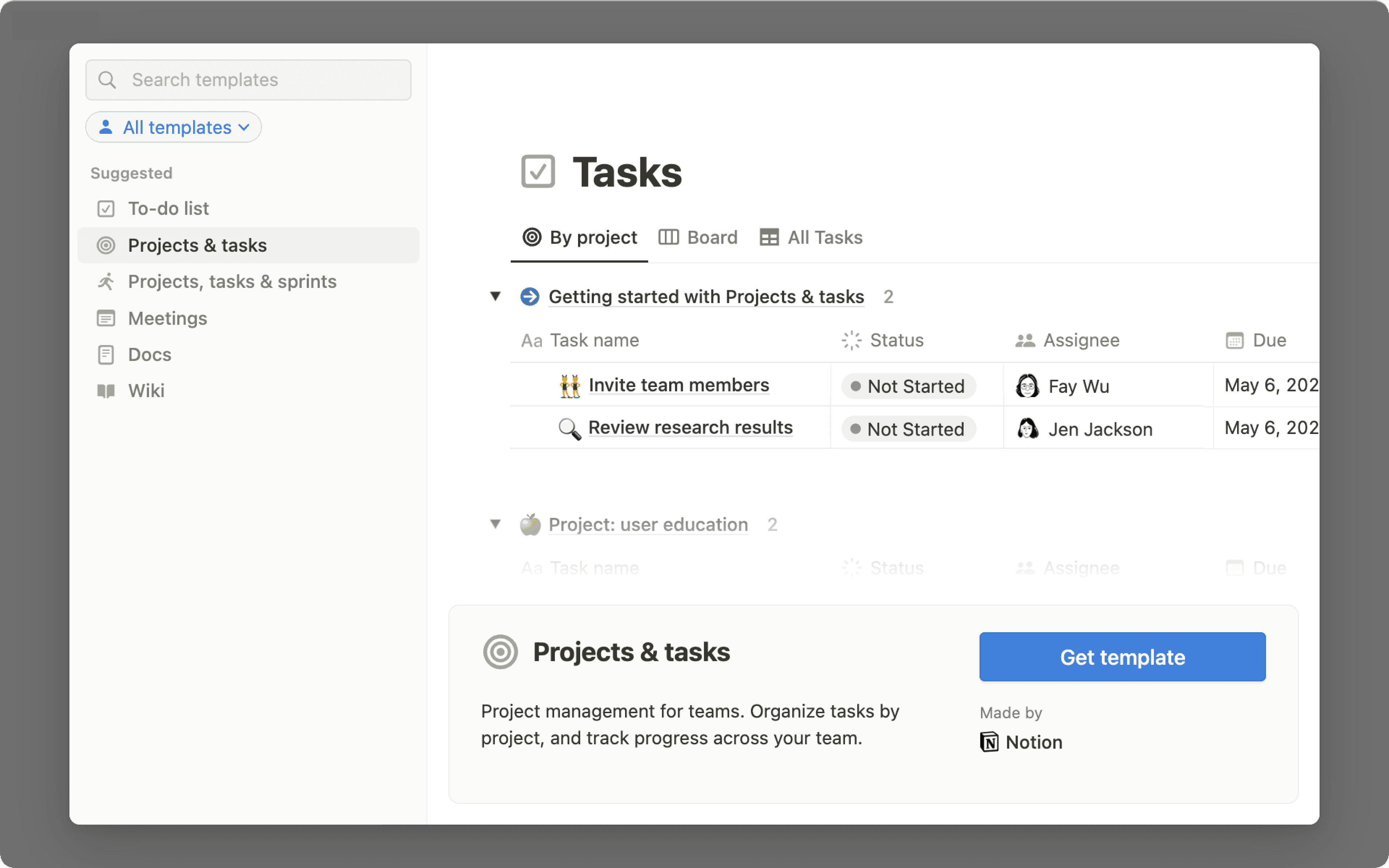
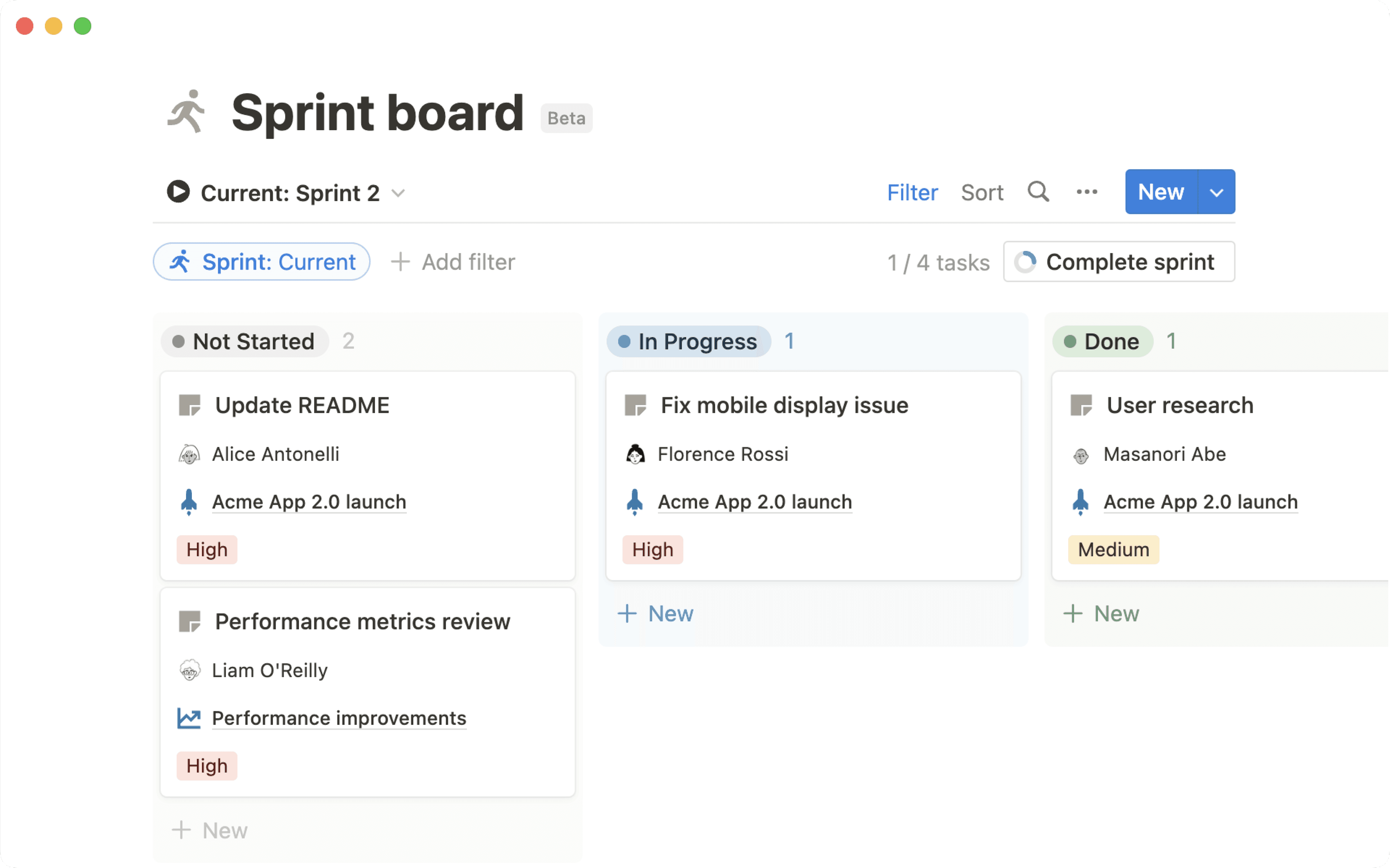
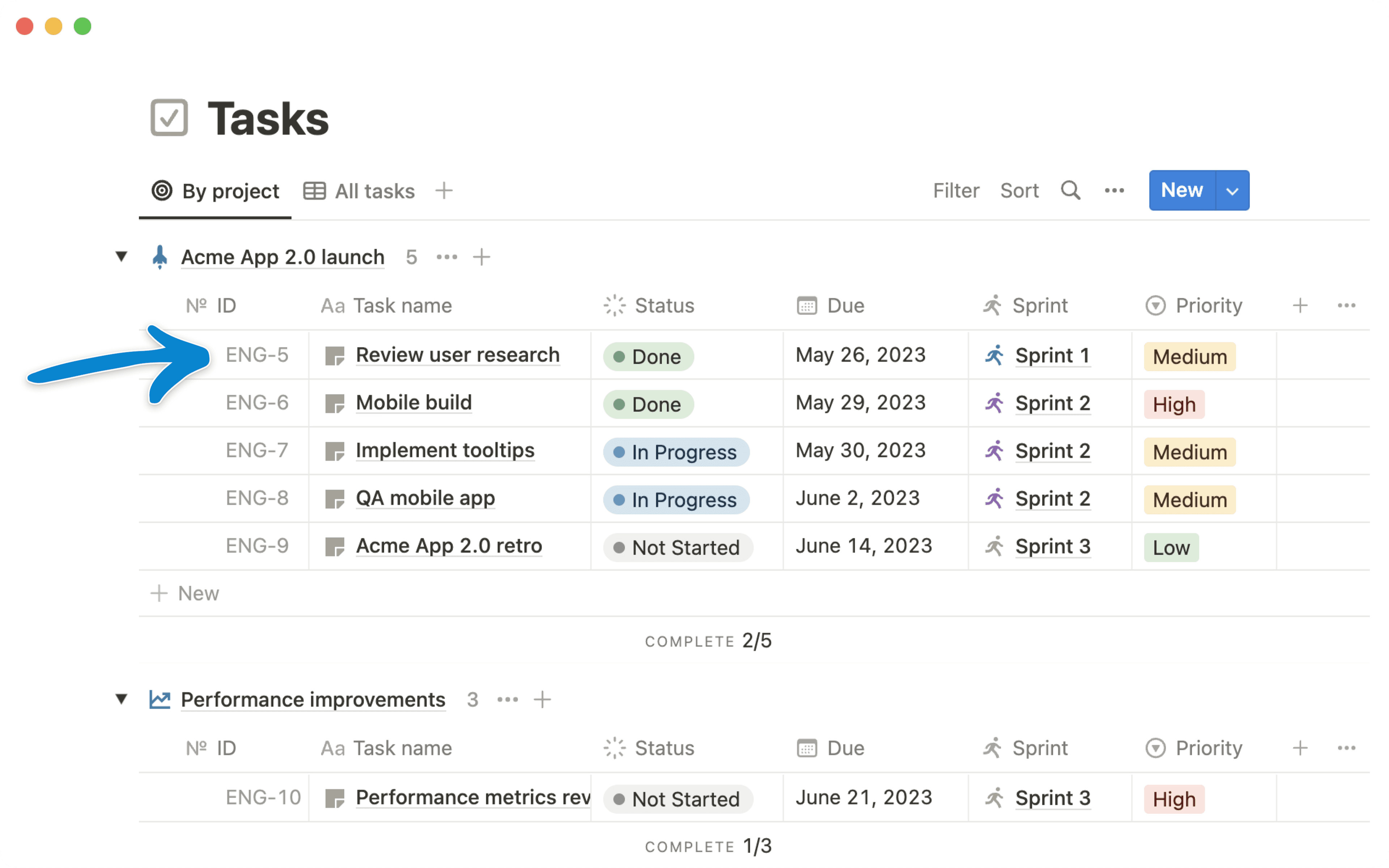
It’s now easier for you to set up your team’s workspace with database-powered templates for managing projects, tracking meeting notes, and sharing docs. These templates come pre-configured with the database views, pages, and relations needed for your team to effectively manage their work in Notion.
Meetings, so that your team can track all meeting notes and action items in one place
Docs, so your team can easily find, document, and share information across your team.
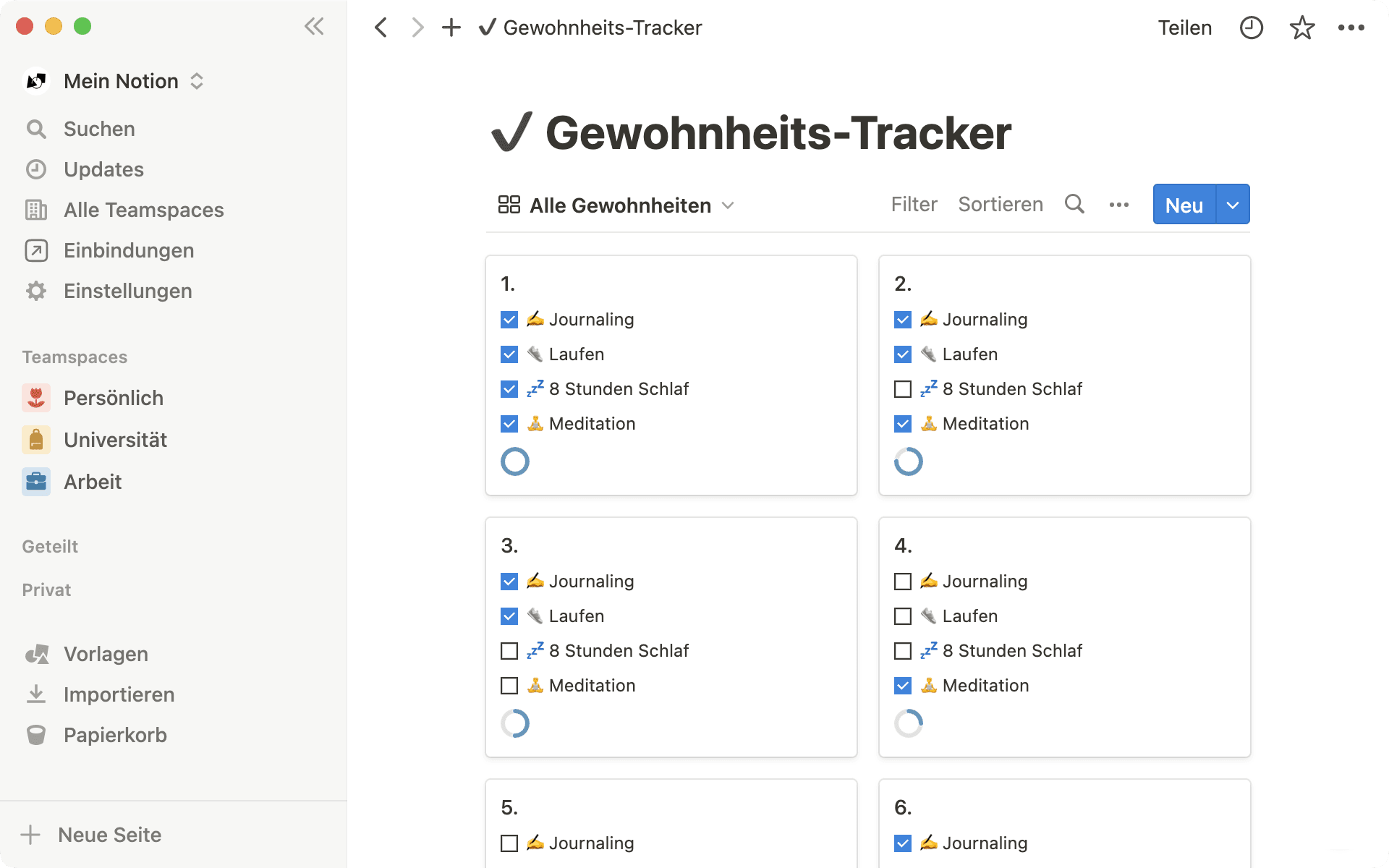
In addition, our template gallery has been redesigned and updated so that it’s easier to find any template – from a company wiki to a daily habit tracker – all in one place.
To access the template gallery, click on Templates in the left sidebar menu. This will be rolling out to all users in the coming weeks. If you don’t yet see it in your workspace or local language, you will soon!
You and your work should be able to smoothly transition from your laptop to your phone. On your mobile app, you’ll now see a Jump back in section that displays the pages you viewed most recently. Use the train ride home to review a product doc without needing to frantically search Slack.
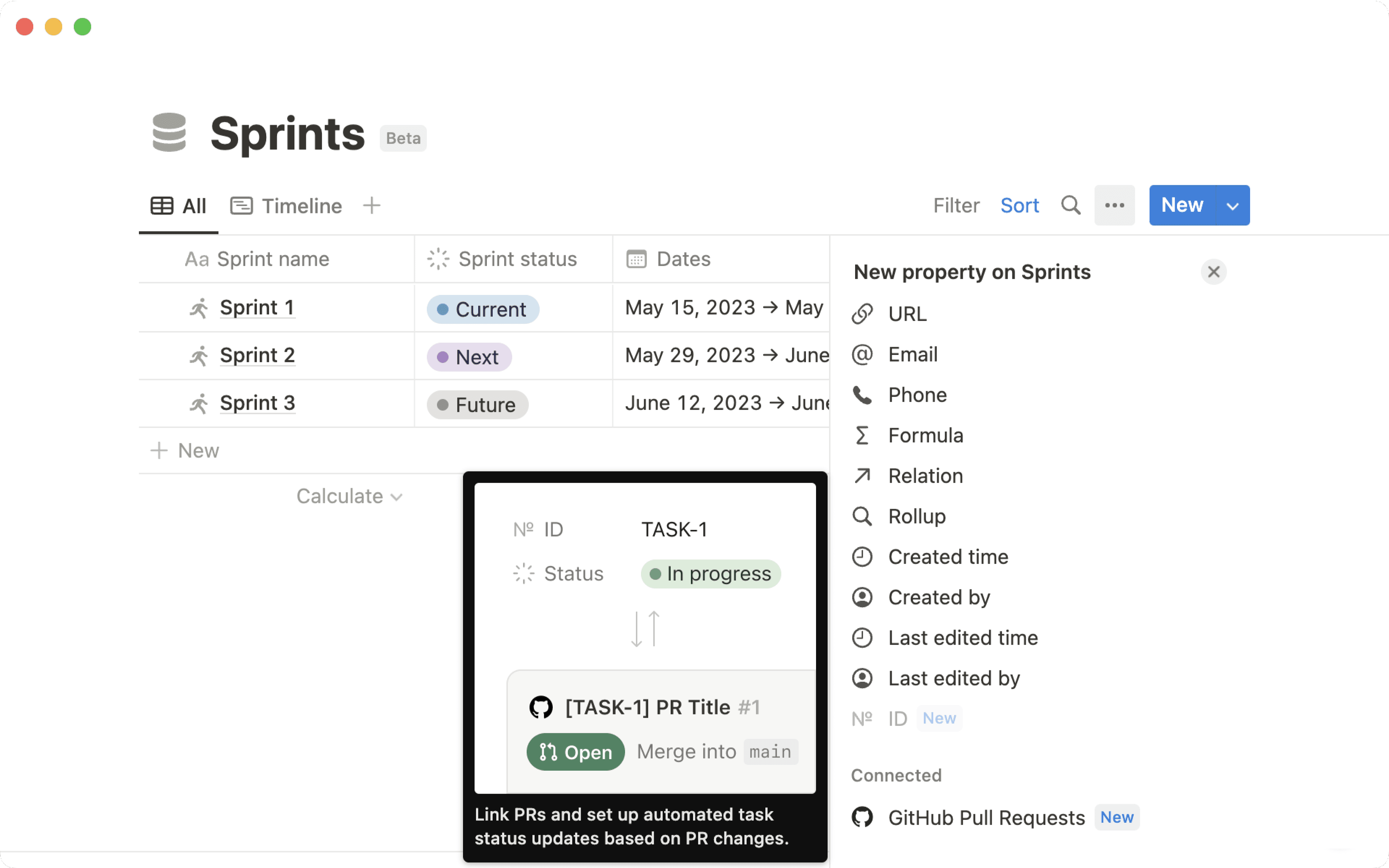
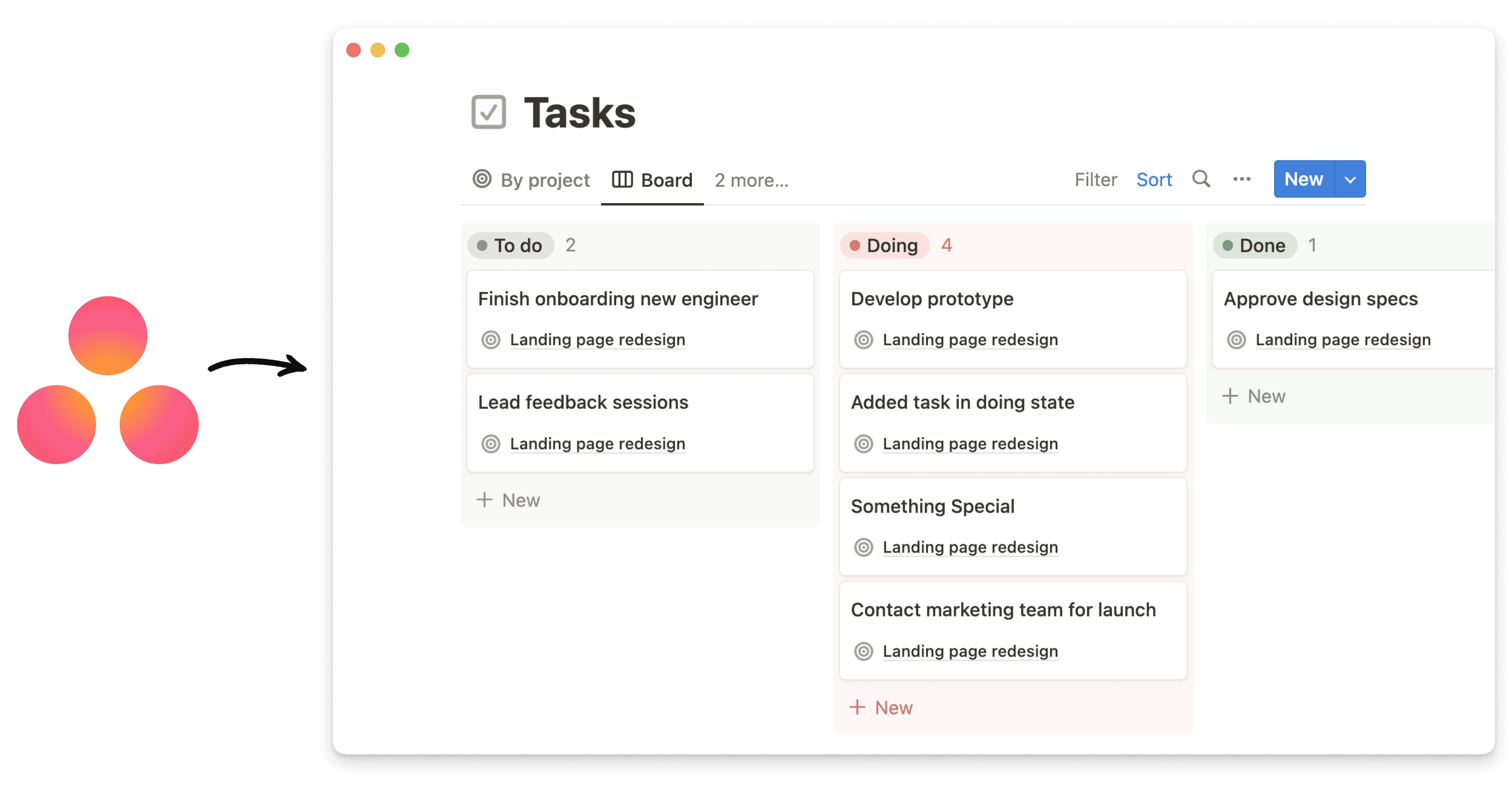
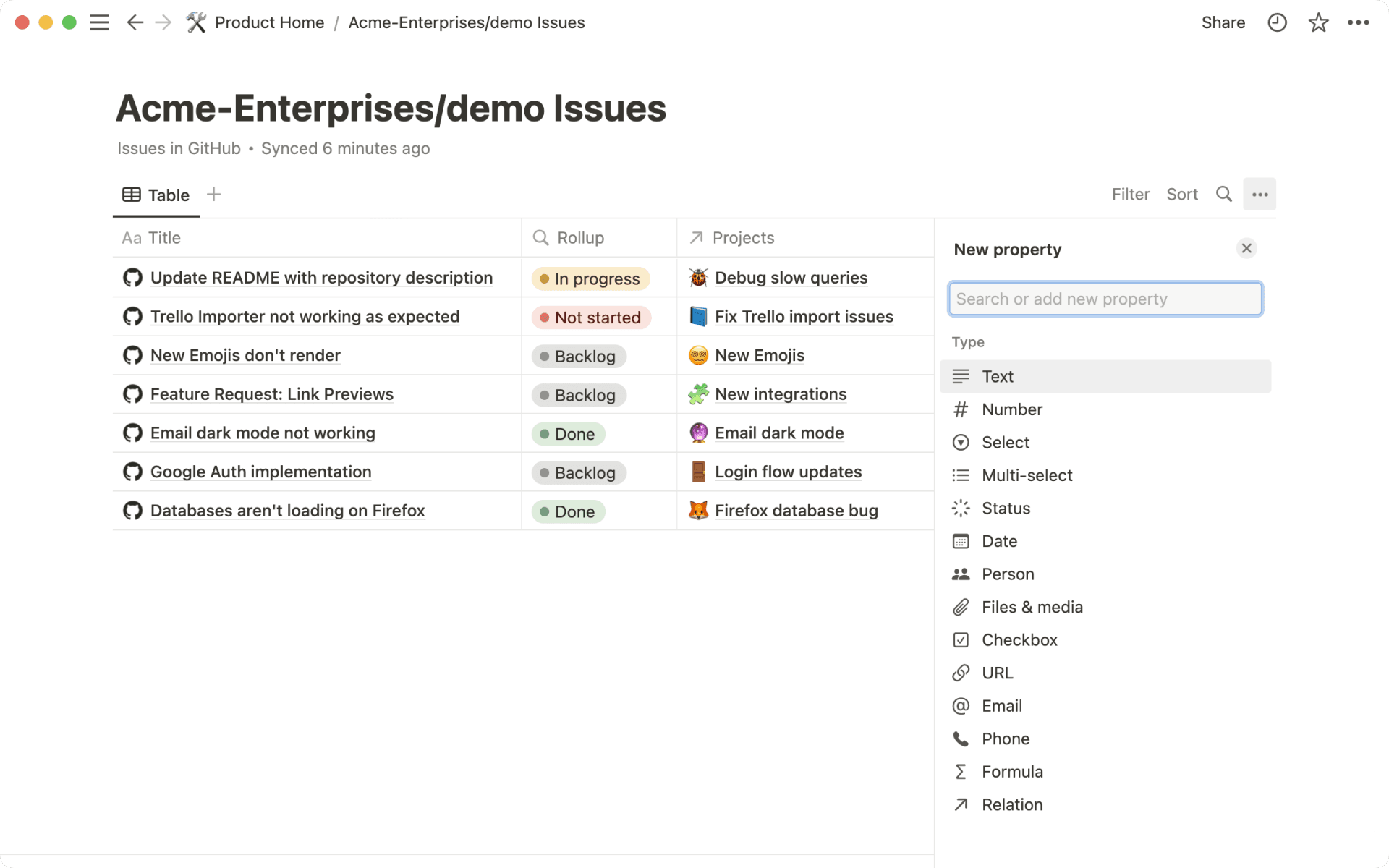
You can now add additional database properties to any Synced Database (currently in open beta with GitHub, Jira, GitLab, and Asana), where previously you could only create a relation or roll-up. Use this to provide your team with extra context about database items like Jira tickets, GitHub Issues, Asana tasks, and more, directly in the Synced Database in Notion – for example, add a text property with information about a Jira ticket, or add a Notion tag to easily create a view of specific GitHub PRs.
Made it easier to edit links, whether you’re linking to a Notion page or a URL. We’ve also added the ability to change the title of a link directly from the editor popup
Made it possible to reorder all the fields that appear when using a relation property (e.g. fields like person or status can be moved to the left of the property's title)